

Generate, Sign, and Automate Salesforce documents with real-time sync

Build portals, apps, and forms directly in Salesforce with Dynamic data flow and adaptability

How can we help you?
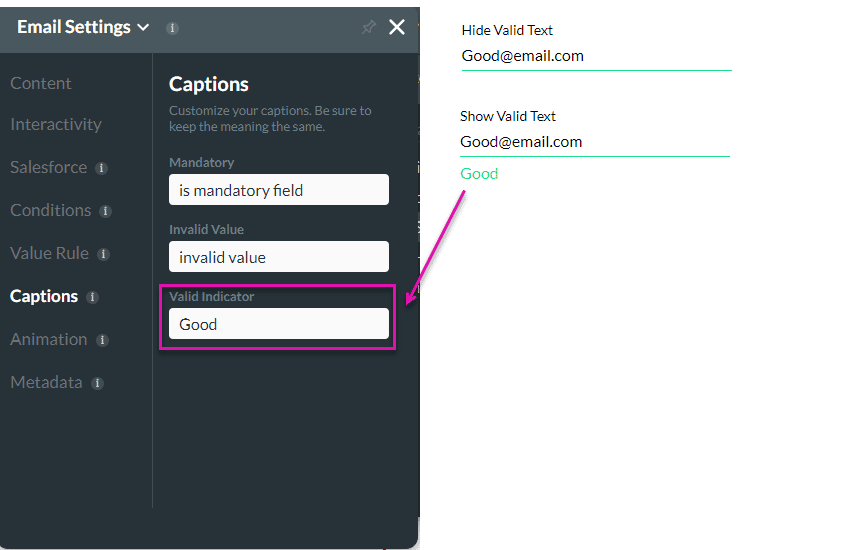
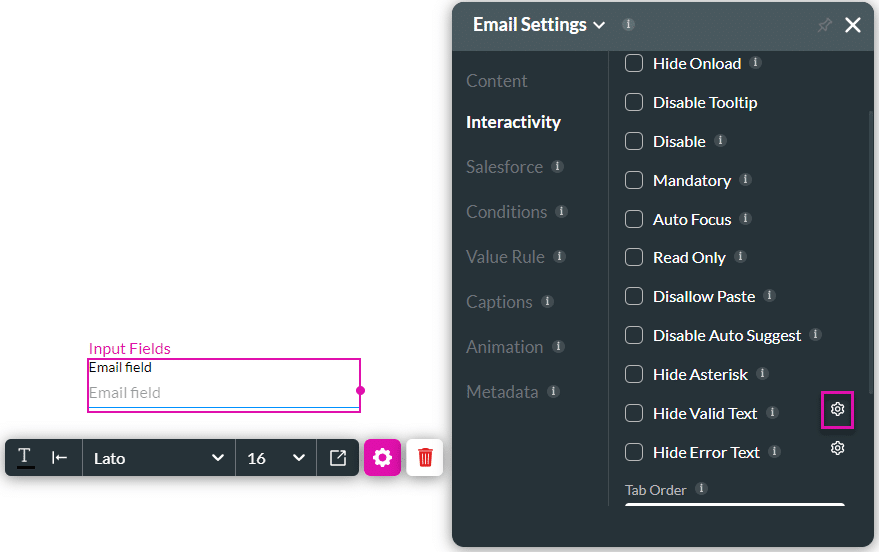
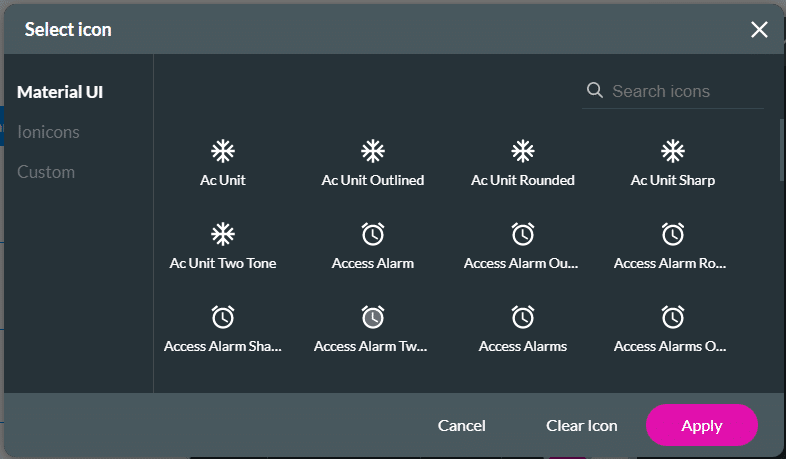
Use the Hide Valid Text option to either show or hide the valid indicator on the element. You can configure an icon to indicate valid input.
The Hide Valid Text option is available for different elements.
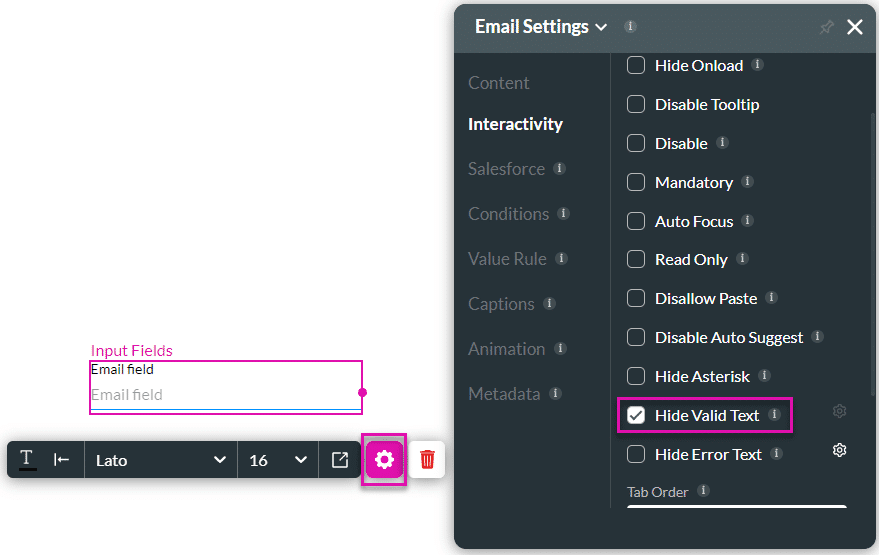
When the user types valid text in the field, the feedback text (for instance, Good) shows. When the Hide Valid Text option is enabled, the field will not show feedback text.
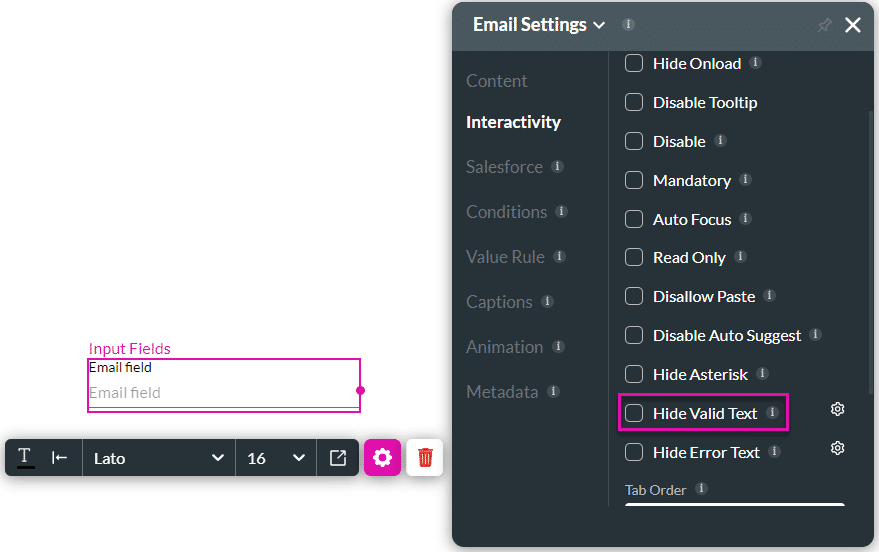
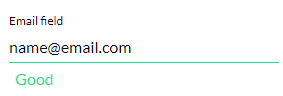
When a user enters valid text, a message will be shown:
The Only Forms Solution Built 100% in Salesforce.


