How can we help you?
Determine the layout of the log in, verification and/or registration page for a SmartV web project. You can add images and/or logos in a number of ways to make your pages unique and in line with your company branding.
Browse to the log in screen: Pages > SmartV > Log In
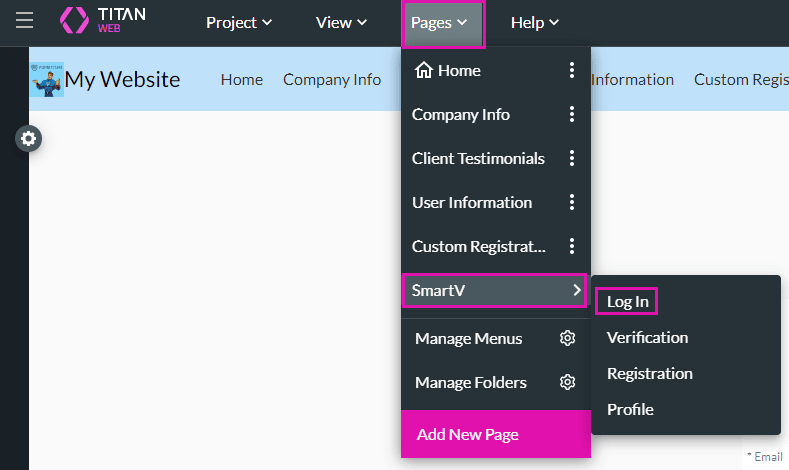

You can use the drop-down list to select a different SmartV screen.
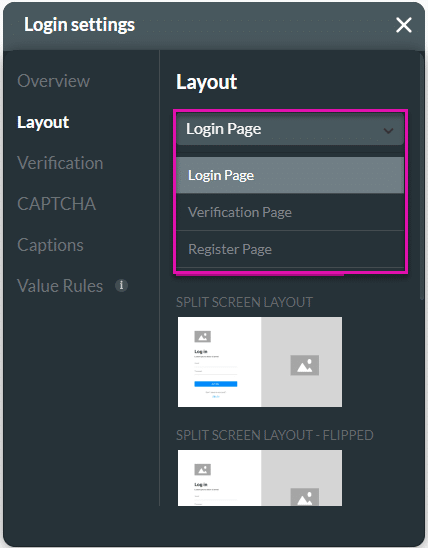

The different layouts look as follows:
Default Layout:

You can use the drop-down list to select the different layouts. The drop-down list is available on all the different layout options.

Split Screen Layout:

Split Screen Layout – Flipped:

Clean and Simple Layout:

Clean and Simple Layout – Flipped:

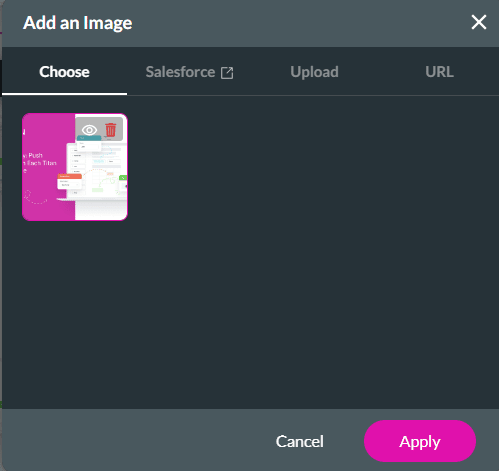
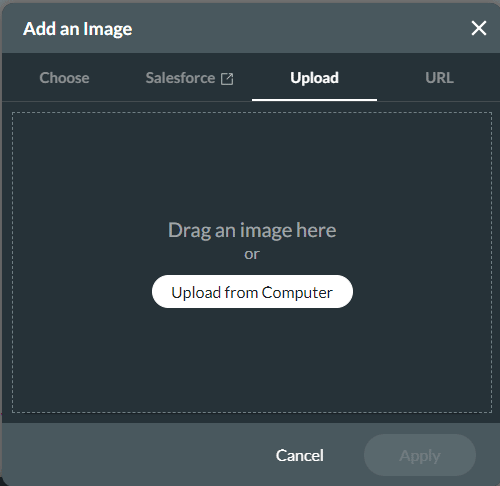
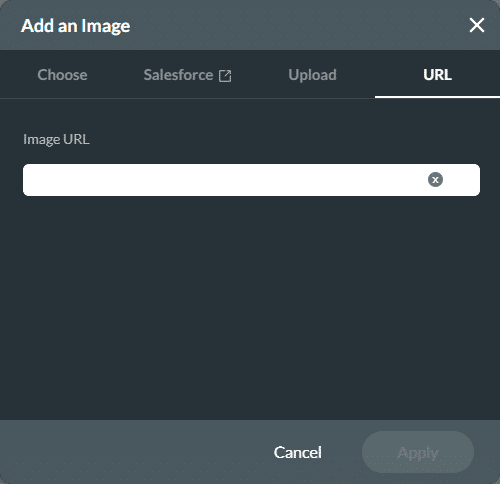

The images are shown on the Log In screen.










