How can we help you?
Use the On Attach Action setting to configure an action that will occur when a user uploads a file using the File upload element in Titan Web. You can also configure an action that will occur when a user deletes a file.
The File Upload element has a maximum file size of 30 MB. That means that a single file, or the combined size of different files uploaded must be less than 30 MB. When you choose to use the On Attach Action option, each time a file is uploaded, it will be pushed to Salesforce, as long as each file is less than 30 MB.
Prerequisite:
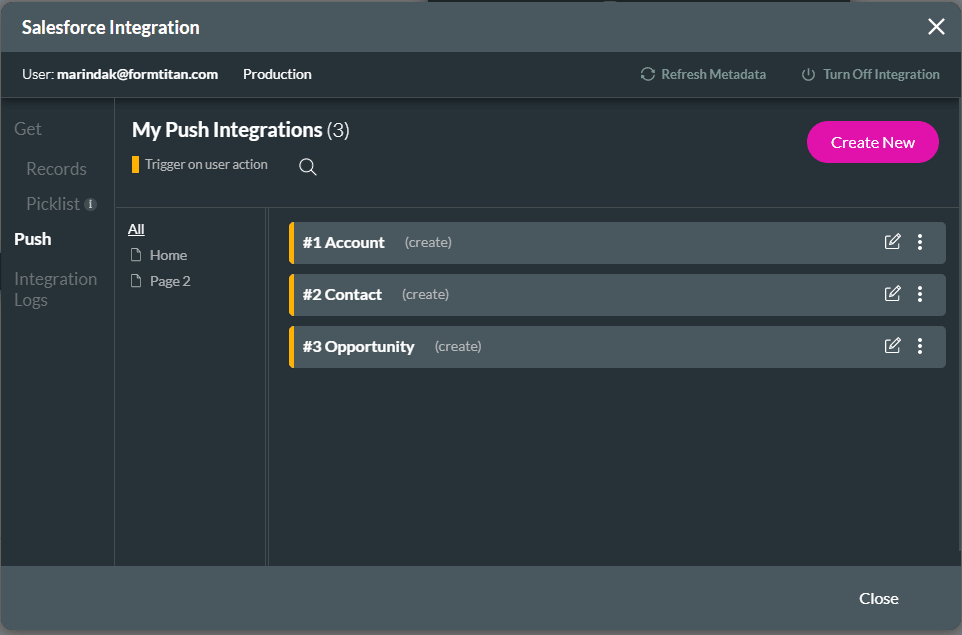
Add a Salesforce Push integration on the project.
Project Settings > Salesforce > Salesforce Integration > Push > Create New