How can we help you?
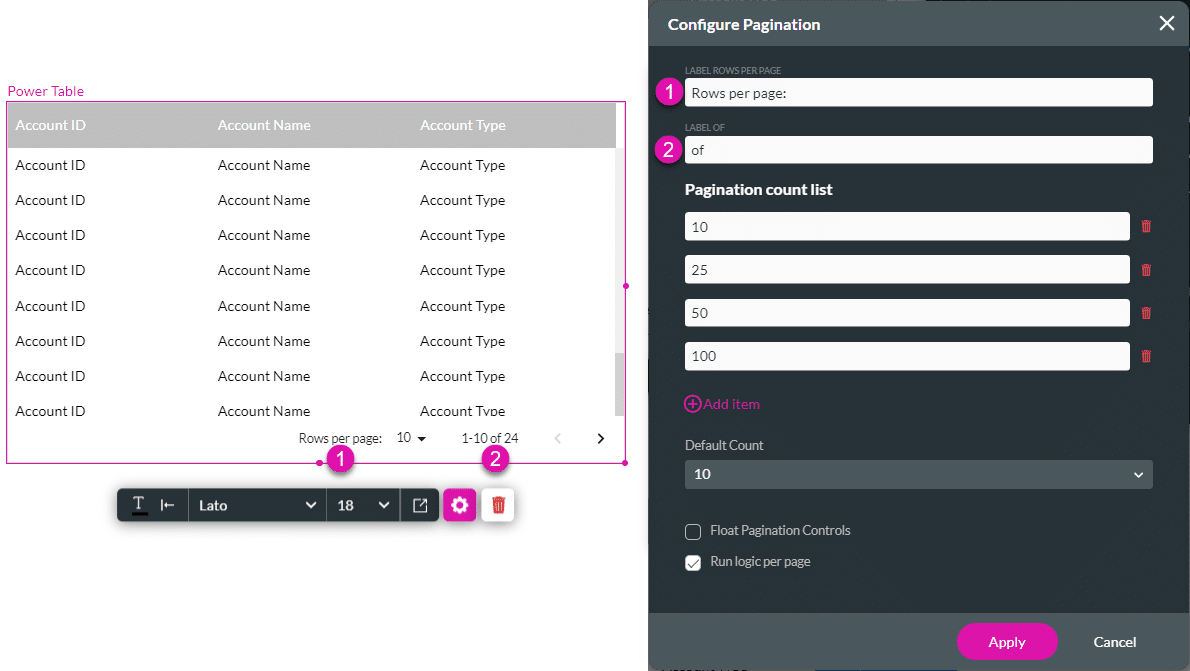
The Pagination option is available for the Power Table element. Use this option to create a pagination control for the user to navigate between related records.




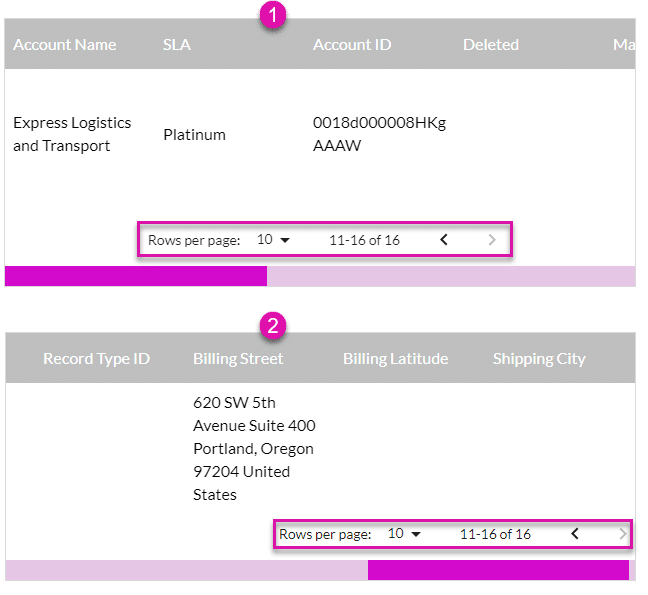
The pagination controls are added at the bottom of the table. In the first example, the pagination control is floating in the center of the power table. In the second example, the control is not floating and is positioned at the bottom right, where it is only visible when the table is scrolled to the right.