How can we help you?
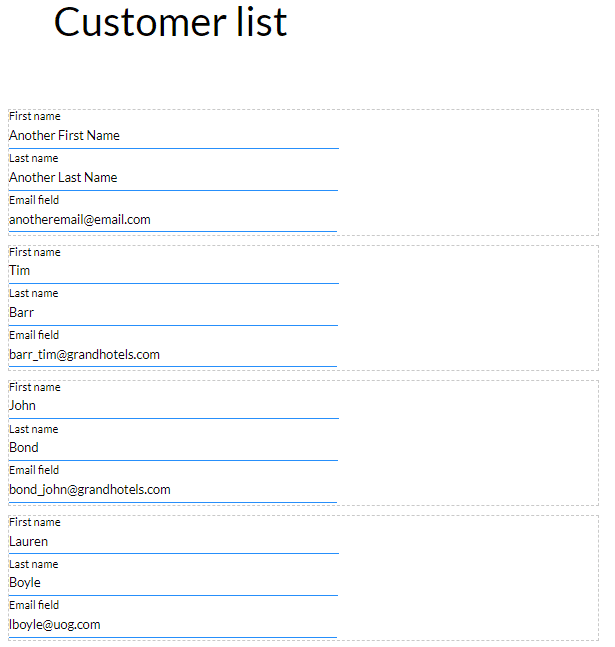
Repeat Strips give users a sense of consistency when using websites and completing forms. This function enables you to bring a collection of data to and from Salesforce to map dynamically from or to your page. Checking the repeat option simply configures the strip so that this collection of data can be repeated vertically in your strip.
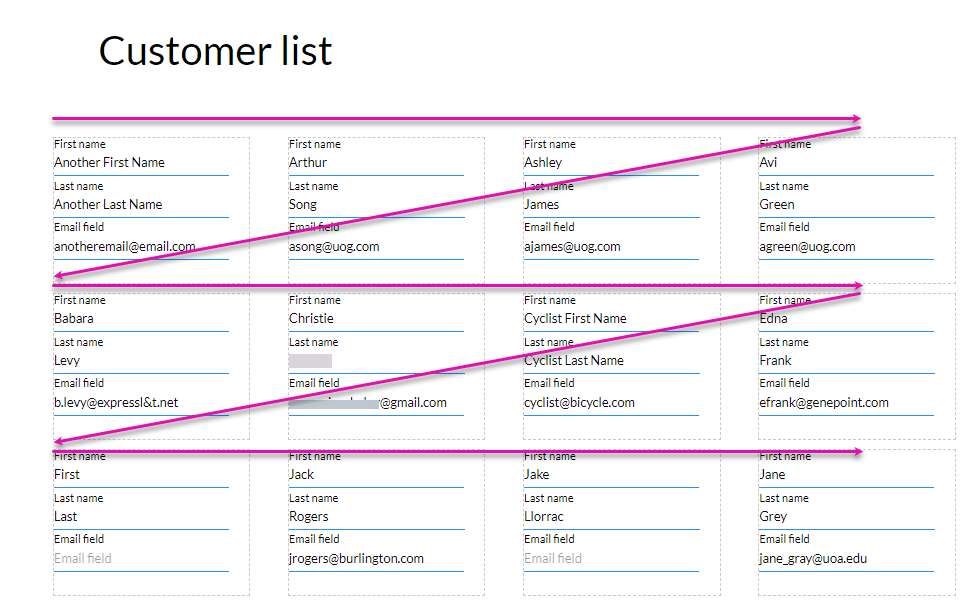
A column on a strip can be repeated. The dynamic Salesforce information will be repeated horizontally until there is no more space and then vertically.
The Titan Web canvas has a strip by default when a new project is created. You can also add strips to a project.
In this example, the following elements were added:

The mapped information will be repeated in the strip.


When the page is loaded, the information is pulled from Salesforce and displayed in repeated strips:
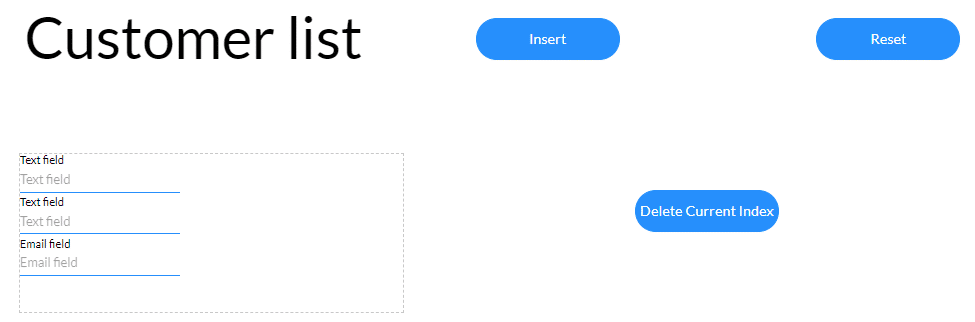
Interactivity can be triggered using different methods. This example uses an On Click Action on a button element.


When the Insert button is clicked, a repeat strip is added.

When the Delete button is clicked, the repeat strip is deleted, depending on the option you configured.
The Reset button resets the webpage. All the repeated strips are cleared, and an empty strip is left.

The pulled information will be repeated vertically until there is no more space and then horizontally.