

Generate, Sign, and Automate Salesforce documents with real-time sync

Build portals, apps, and forms directly in Salesforce with Dynamic data flow and adaptability

How can we help you?
Hide the information section on the Scheduler widget to streamline and unclutter the display.

The information section is shown on the left and hidden on the right below.
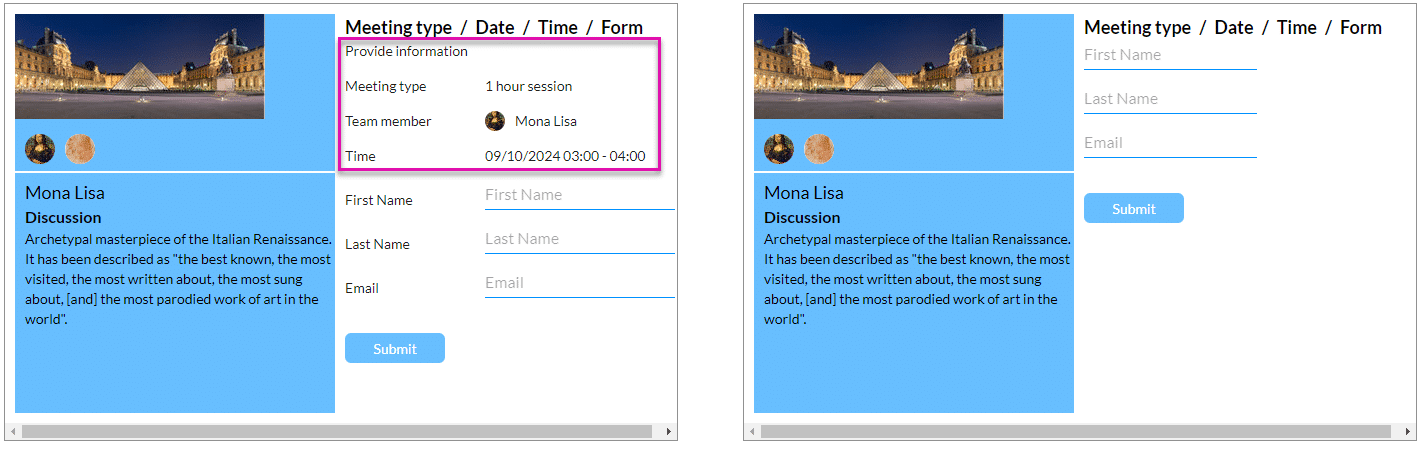
If you want to still show the information section but without the labels, you can do so:


The labels are shown on the left and hidden on the right below.
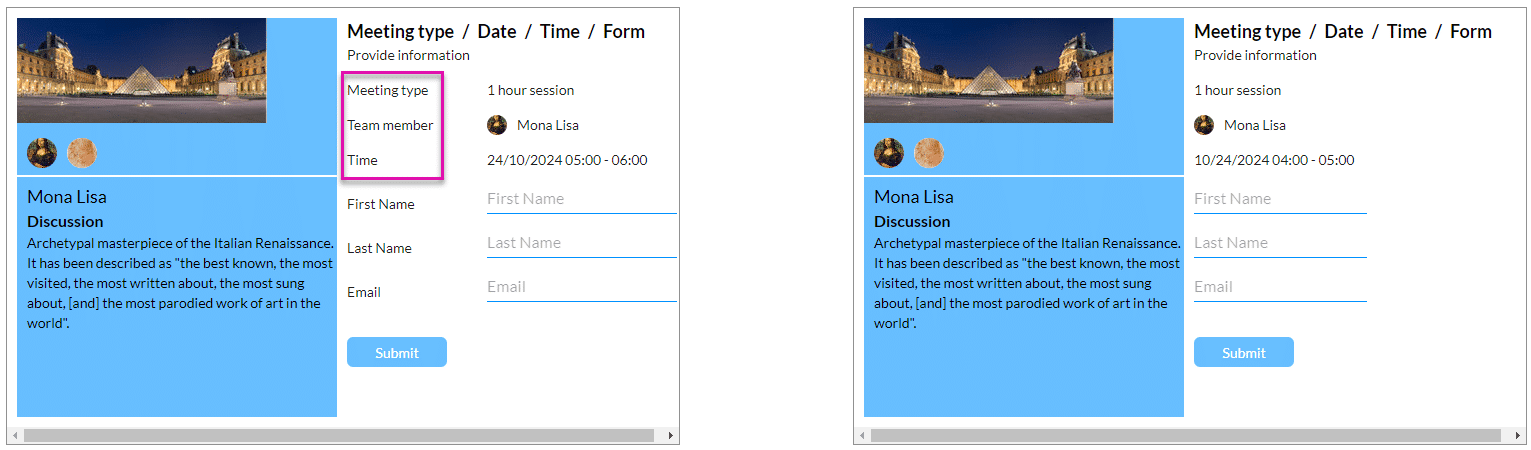
Learn how to add a custom section.
The Only Forms Solution Built 100% in Salesforce.


