How can we help you?
Allow users to view, create, edit, and delete schedules, appointments, or events within a calendar-like interface.
With Titan Web, you can add a scheduler widget to schedule meetings with Salesforce-linked contacts or static users. You can configure meeting types, availability, and events.
The first step in configuring the Scheduler widget is adding users or assets. You can add static data or bring objects from Salesforce. Afterward, you can configure meeting types, events, and availability as required.


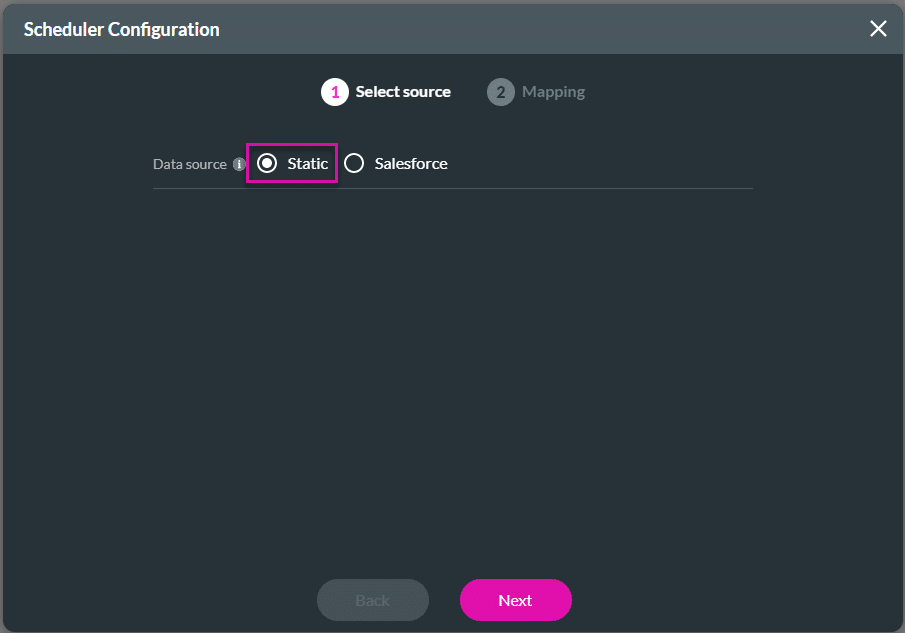

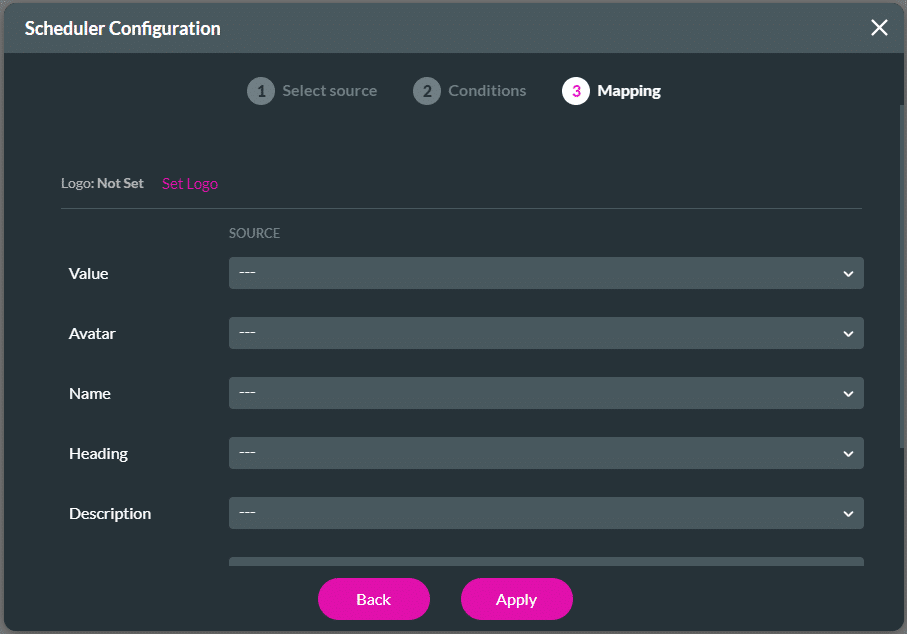
The mapping options are the same for the Salesforce data source. Use the drop-down lists to select the options.


To see the Meeting type/Date screen, click the Date icon.

Click the Time icon for the Meeting type/Date/Time screen.

To see the Meeting type/Date/Time/Form screen, click the Form icon.

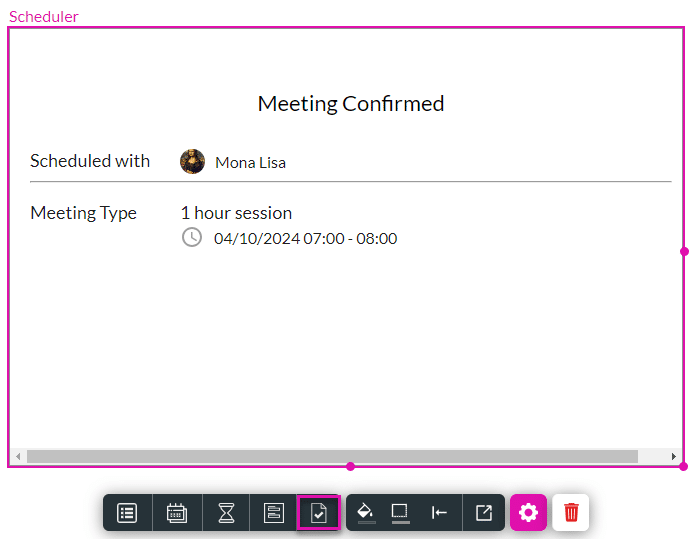
Click the Confirmation icon for the Meeting Confirmation screen.