How can we help you?
Titan Flow equips your business with the benefit of receiving files as an input parameter to be pushed to the storage service provider of your choice.
Titan Flow allows your product to send multiple files to various preferred storage services, such as Salesforce, an external storage system, a custom API, and more. The multiple files can be uploaded to the web project.
If you have a Web project where a user can upload file/s, it could be pushed to Salesforce or external storage (such as Amazon S3, Google Drive, or OneDrive) or sent to an external custom API using Titan Flow.
For instance, if you have a file upload input field on a web page and a button that invokes a Titan Flow, the uploaded file will be received and pushed to your selected file storage integration or your custom API service.
Prerequisite:
Create a Titan Flow project that will receive files as an input parameter such as storing your file to your preferred storage service or external API service.
Prerequisites:
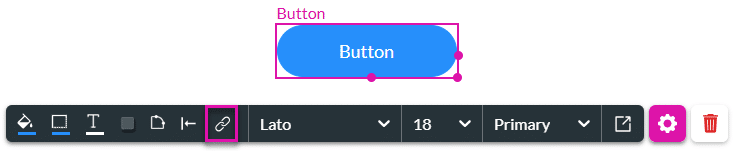
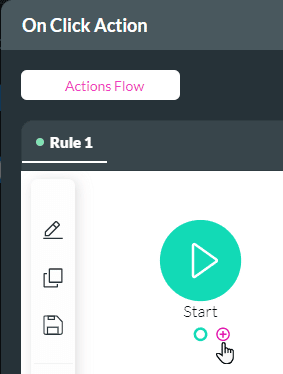
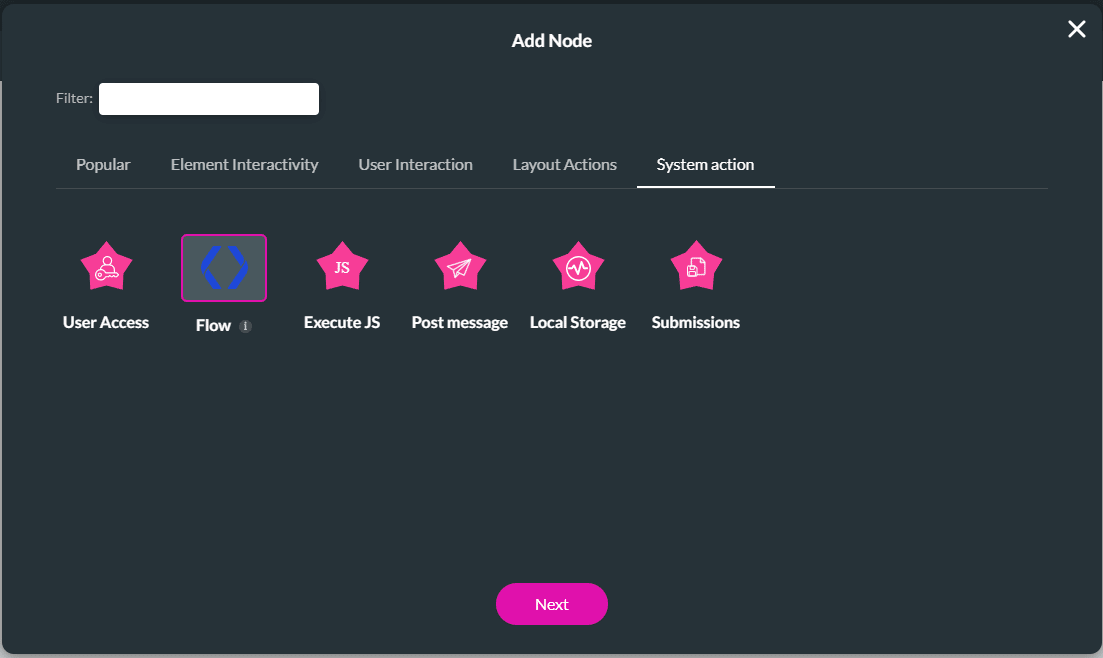


Make sure to map your file upload input fields to the Titan Flow file custom variables in this example.
Add the dynamic fields for file 1 and/or file 2. These map to the file input fields on the web project.
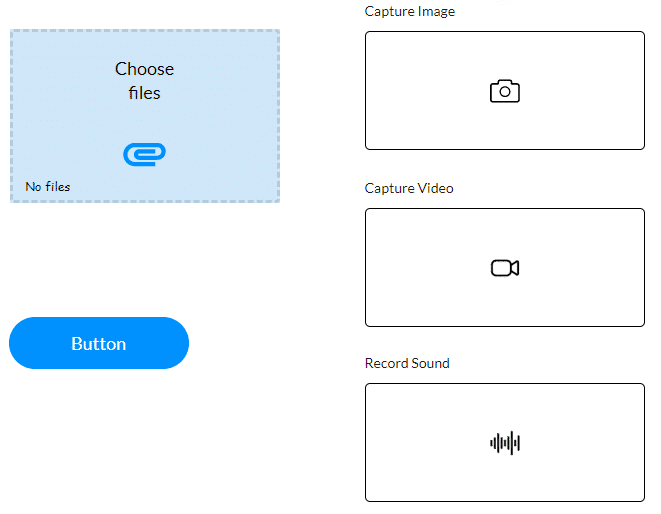

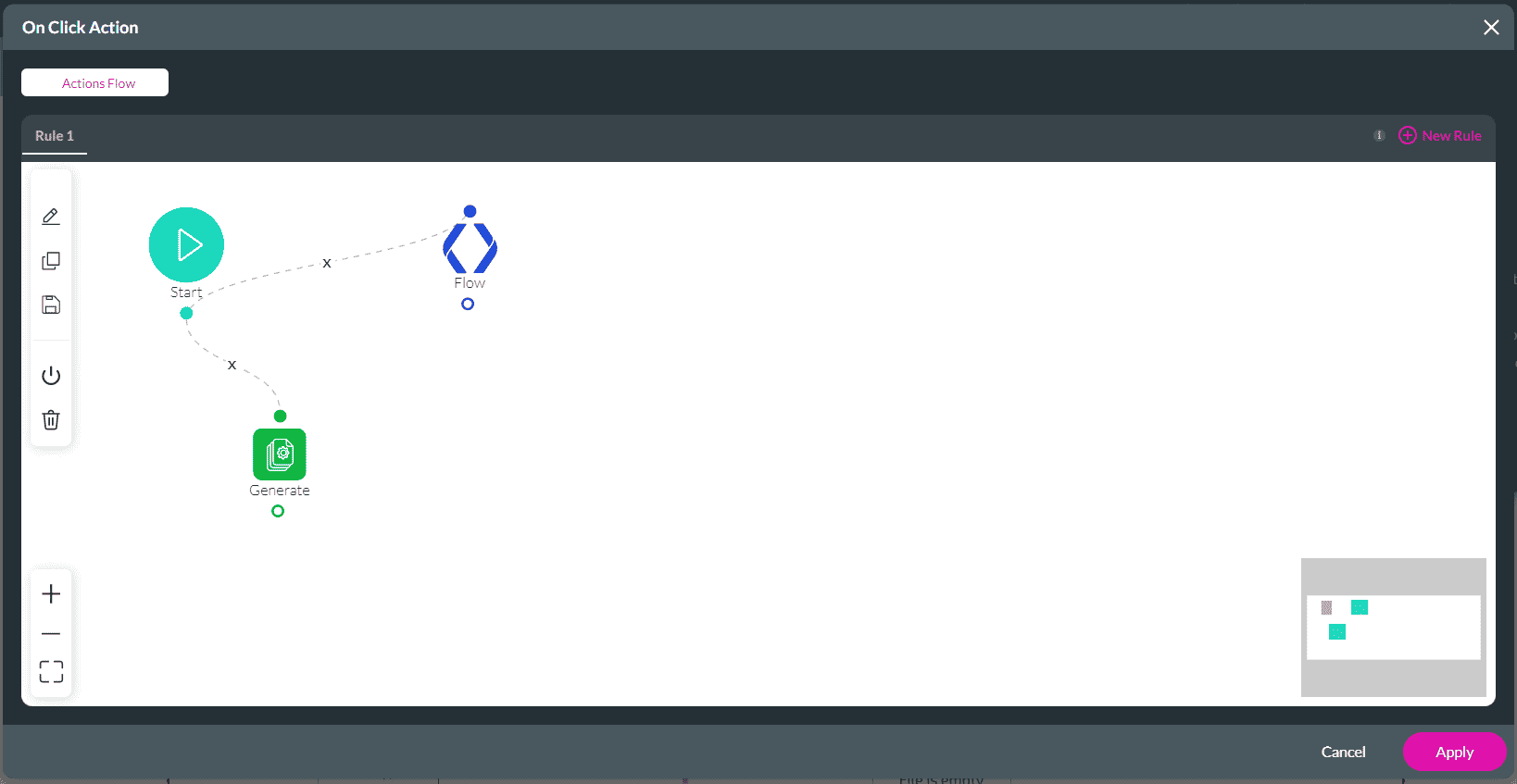
The Flow will be invoked when the user uploads files and clicks the button.









