How can we help you?
Configure the contents of the verification email on the Login screen.

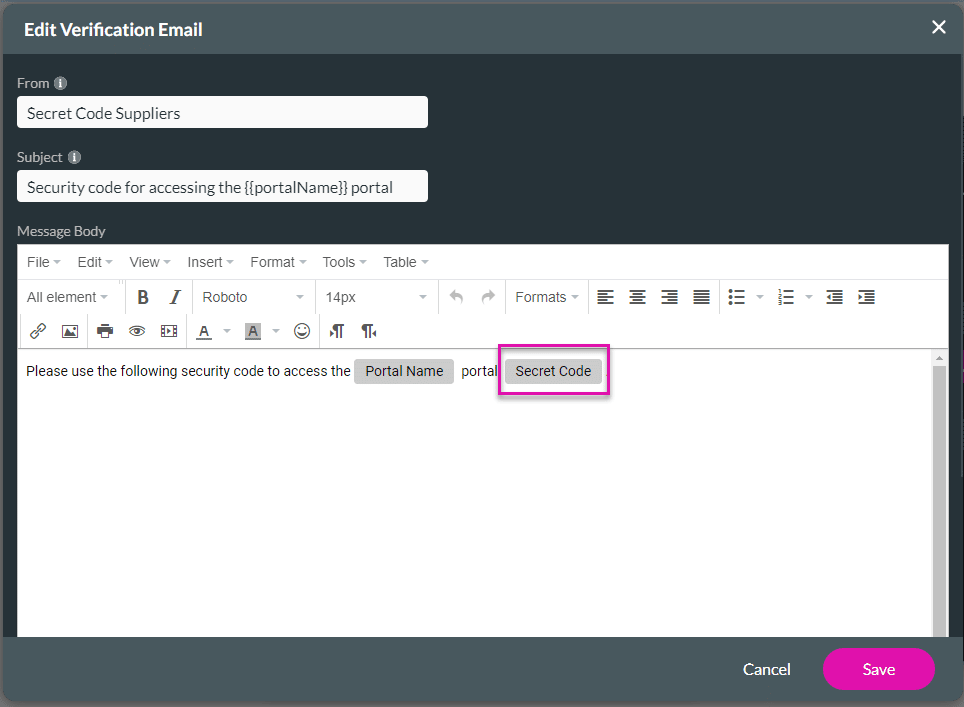
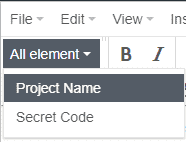
Use the All element drop-down list to add fields. The Secret Code is mandatory.
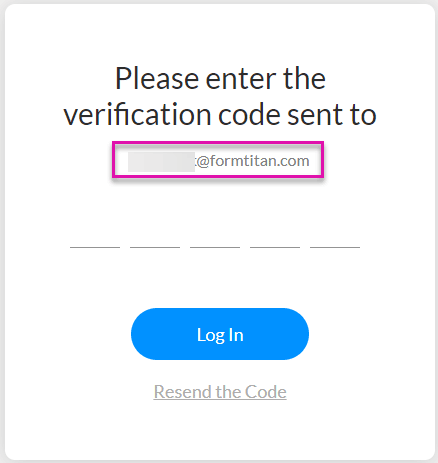
If you select Email, the user’s email will be shown on the Verification screen.
If you add Static Text, the static text will be shown on the screen, for instance:
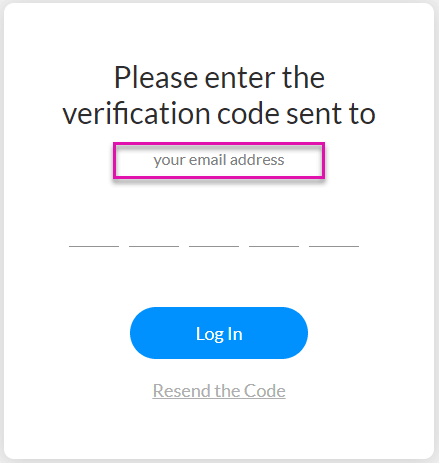
This doesn’t change the method where the verification code will be sent, it only changes the text on the Verification screen.









