How can we help you?
Use the Tag function to provide a unique name to any Titan Web element. The tag is not visible to end users in the published project. It helps you to uniquely identify an element. This is especially useful when you have many elements and, for instance, you have to configure interactivity for an element.
The Tag option is available for different types of elements.



It might be challenging to identify a specific element when you have many elements in a project. For this reason, we suggest to label your elements when working with fields in Conditional Logic or Mapping of Salesforce Integrations.
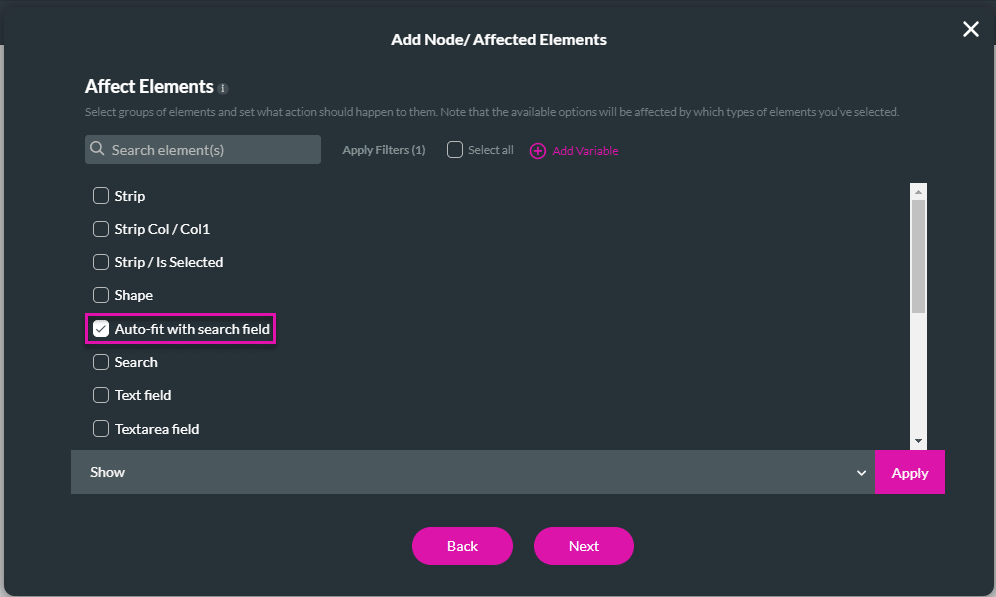
You can use the tag to search for an element.










