How can we help you?
Depending on your business needs, you may wish to push a signature from a web form to Salesforce and then use it for PDF mapping.
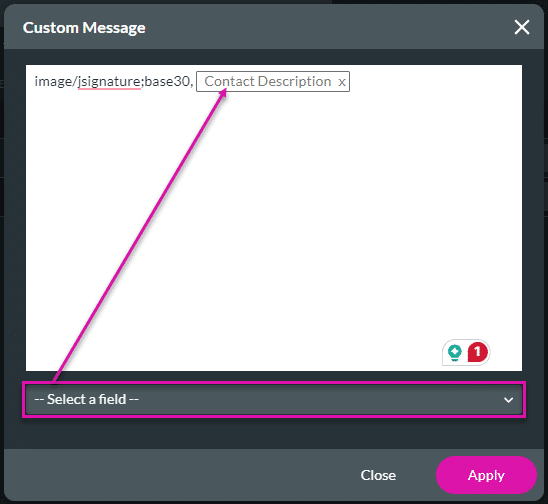
Titan enables you to store a signature in a Salesforce object using the Base 30 Format. This gives you the ability to re-use your signatures from Titan Sign and Document Generation projects.
The signature is pushed to Salesforce. In this example, it will be saved in the Description field of the Contact object. The signature can then be shown in a signature field using a Salesforce Get.
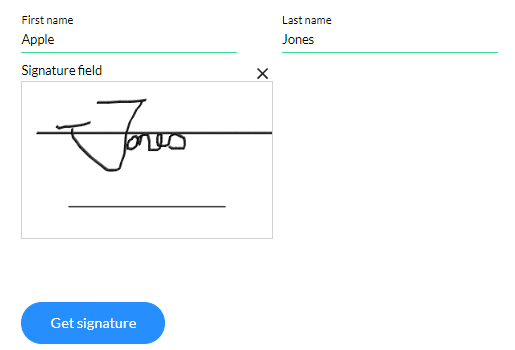
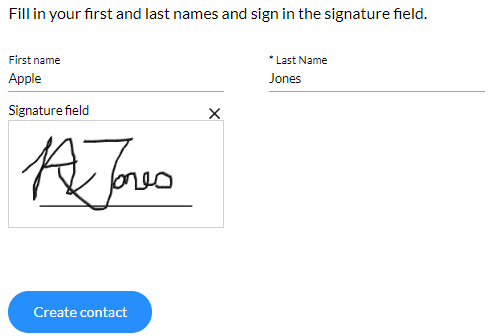
In the example below, we have a web form containing a signature element.




When the user fills in the details, signs in the signature field, and clicks the Create contact button, the contact is created in Salesforce.
The signature is saved to the Description field.

In the example below, we have a web form containing a signature element. As with the Salesforce Push, ensure the Base 30 Mode is enabled.





When the user clicks the Get signature button, Salesforce will populate the First name, Last name, and Signature fields.