How can we help you?
Create a contract that multiple collaborators can edit and have multiple designated signatories.
Do the following one-time setup:
Titan Dashboard > Settings > Document Generation > CLM

This header and footer will be displayed on all your CLM projects.


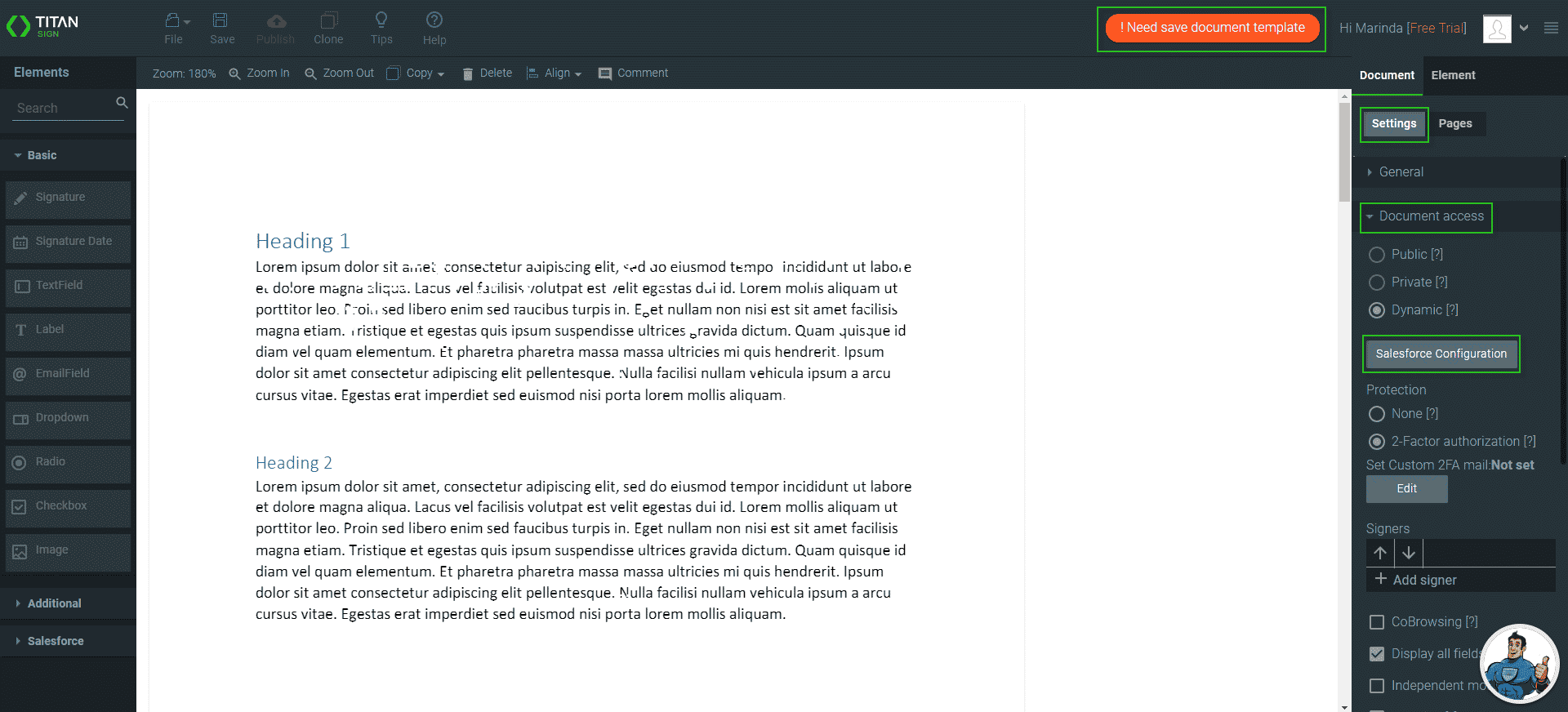
If the document template has interactive elements, for instance, signature elements, you can drag these to the correct position if they have moved during the upload process. These interactive elements were added in the Word template or using the CLM wizard in Salesforce.

You also need to set up the collaborator permissions. Read here for more information.









