How can we help you?
Create a document with single or multiple predetermined signers using the robust Titan signing process with static data or dynamic Salesforce data.
Use the PDF option to add a PDF document whose layout, content, or structure may not be changed, such as legal, medical, or real estate documents.
Automate signing processes with PDF documents and preserve the layout and contents, but still have signers sign interactive fields.
For dynamic Word documents, create a Titan Sign Word project.
Optional step:
Do the one-time setup to create general email templates for all Titan Sign projects.


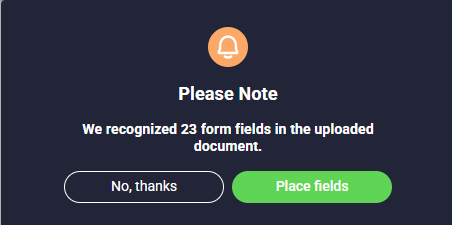
When pre-existing fillable fields are detected, the following message will be shown:

Click the Place Fields button to automatically place the fields in the uploaded PDF.

You can drag basic, advanced and/or Salesforce fields to the PDF.

You can prepopulate the fields from Salesforce or push the data to Salesforce. The fields completed by users will be populated on the final document.
You may also need to set up the collaborator permissions. Click here for more information.









