How can we help you?
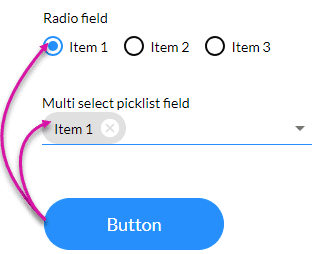
The Activate option selects a specific item on a radio button or a picklist.
Make sure that you have a radio button or multi-select picklist field on the project.
Prerequisite:
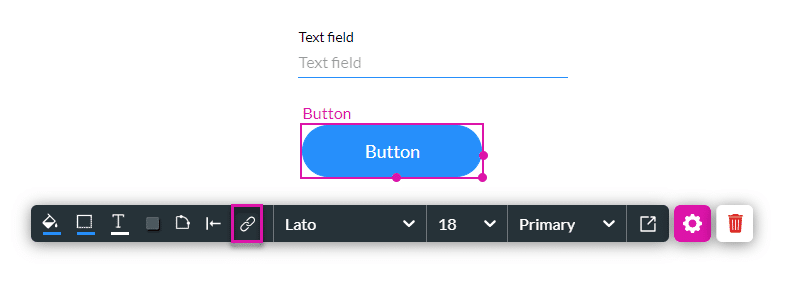
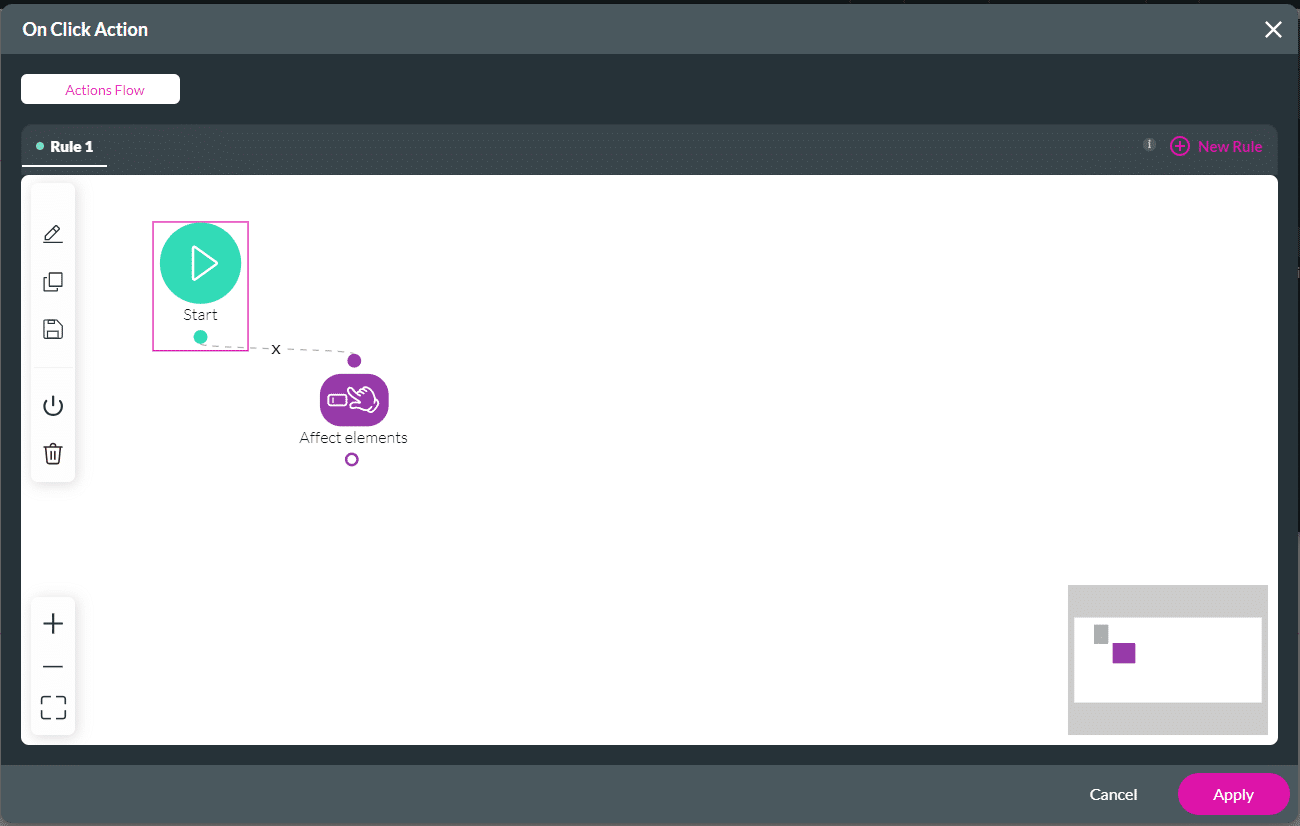
1. Add an Affected Element node to an element such as a button.
2. Alternatively, configure a condition.


When the user clicks the button, the affected item is selected. In this example, Item 1 is selected. The user can change the option by clicking another radio button or selecting another item from the picklist.