How can we help you?
“Sign In using Google” is an authentication method that allows users to access third-party websites or applications with their Google account credentials. Instead of creating a new username and password, users can simply log in with their existing Google account, making the sign-in process faster and more convenient.
“Sign In using Google” is a convenient feature integrated into Titan’s SmartV functionality. It allows users to log in to Titan projects with their Google account credentials. This feature offers several advantages:
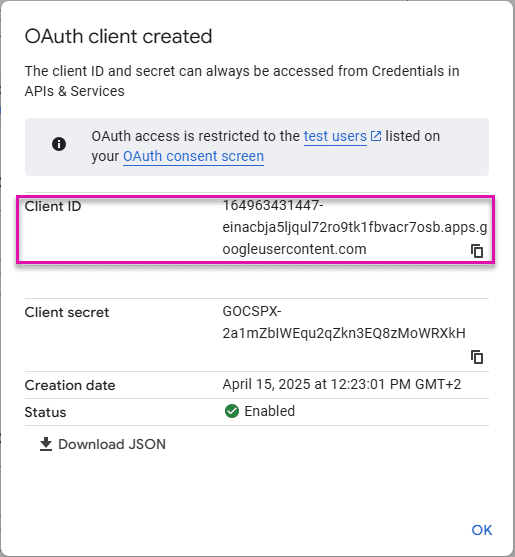
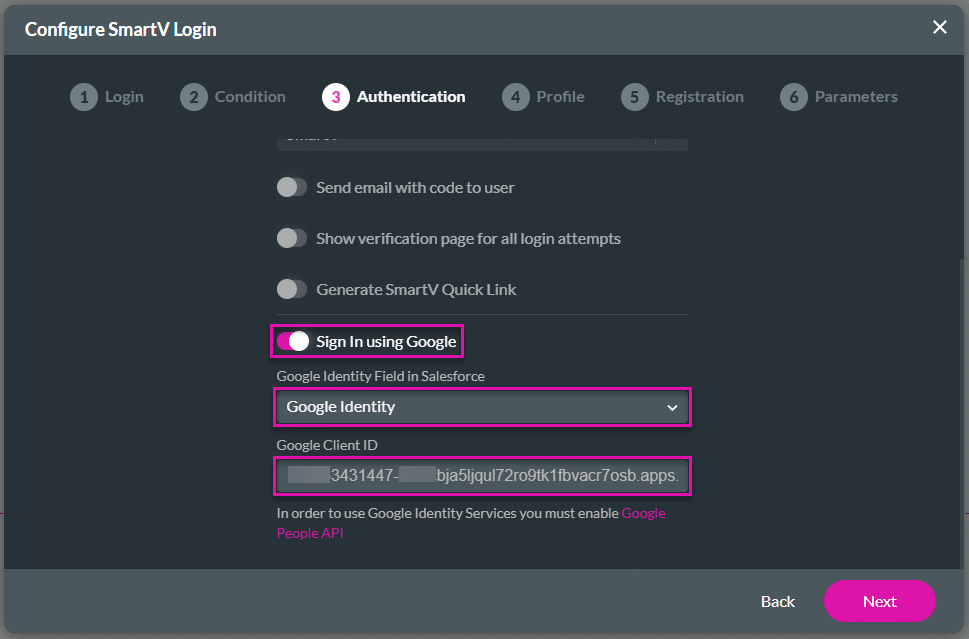
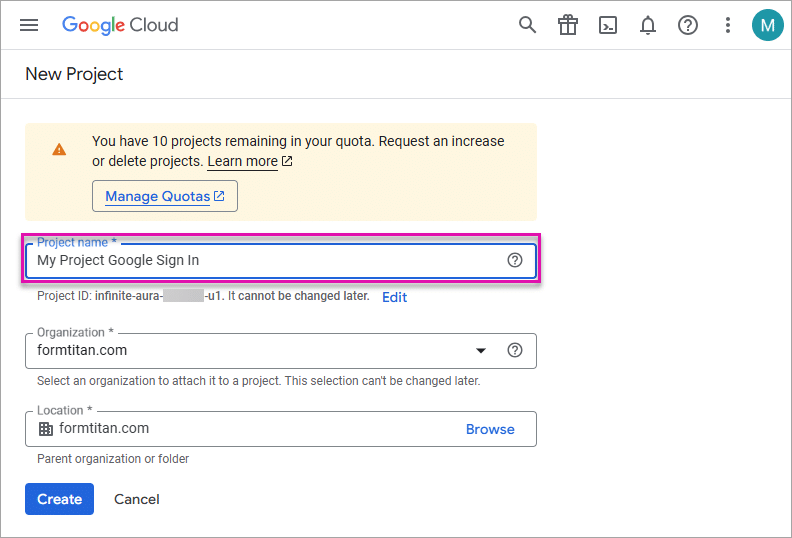
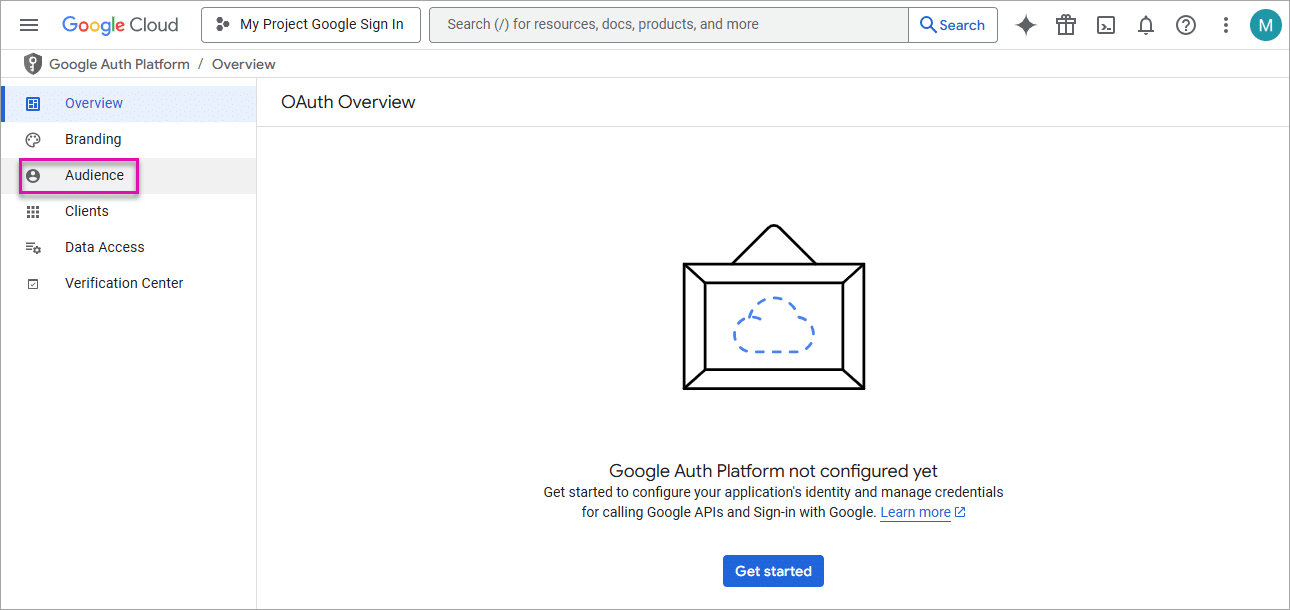
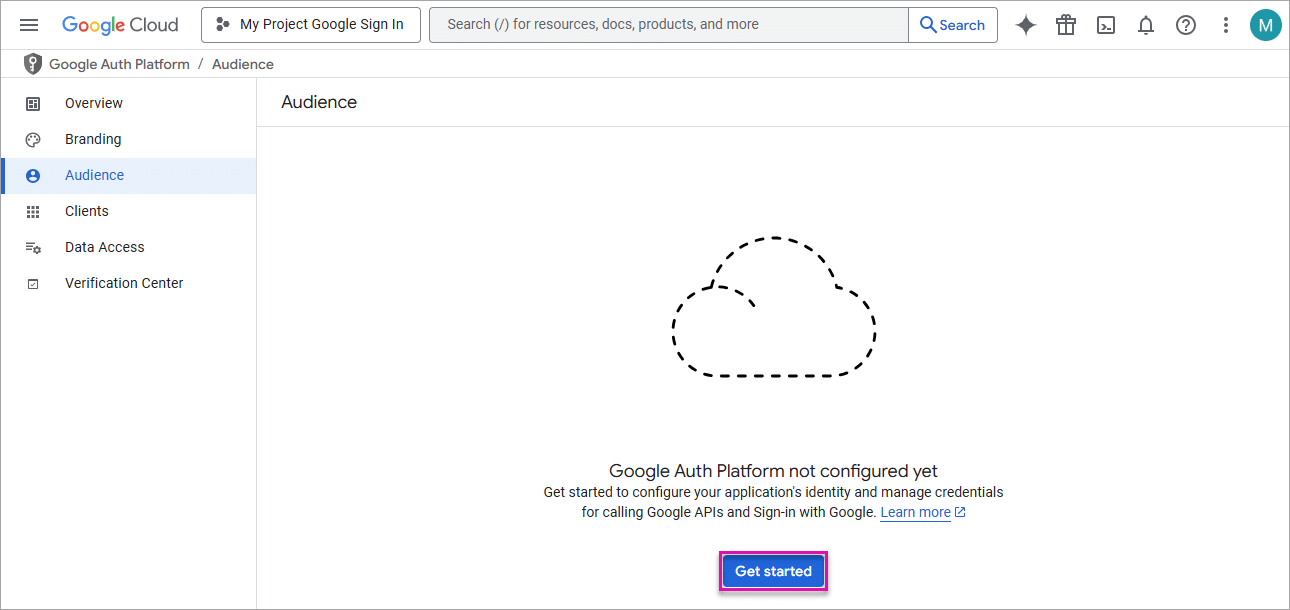
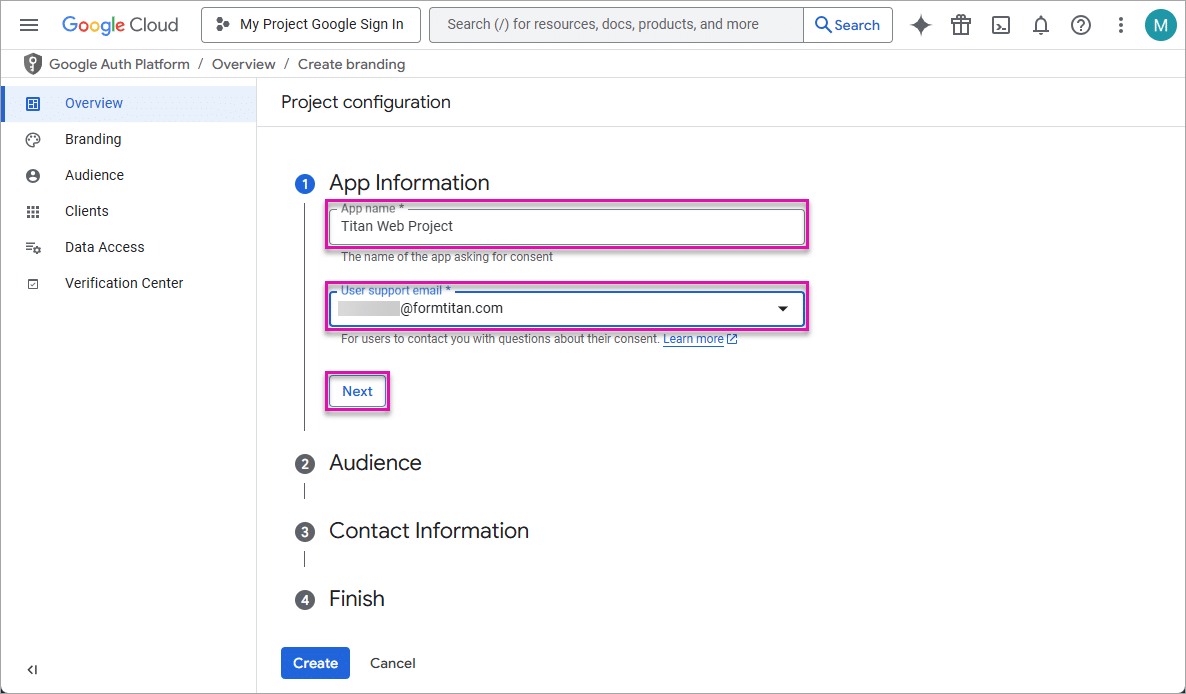
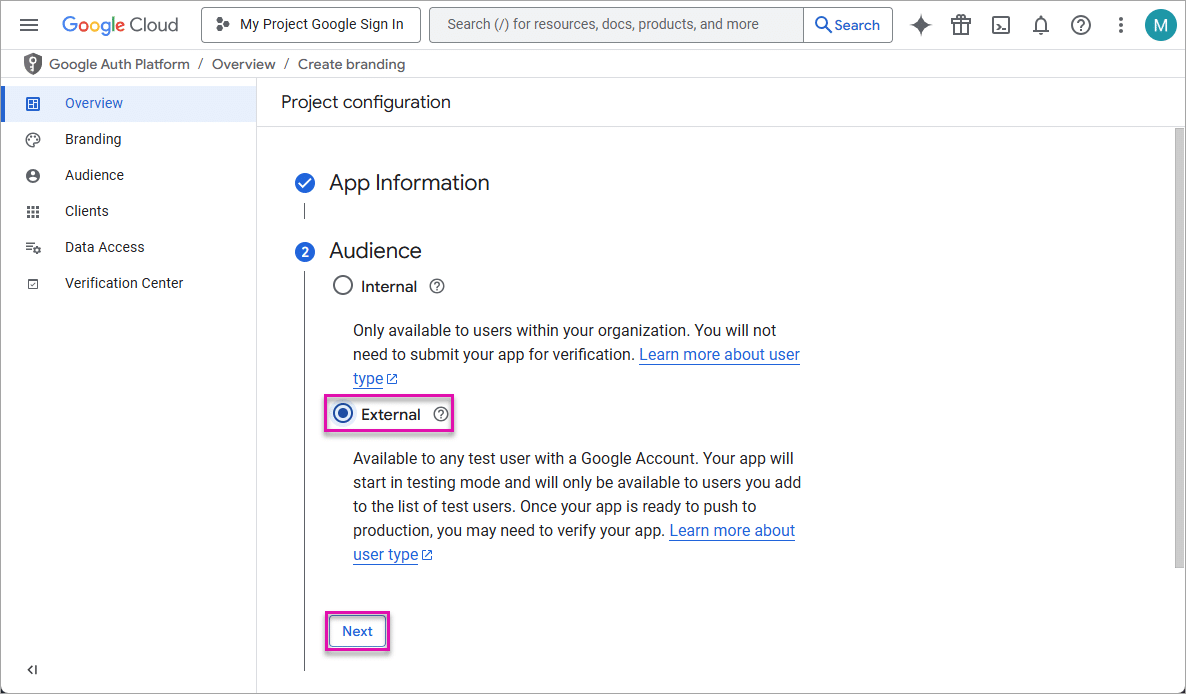
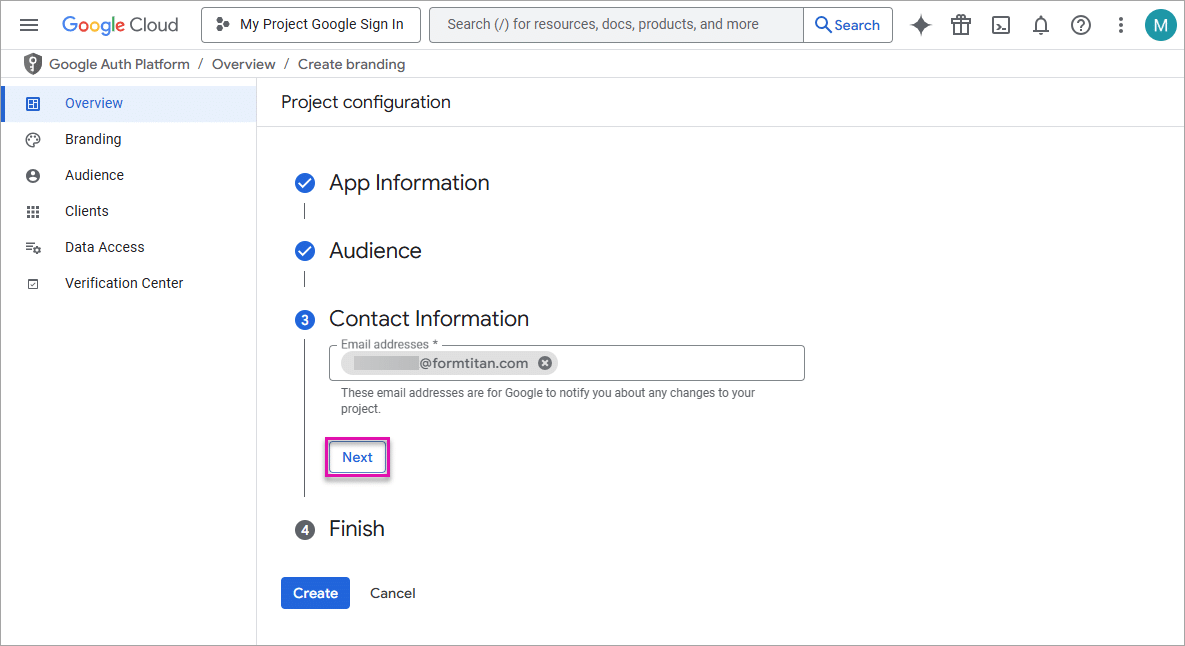
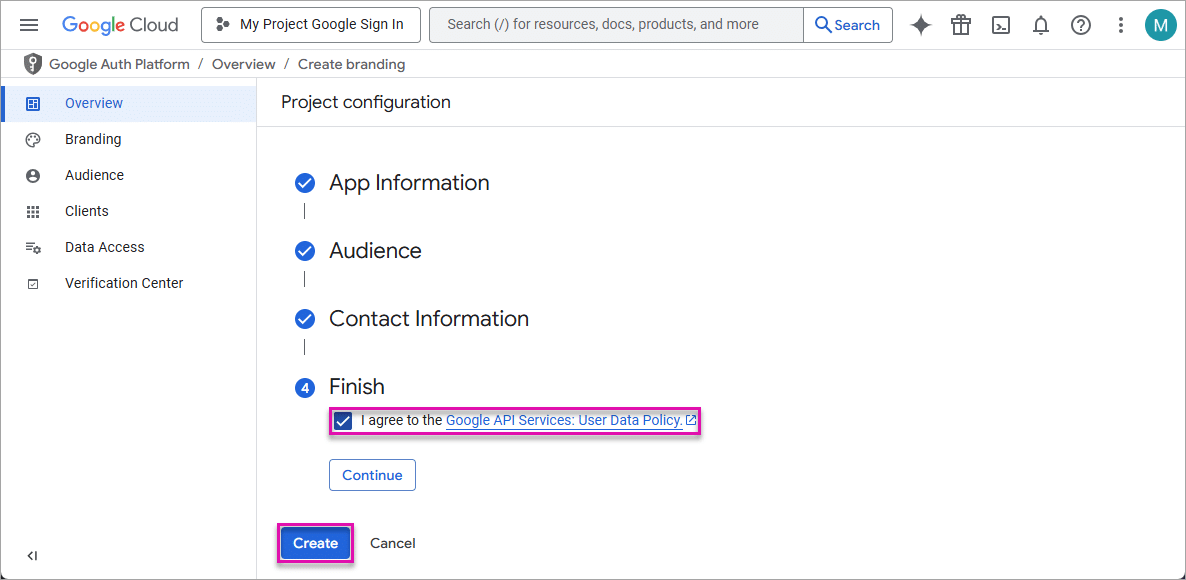
You must do the following:
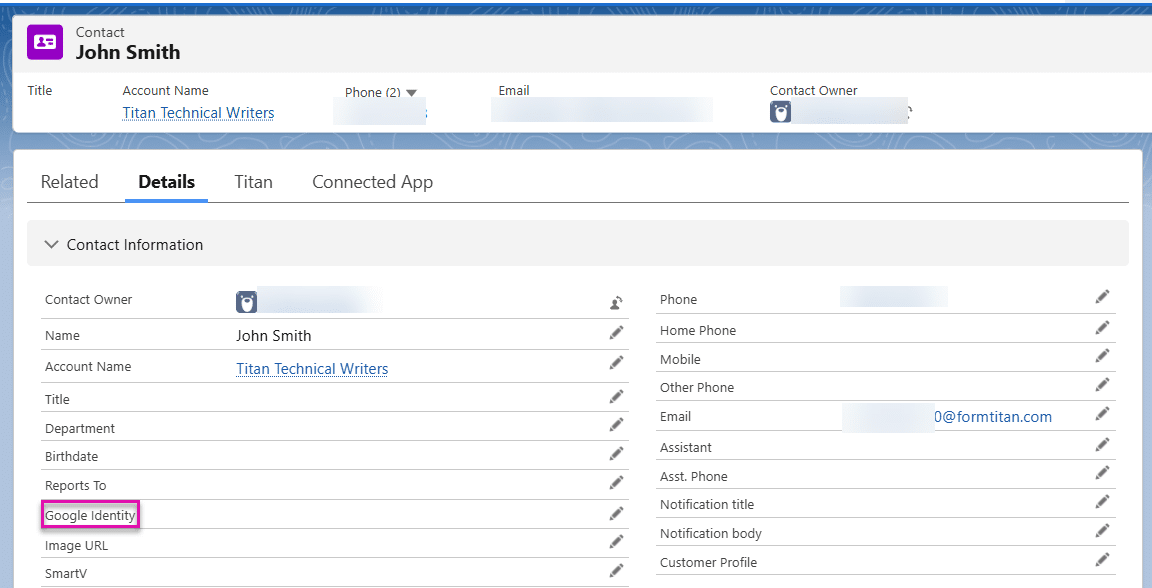
If the Google Identity field in the Salesforce record (for instance, Contact) is empty, the user will not be able to use the Google Sign In to do SmartV authentication.

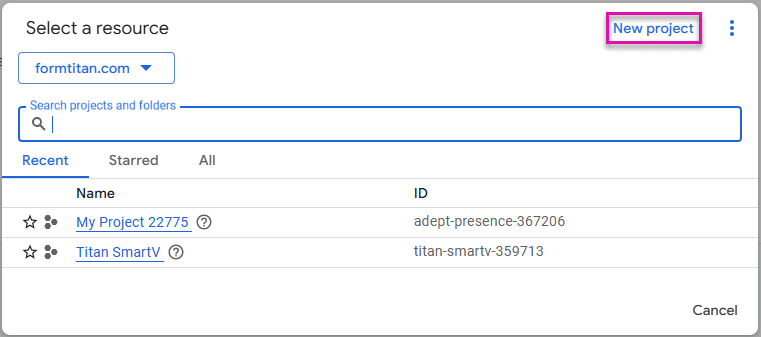



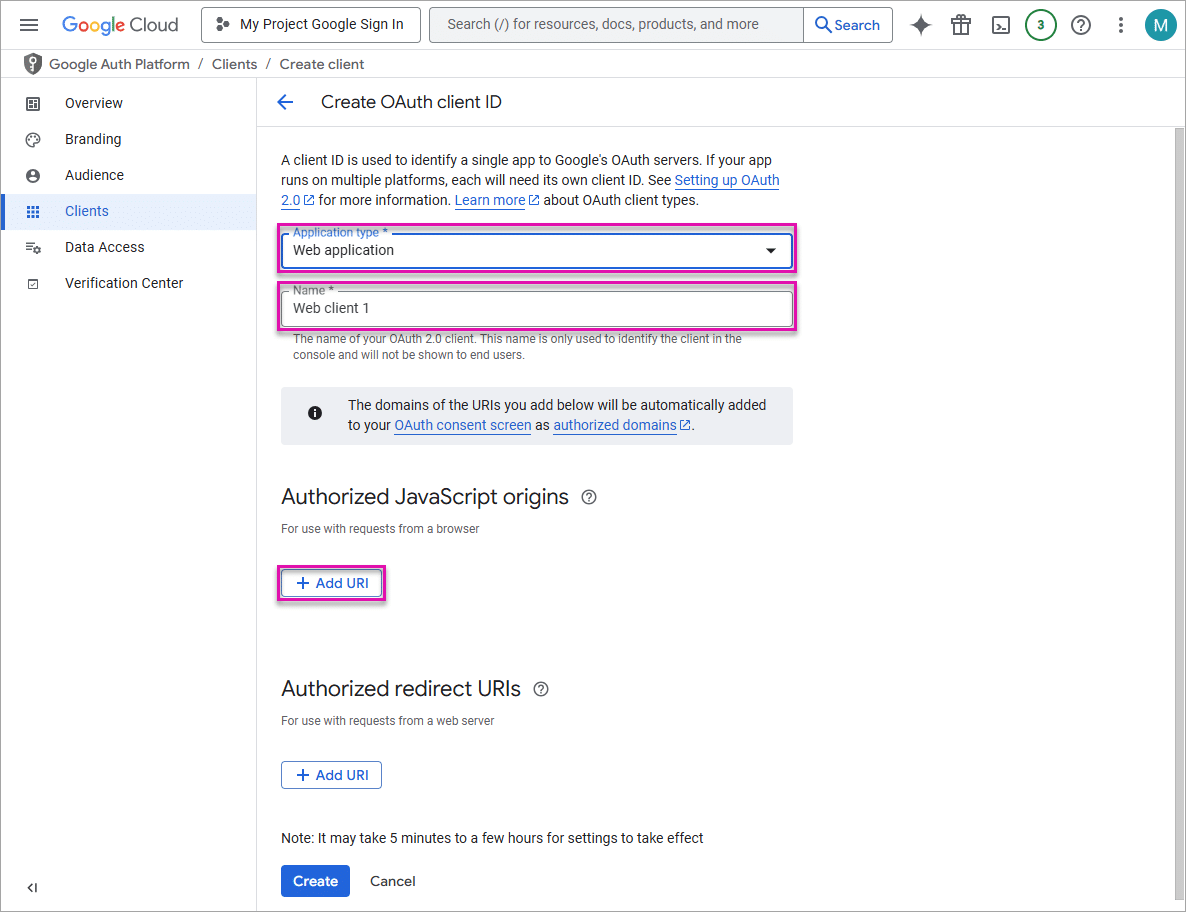
You can find the account domain under the My Account > Company Info tab on the Titan Dashboard.

Alternatively, copy the account domain from a Titan project.

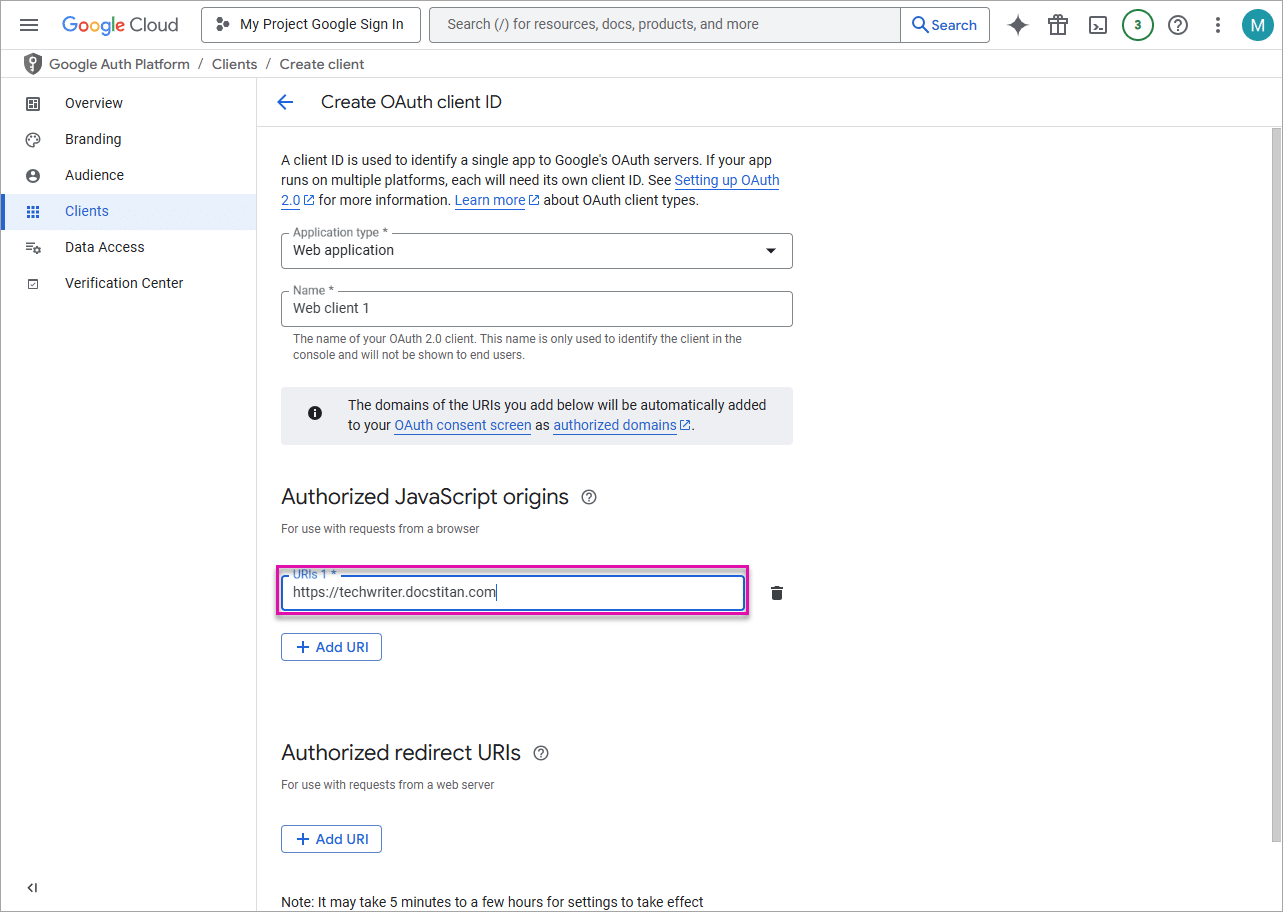
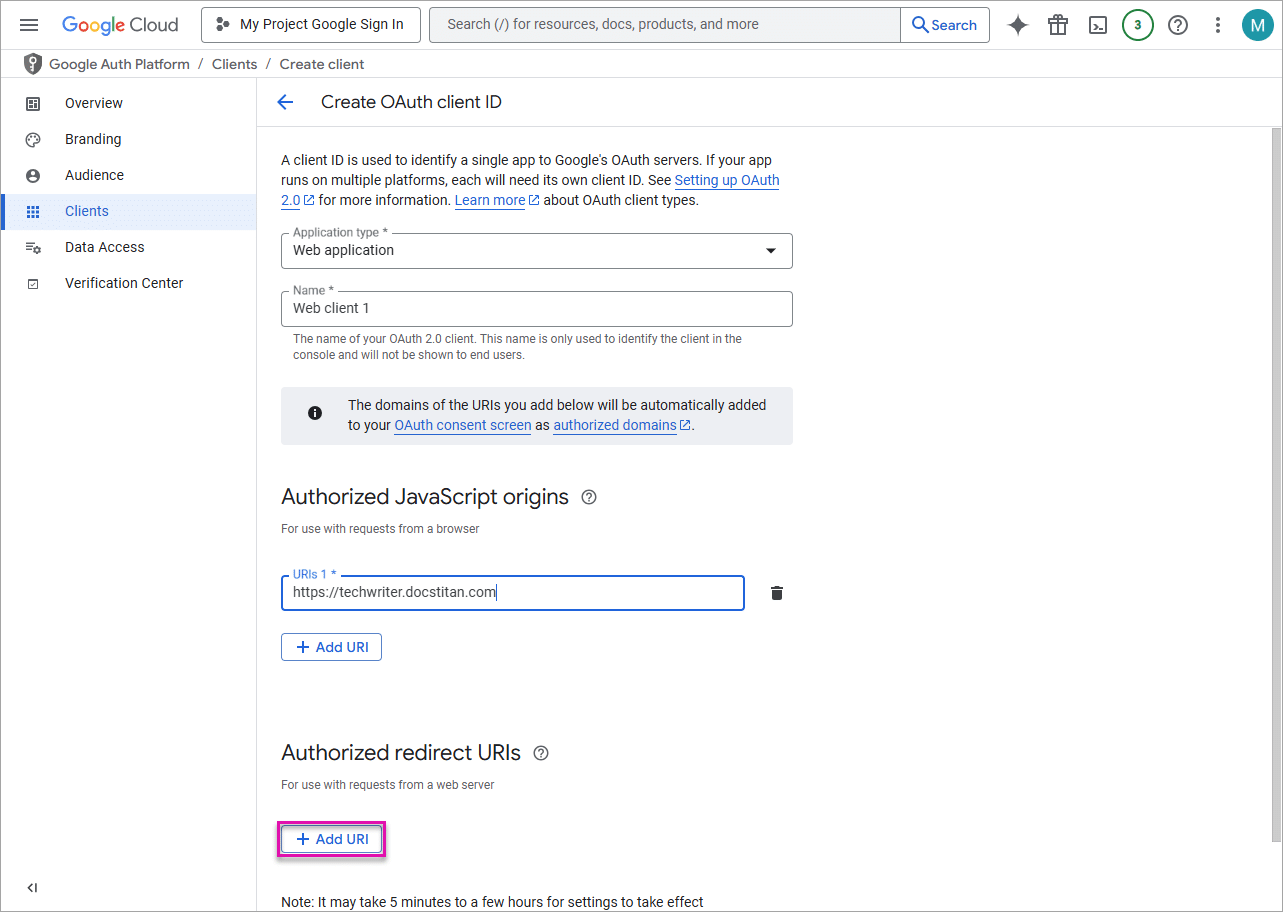

It may take 5 minutes to a few hours for the settings to take effect.