How can we help you?
Templates are pre-designed structures that help streamline form creation, data collection, or workflow automation. They ensure consistency, save time, and reduce manual effort across various applications.
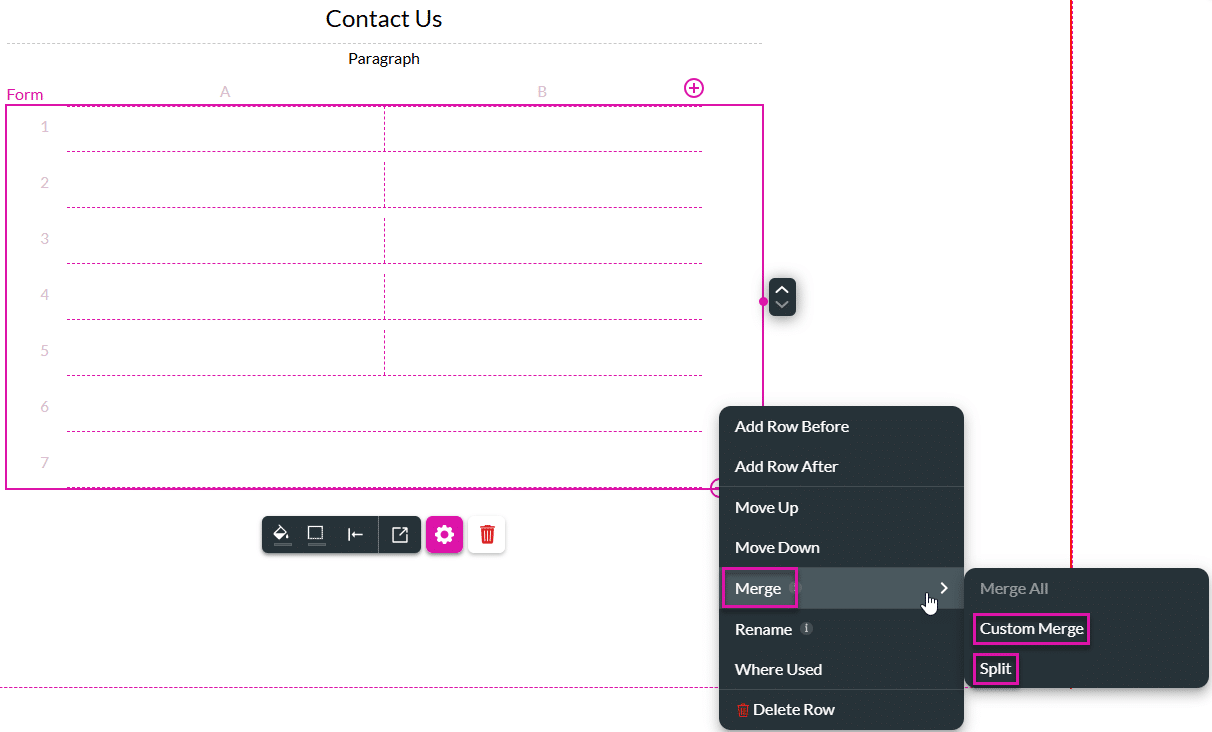
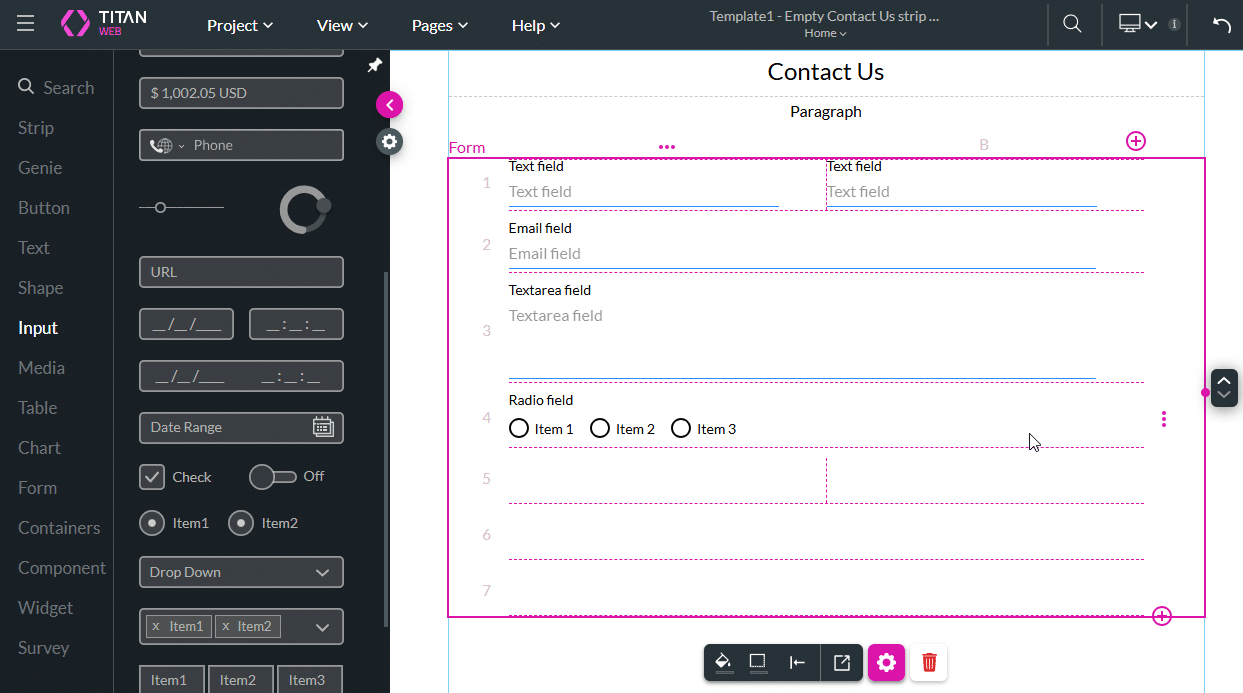
Add structured forms to your project to enable you to add input or text fields to cells. You can design the form, add conditional logic, or merge cells in a row to suit your requirements.
Titan provides a basic template for quickly creating a simple form in just a few clicks. This article demonstrates the creation of a Contact Us form, but the same steps can be used to create similar forms, such as Event Registrations.


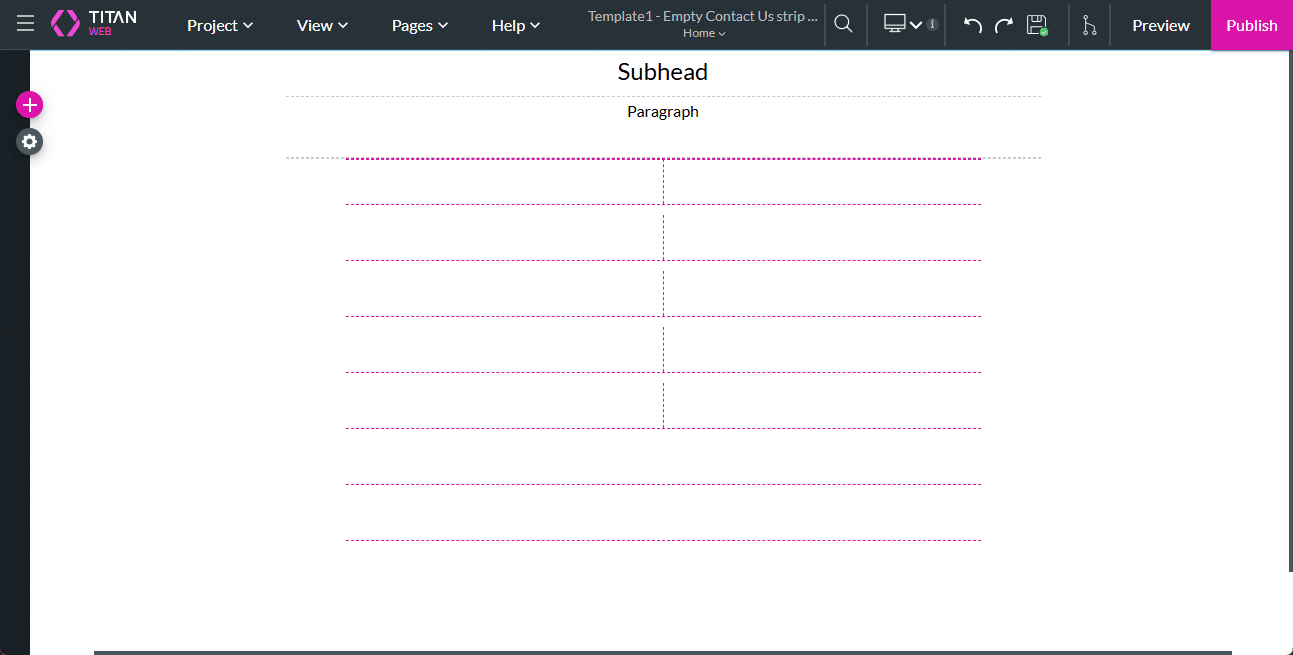
The Titan Web project will open with the following:




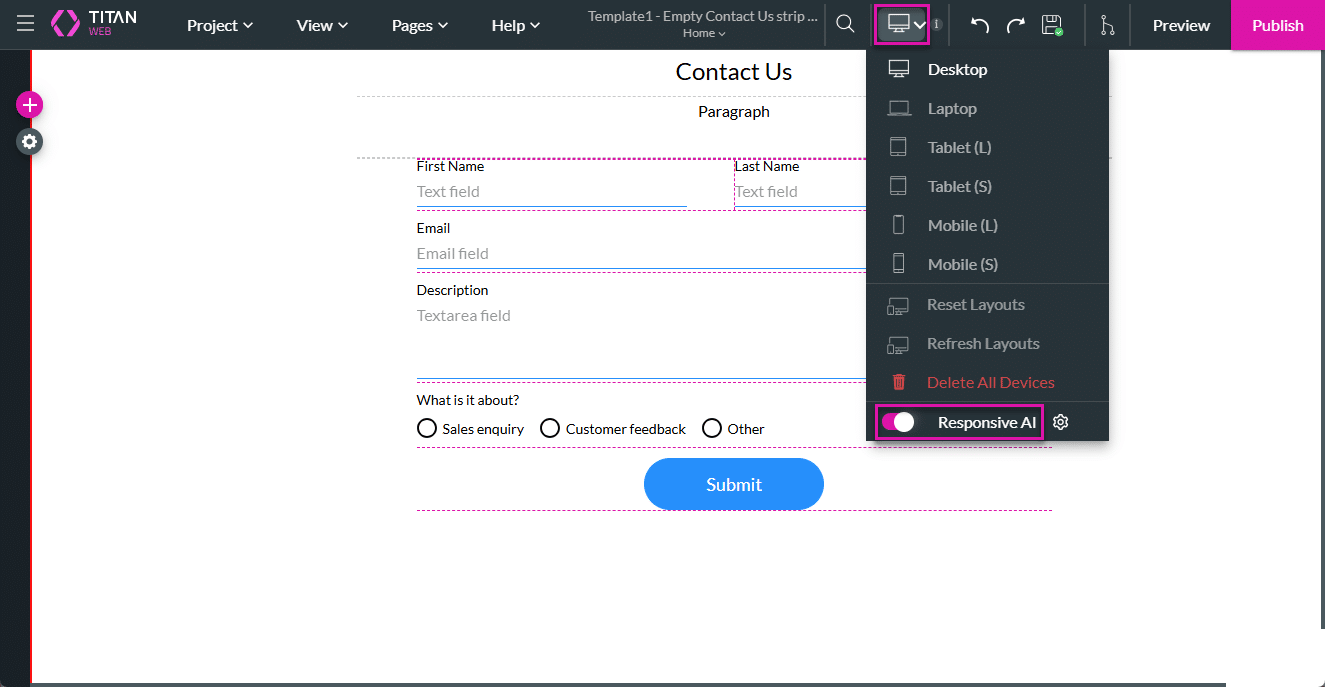
The page is, by default, shown for desktop size (device=lg).
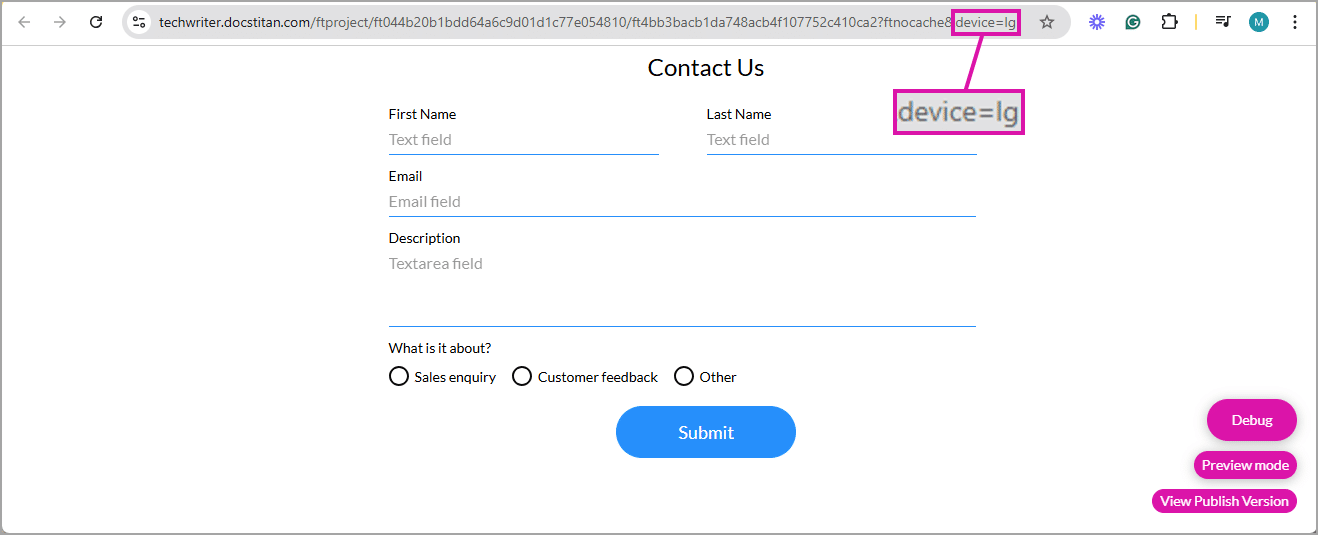
Change the query string to specify the device layout. You can edit the URL to match the device type by using the required device code:
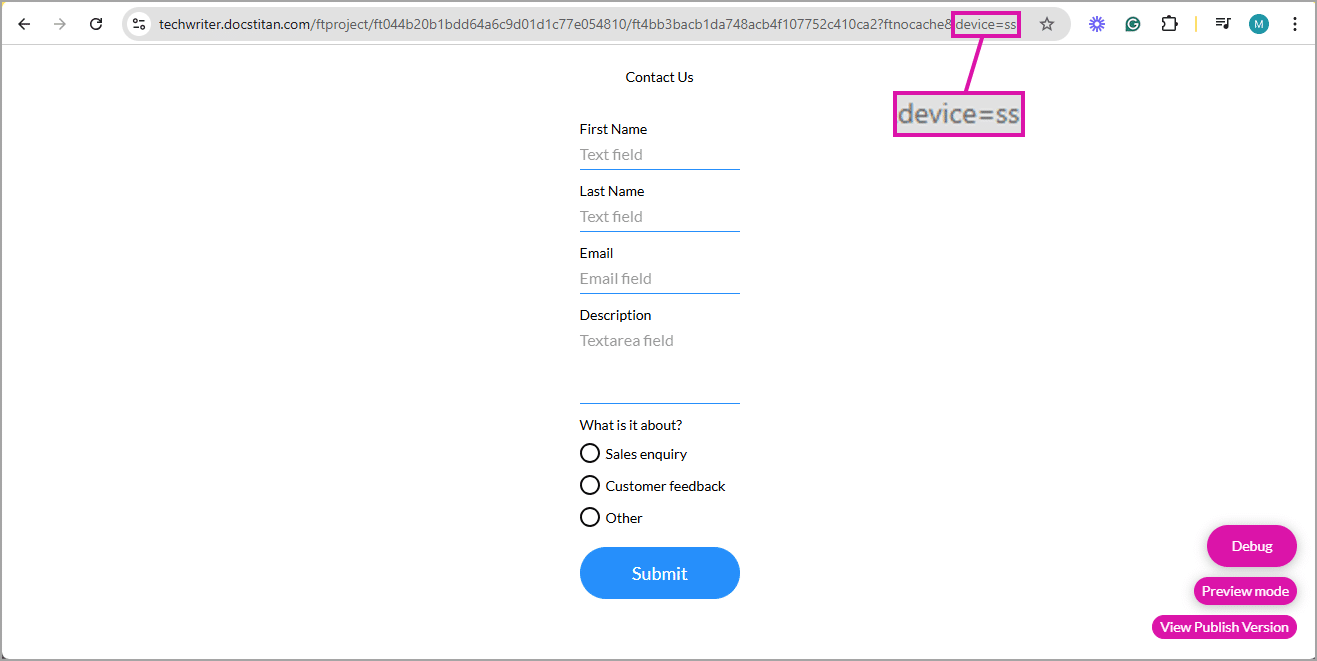
This template allows users to create versatile forms for gathering information from end users, which will display seamlessly on any device size.
The form can be styled using the following option:
Project > Style > Configure

You can style the page in different ways. Here are some examples:


The styling is shown in the preview.

For more information about My Strips, watch the following video:









