How can we help you?
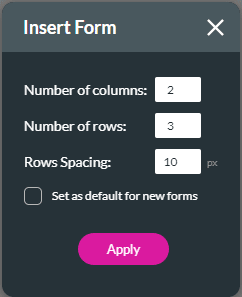
Add structured forms to your project that will enable you to add input or text fields to cells in a few clicks. You can design the form, add conditional logic, or merge cells in a row to suit your requirements.
Add a Titan Web form element in a few simple clicks.
You can also do the following:

You will see the warning message: “Device Notification: View a web project on mobile by setting the device manually or clicking auto-layout”.

Learn more about device layouts.
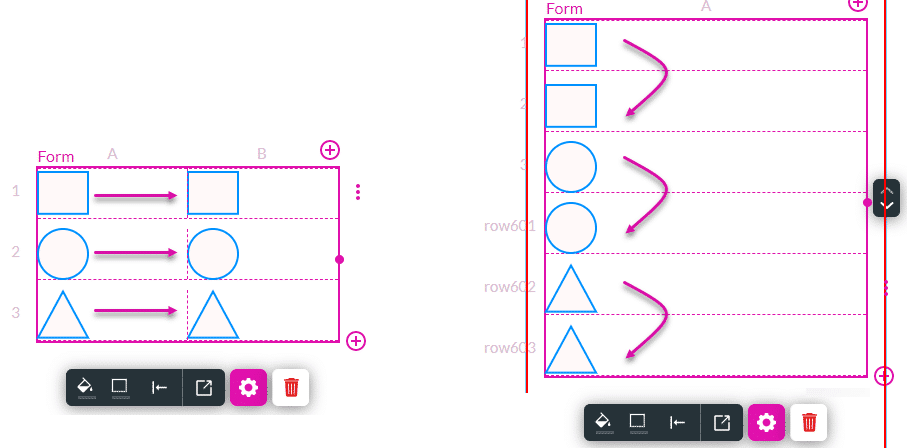
This message is shown if the form has two or more columns. On a mobile device (where the width of the device is smaller), the contents of each cell in the second column (per row) is moved under the contents of the cell in the first column and only one column is shown.
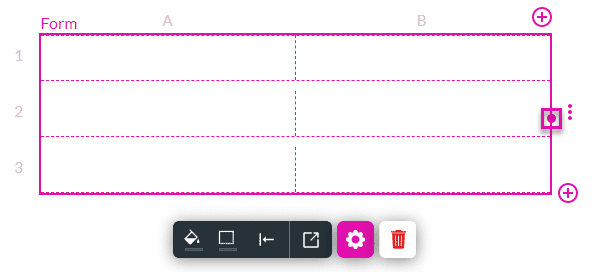
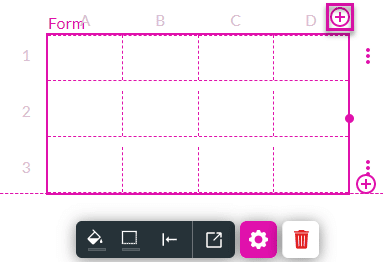
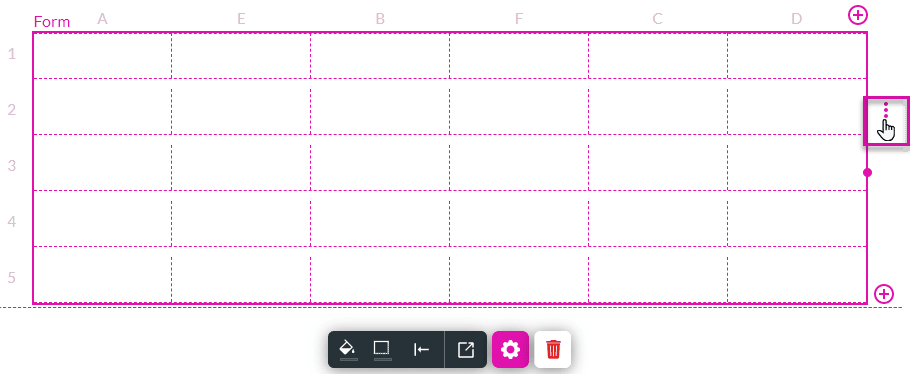
Rows are numbered from 1 onwards, and columns are labeled from A onwards.
You can drag the table bigger if necessary by using the table handle on the right.
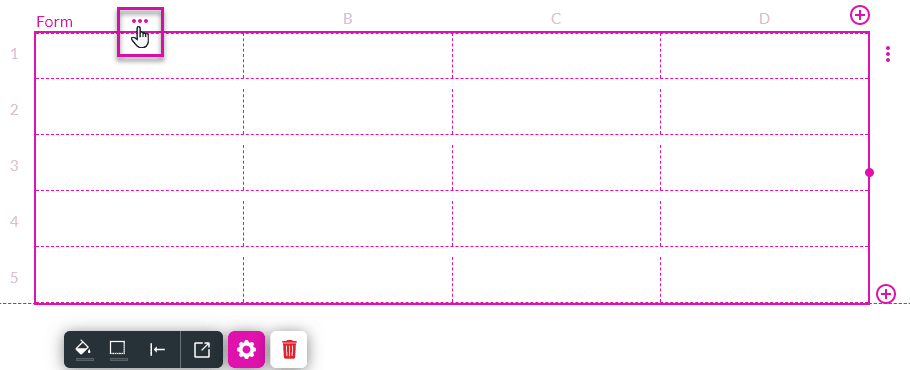

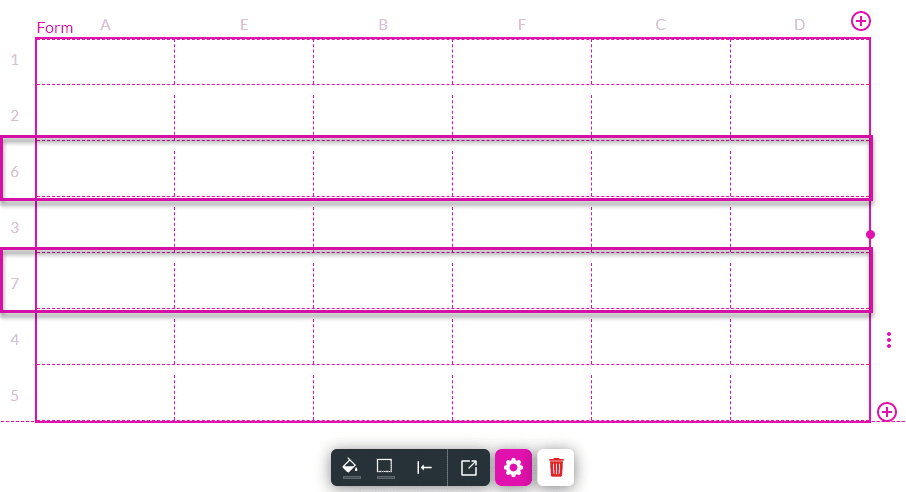
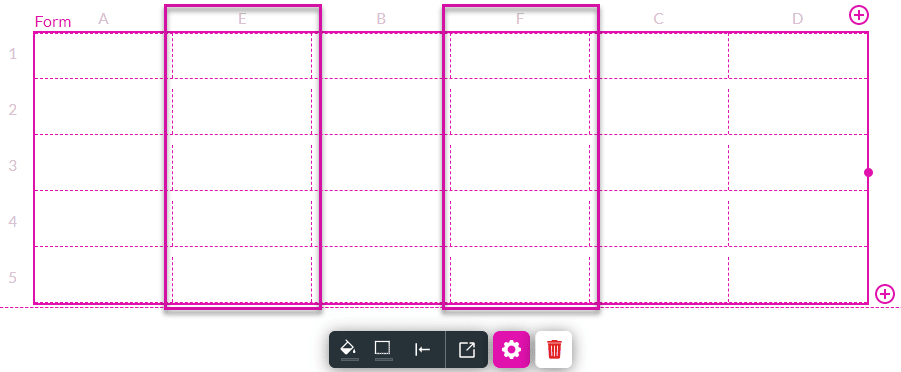
In this example, a column was added to the left of column B (called column E) and to the right of column B (called column F).
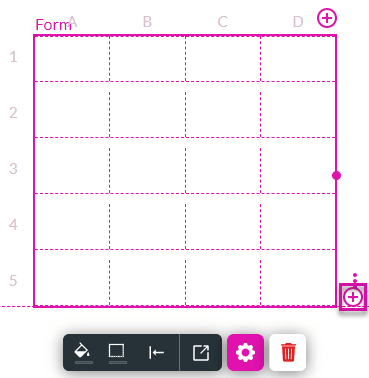
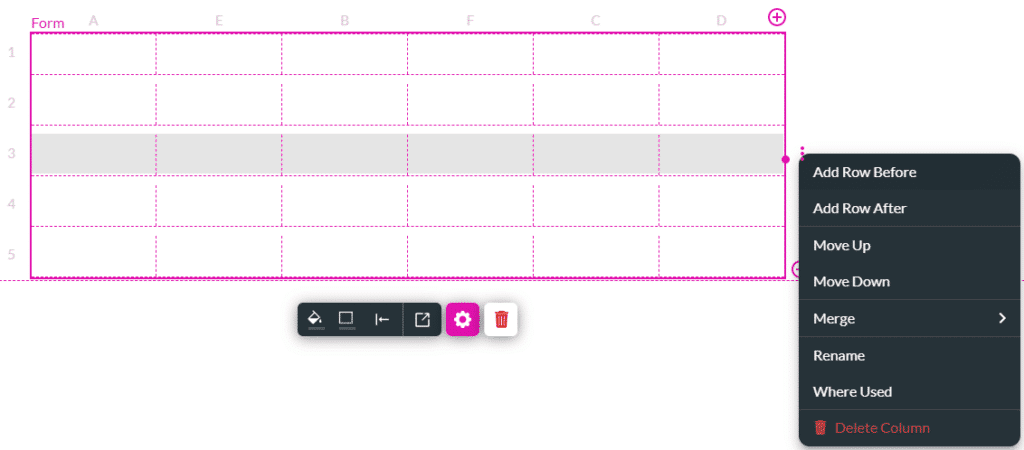
In this example, a row was added above row 3 (called row 6) and below row 3 (called row 7).