How can we help you?
In certain scenarios, you may want to make sure that the focus remains only on a modal or responsive modal, for instance, when accessibility is used.
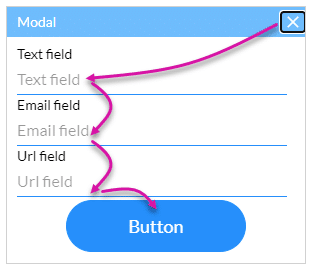
You can now keep the focus on a modal or responsive modal in Titan Web. When the user uses the Tab key on the keyboard, the focus will move between the elements on the modal or responsive modal and not to any elements in the background.

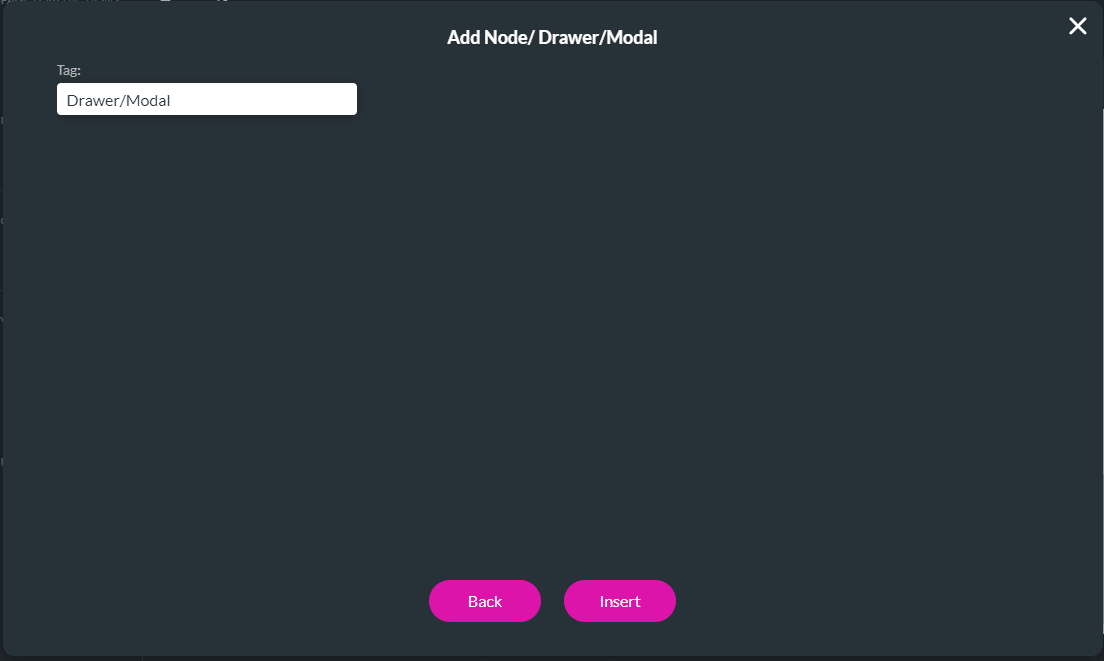
In this example, the following was done to open the modal when the page loads.



When the user uses the Tab key, the focus moves from one element on the modal to the next.
The action will be applied to the modal, and the content typed into it will be reset every time the button is clicked.
Learn more about Titan’s native integration with the Salesforce Experience Cloud.
Easily design, deploy, and measure custom web applications directly from Salesforce using Titan’s drag-and-drop web page builder.









