How can we help you?
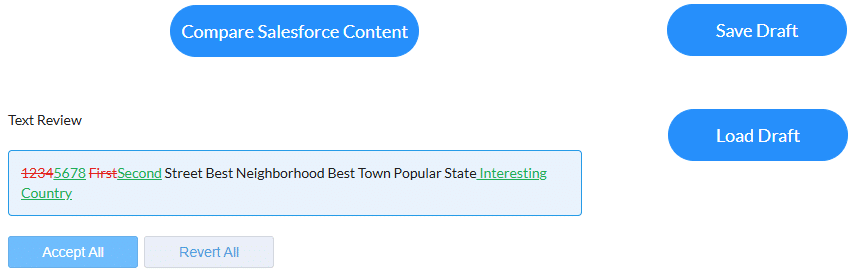
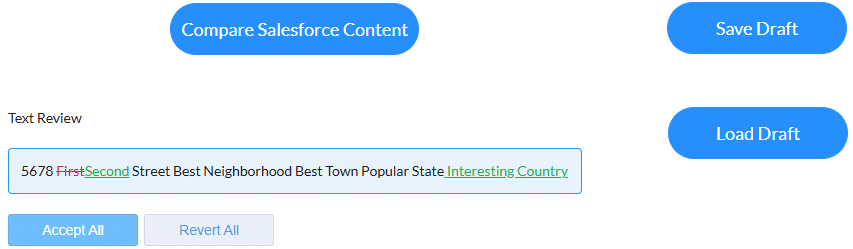
The text review widget simplifies version control and text revisions, saving time and reducing errors by clearly showing what’s changed between the two versions. Users can quickly view, accept, or revert edits, ensuring that only approved changes are incorporated before in-line editing begins. This streamlined approach keeps teams aligned on the most current content, enabling efficient decision-making and better collaboration. Ultimately, it enhances productivity, improves content accuracy, and supports agile workflows, making it a powerful tool for businesses, prioritizing precision and efficiency in document management.
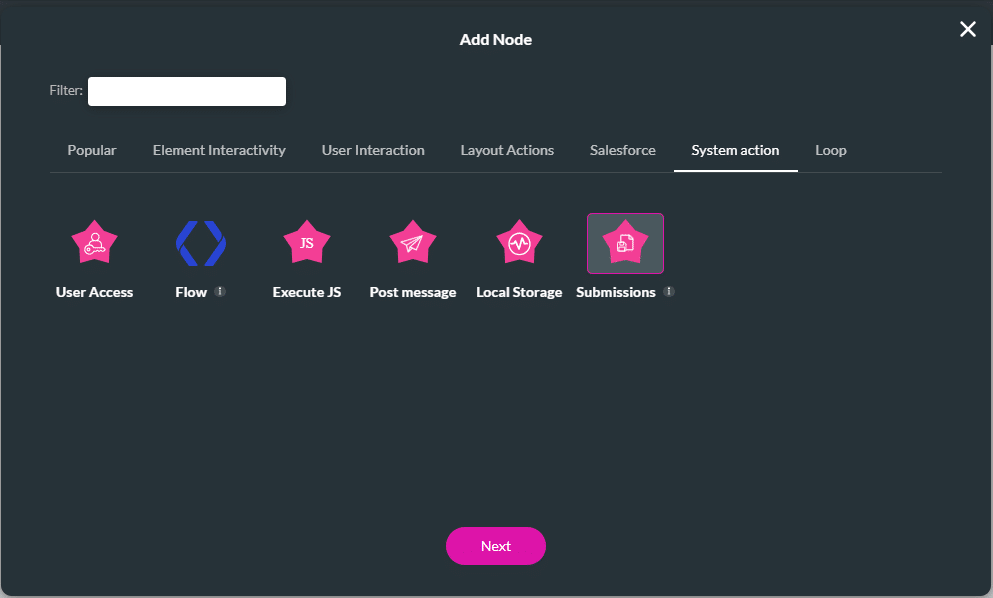
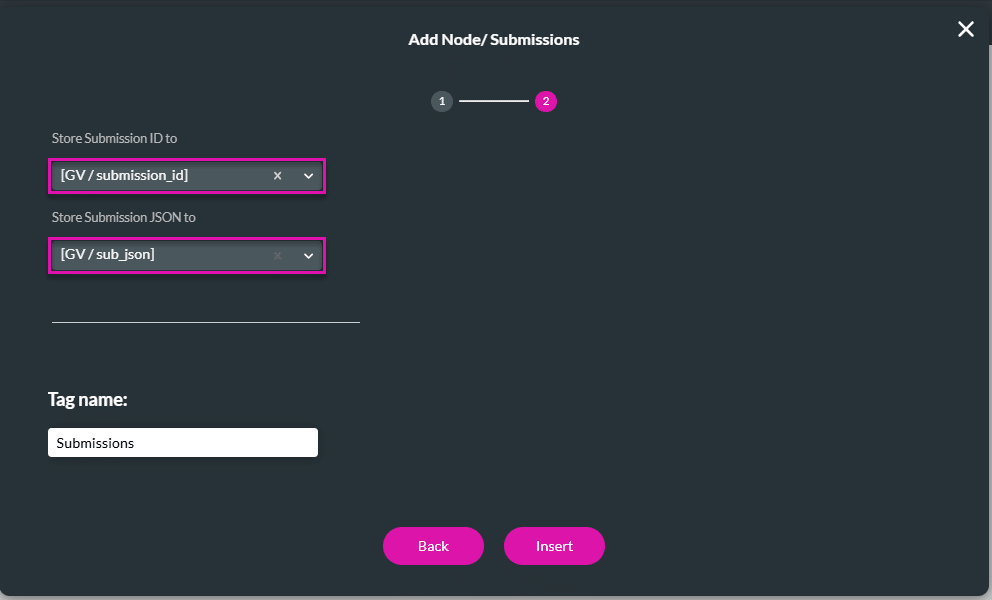
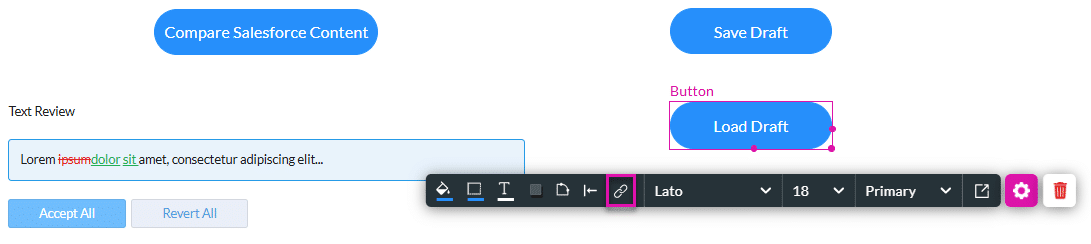
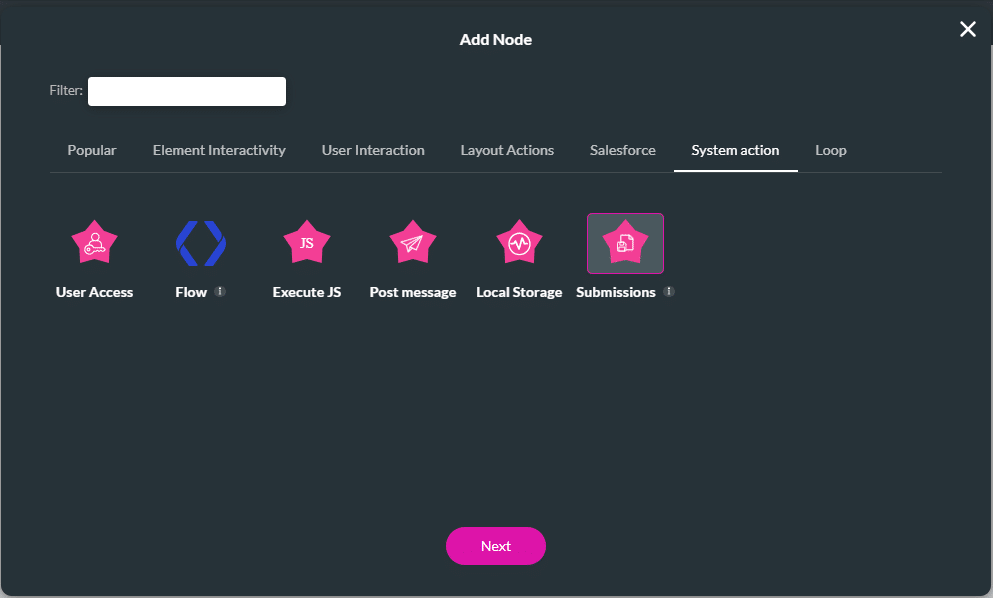
Use the text review widget to save drafts to Titan Submissions. This option is useful if you have a long text to review. You will not lose any changes that you have already made. You can also use it to save your progress if you’ve made some changes and need input from others on the remaining edits.
The text review widget is not available by default. Please contact Titan Support for more information.
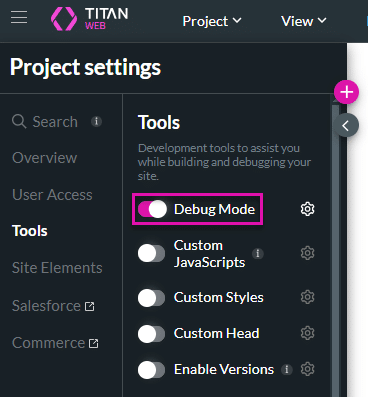
The Debug Mode is enabled for this example.
Project settings > Tools > Debug Mode.
Prerequisites:
1. Configure the text review widget with data from one of the following sources:
2. Add static variables, for instance:

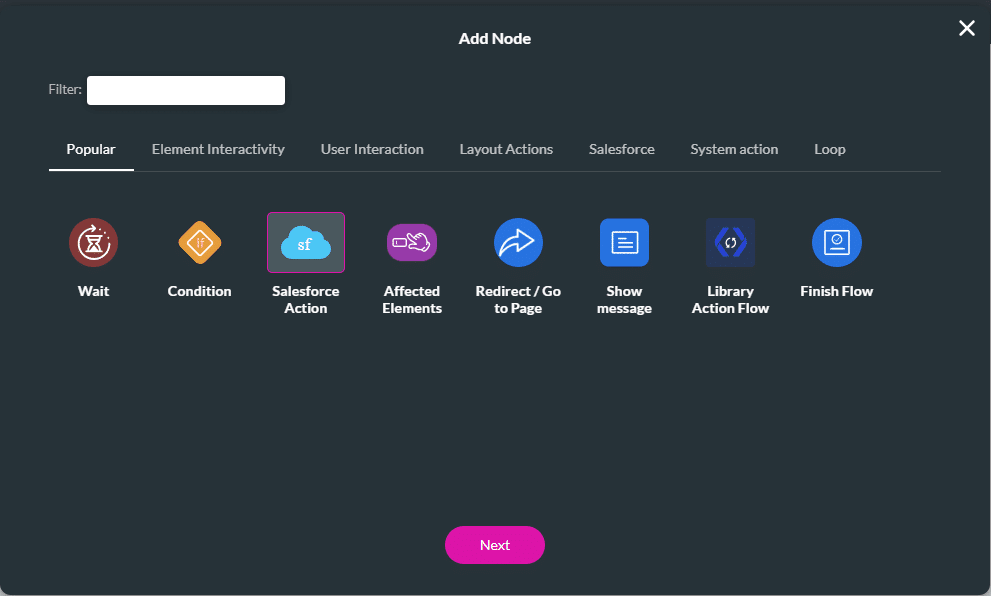
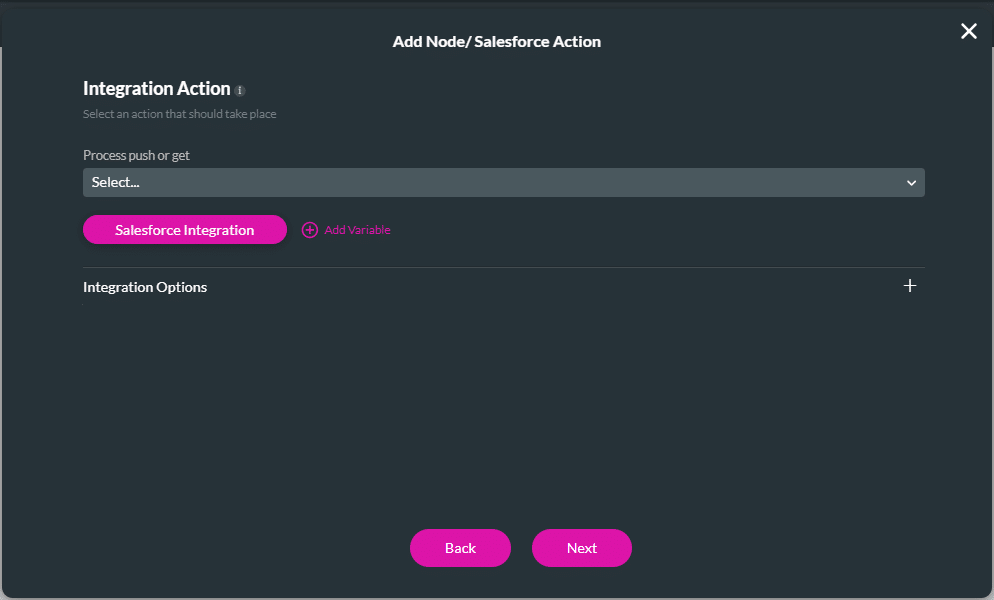
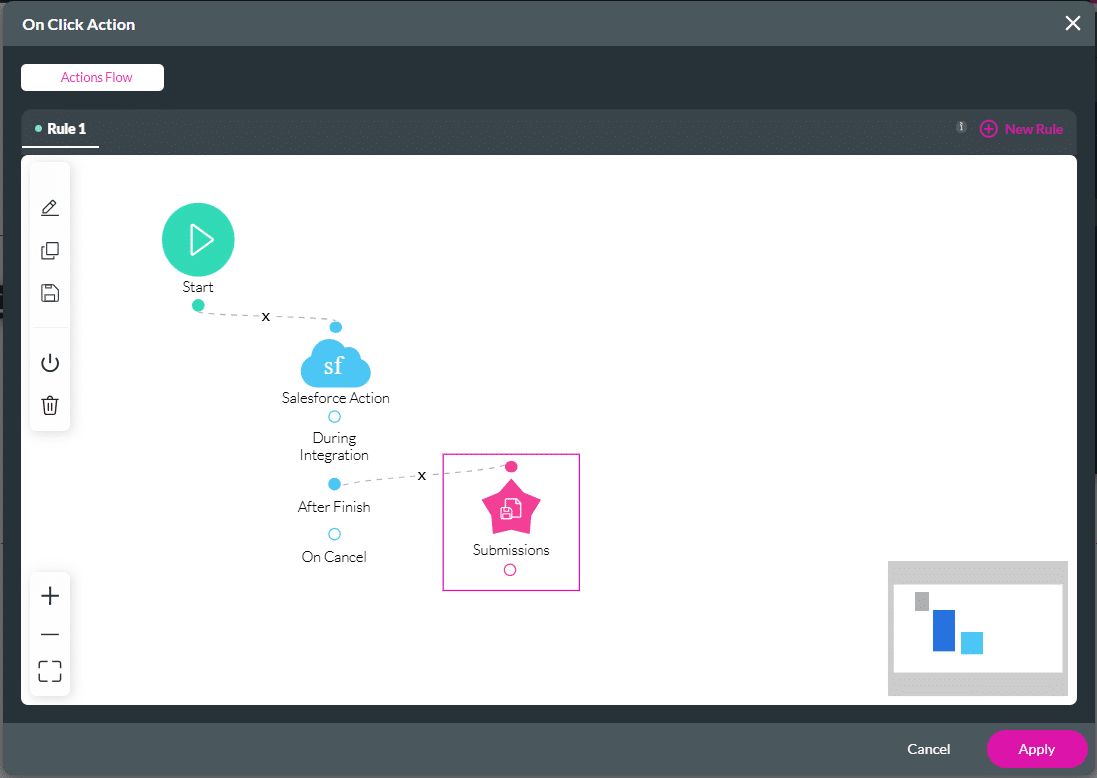
Firstly, you must store the draft in Salesforce, and then you can load it to the webpage.