How can we help you?
Configure the tracker widget interactivity actions to suit your business needs in a few clicks with no code.
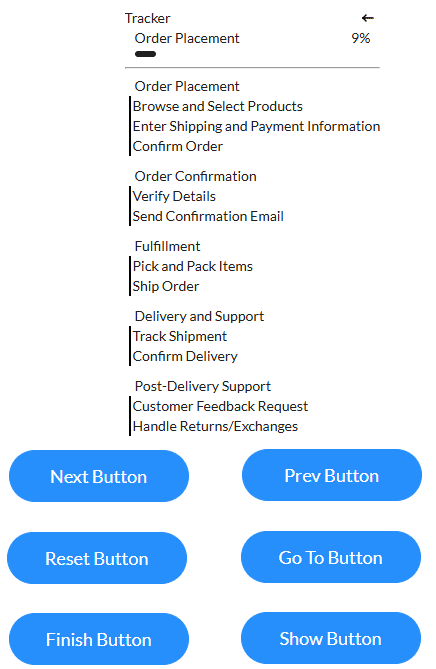
Titan Web lets you add a tracker widget with dynamic interactivity. You can configure how the widget must behave in different circumstances.
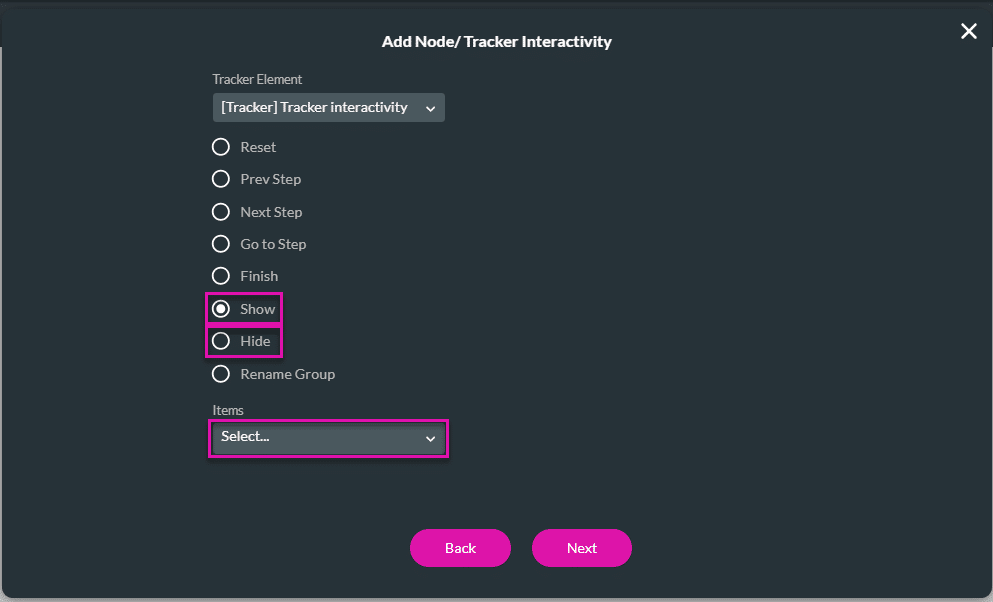
The interactivity includes options such as:
Prerequisite:

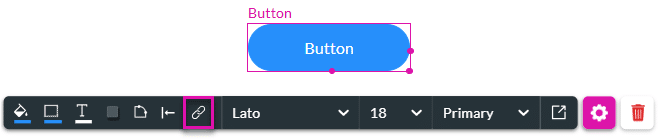
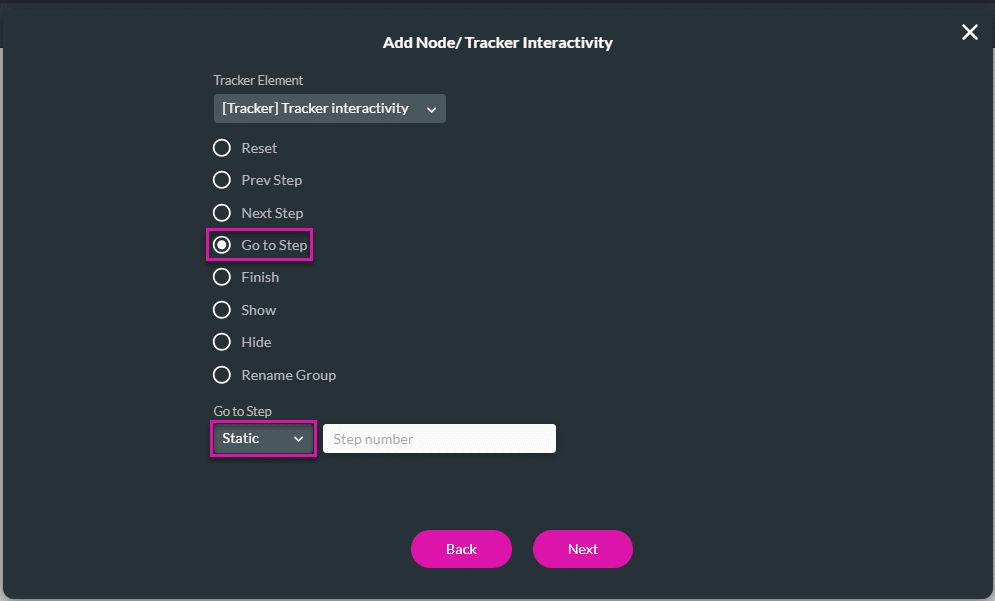
In this example, the tracker interactivity is added to a button. You can add any conditional logic.


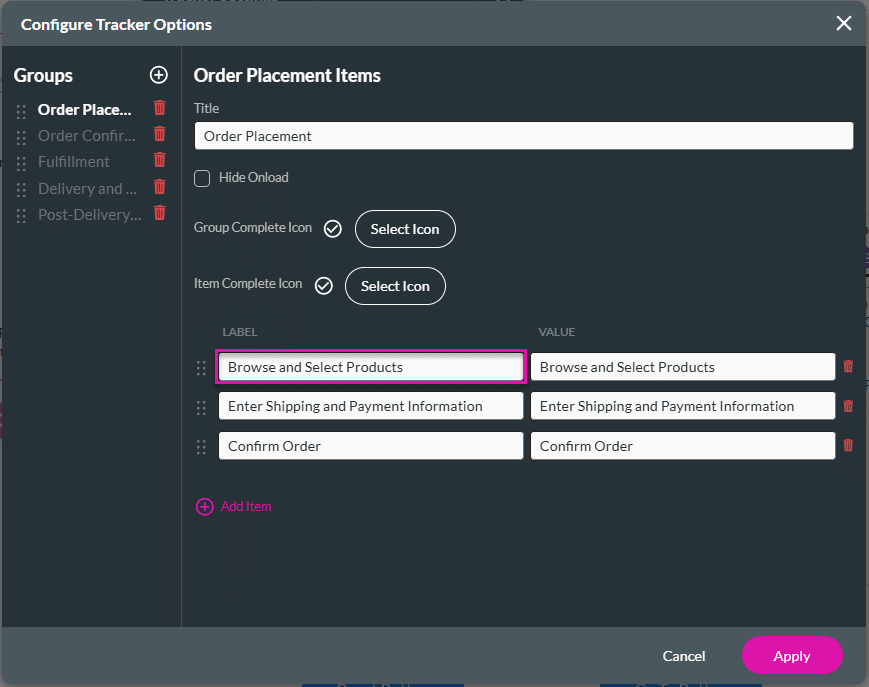
For the Static option, you must select the Item Value that you configured on the Configure Tracker Options screen.

The Item Label was configured on the Configure Tracker Options screen.