How can we help you?
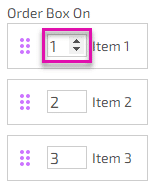
The order box is a numeric box on the ranking element that lets a user change an item’s ranking.
The order box is added to a ranking element when the Order Box checkbox is selected. The order box lets a user change the numeric value to change the order of the ranking item.
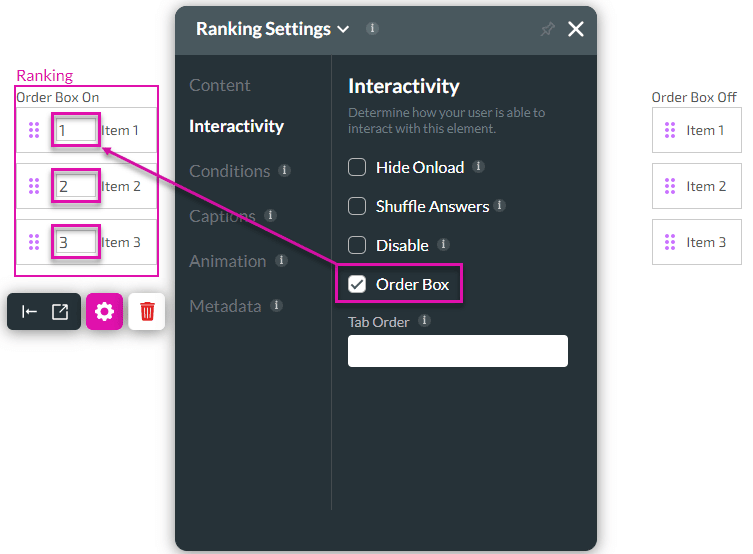
In the ranking element on the left of the image above, the Order Box is enabled. On the right of the image is an example of the Order Box option being disabled. The items in both examples can be dragged and dropped to change the item’s ranking.
The user can use the up or down arrow to change the number value, or type another value in the field.