How can we help you?
If you have a complex form, this functionality allows two or more people to view the webpage in real time, sharing the same browser window. It’s incredibly useful for customer service scenarios where a support agent can guide a customer through a website or an application, pointing out features, filling out forms together, or troubleshooting issues directly on the customer’s screen.
Use the co-browsing option in Titan Web as a helpdesk or support center to significantly improve customer satisfaction by reducing confusion and accelerating problem resolution.
Note:
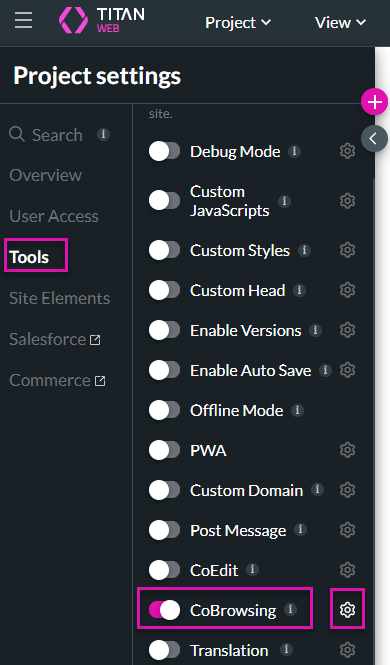
You can set static values or dynamic fields from the project. The article shows the static value option.
The fields options include variables and elements from the project that will bring dynamic values.


The Help icon will be created on the preview screen and a pop-up will show that a request was sent.

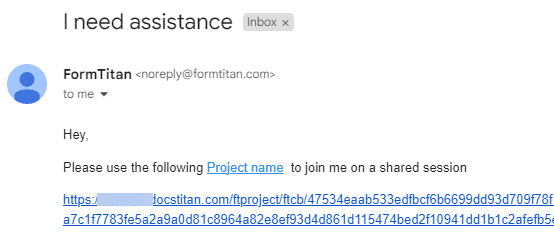
An email will be sent to your mailbox. Select the link to open the project.
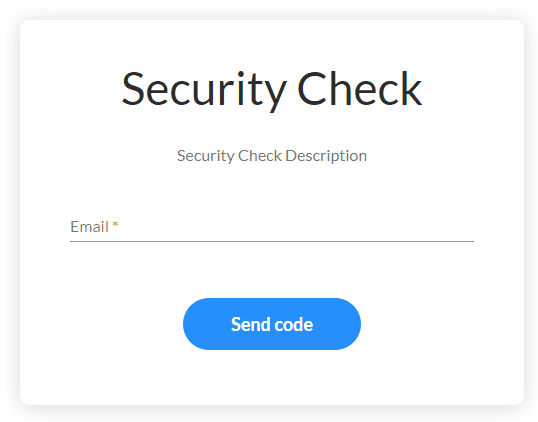
A Security Check pop-up will show. Type your email address in the field and click the Send code button.
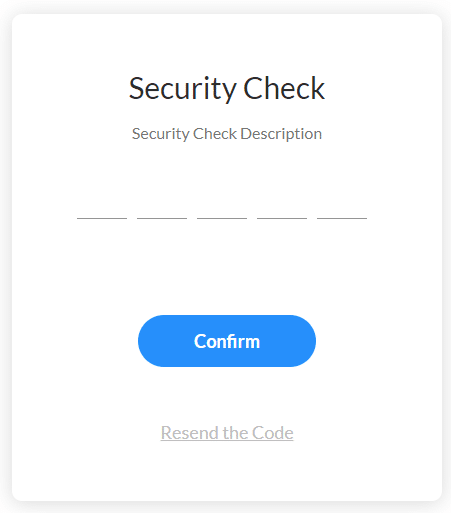
A verification code will be sent to your mailbox. Type the verification code and click the Confirm button.
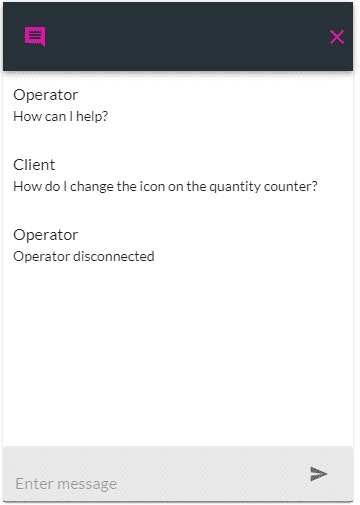
A communication platform will be displayed on both users’ screens. Start typing to assist.
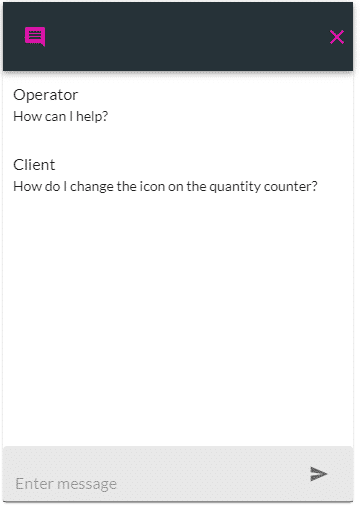
When one of the users closes their screen, the commynication is disconnected.