How can we help you?
Use this functionality to organize projects into logical groups. It is especially handy when dealing with multiple projects or different phases of a project. Folders make it easier to find and access specific project-related information quickly.
This feature allows more options to organize, find, and manage projects using folders. Clients with many projects across multiple departments can manage projects more efficiently.
You can do the following:

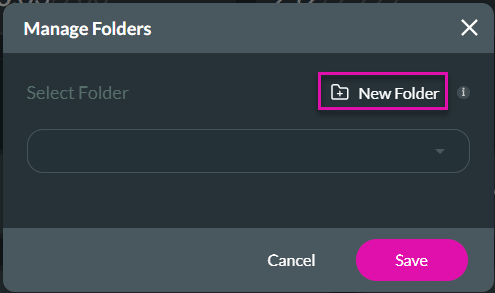

The folder is added on the left side of the Dashboard.

A project will have a label with the folder name to which it was assigned. Multiple folder names are listed together, separated with a comma if the project is in more than one folder.


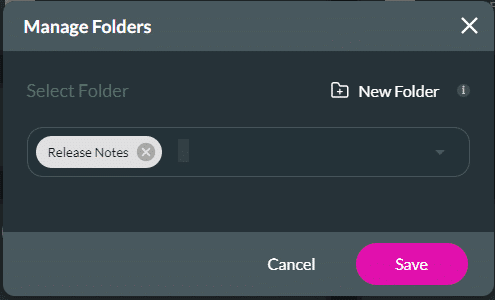


When a project in a folder is duplicated, the cloned project will be in the same folder as the parent project.



The subfolder is added to the selected folder.

You can add projects to the subfolder.


The project is added to the subfolder.
On the left of the Dashboard, use the arrow to open the subfolders.



The folder name has been changed.


The project is removed from the folder, and a Success message is shown.


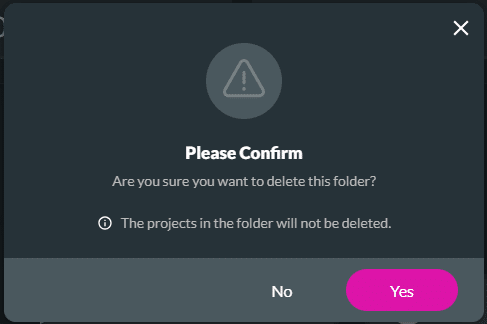
The folder is deleted. However, if there were projects in the folder, they are not deleted and can be found on the Dashboard.









