How can we help you?
New users can create a profile (sign up) on your Salesforce with your Titan project. The registration will create a record in Salesforce. This record will be added to the main object that you chose when setting up the Login page and will, by default, give access to the registered user.
You can set up registration approval in Salesforce so the user doesn’t have immediate access to their record.
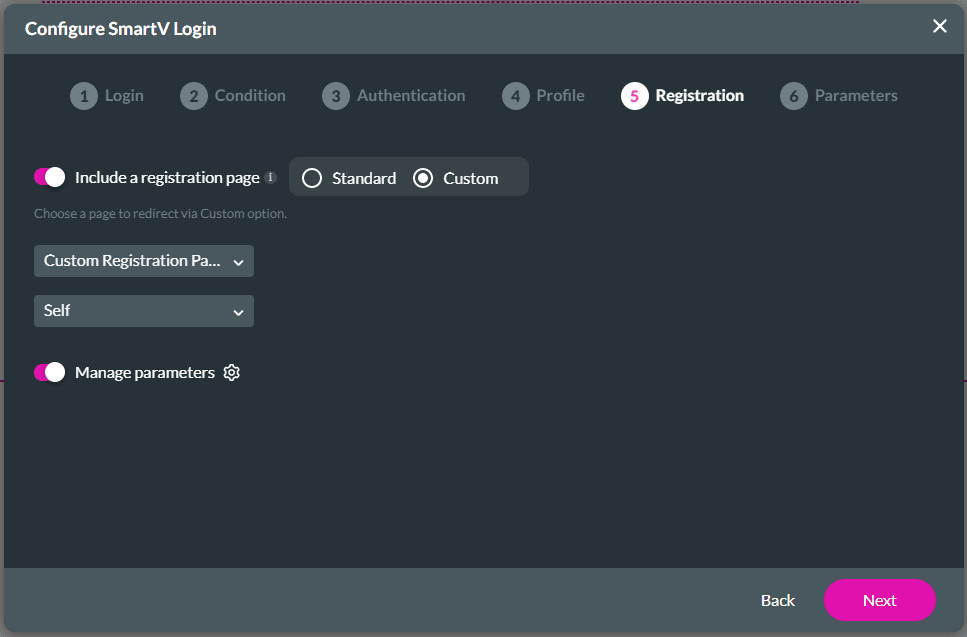
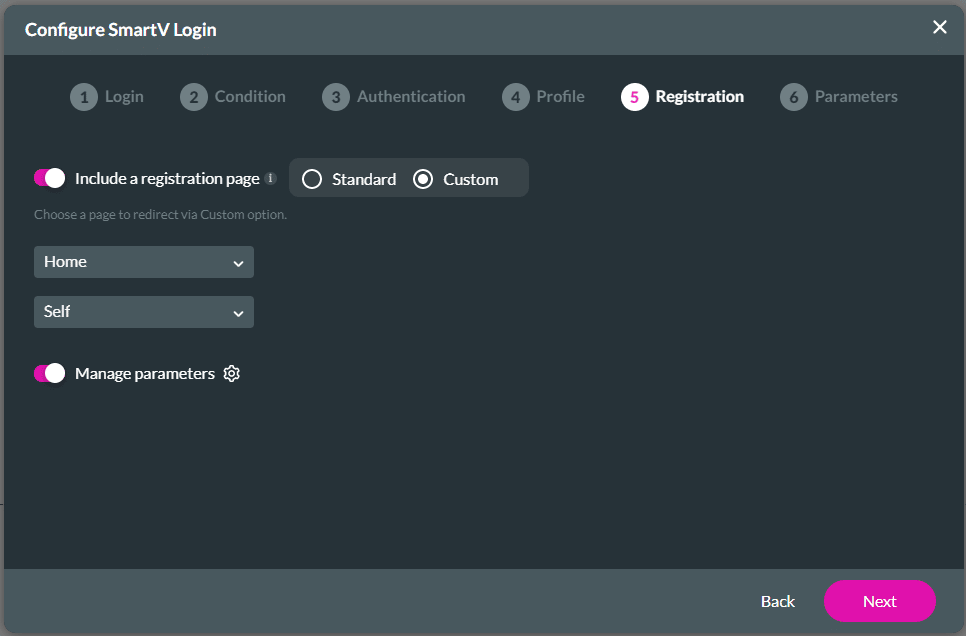
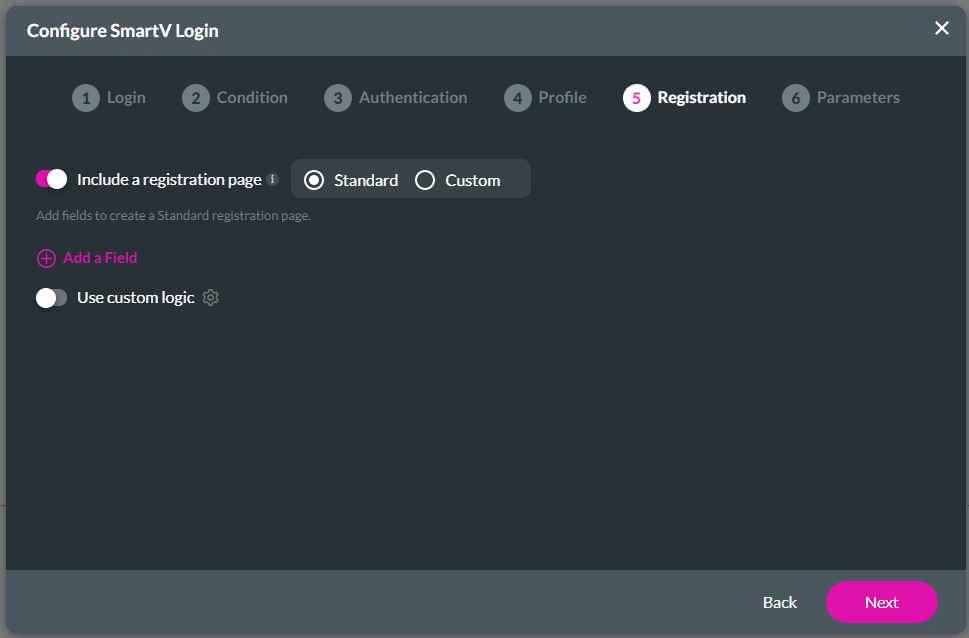
Titan lets you add a registration page to your project, with which guest users can add themselves to Salesforce.
Note:
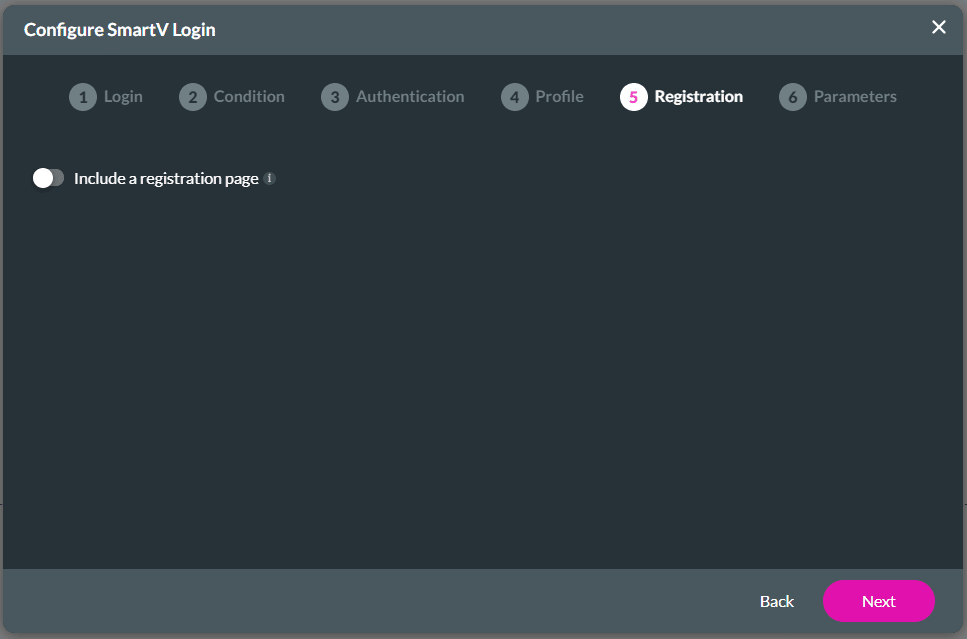
It is optional to add a registration page. You may choose to skip this screen by clicking on the Next button.
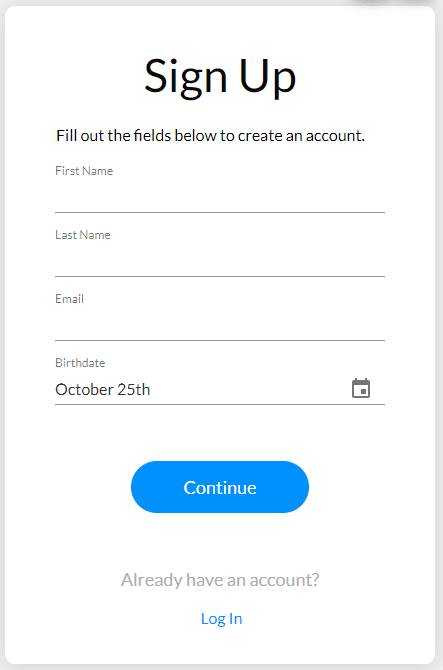
The standard registration page looks like this, depending on the fields that were selected:
Note:
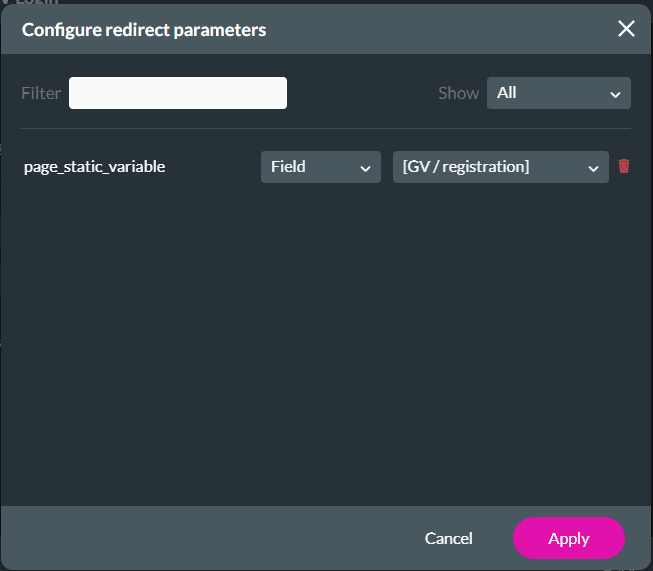
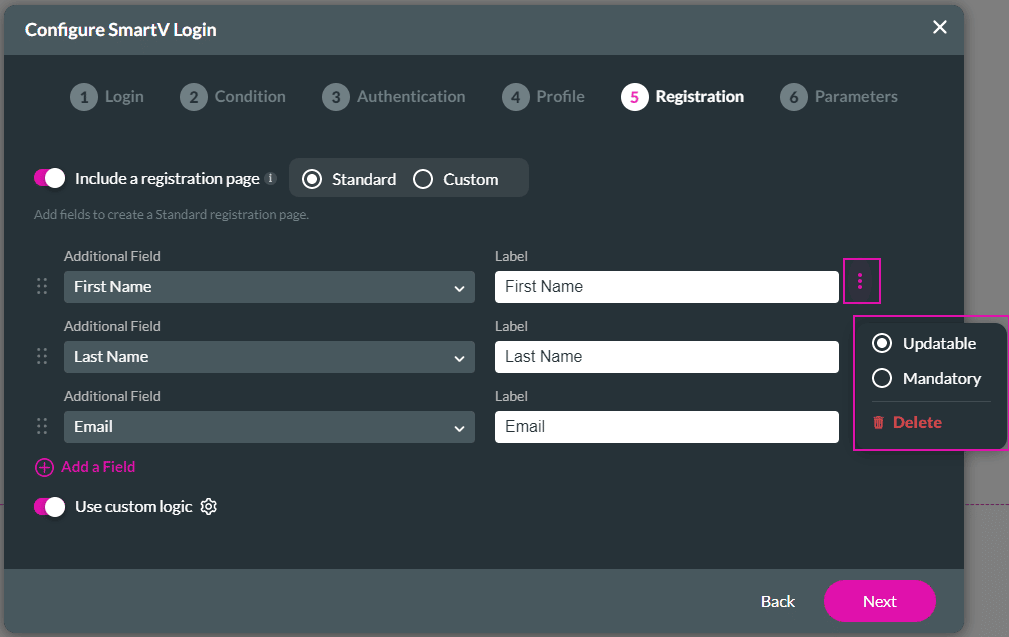
When you use custom logic, the default logic of the standard registration page is disabled automatically and you have to configure the logic that you need.
For instance, in this example, the Salesforce object “Contact” was selected on the Login page. If you do not add custom logic, you can only select fields linked to the Contact object on the Registration page.
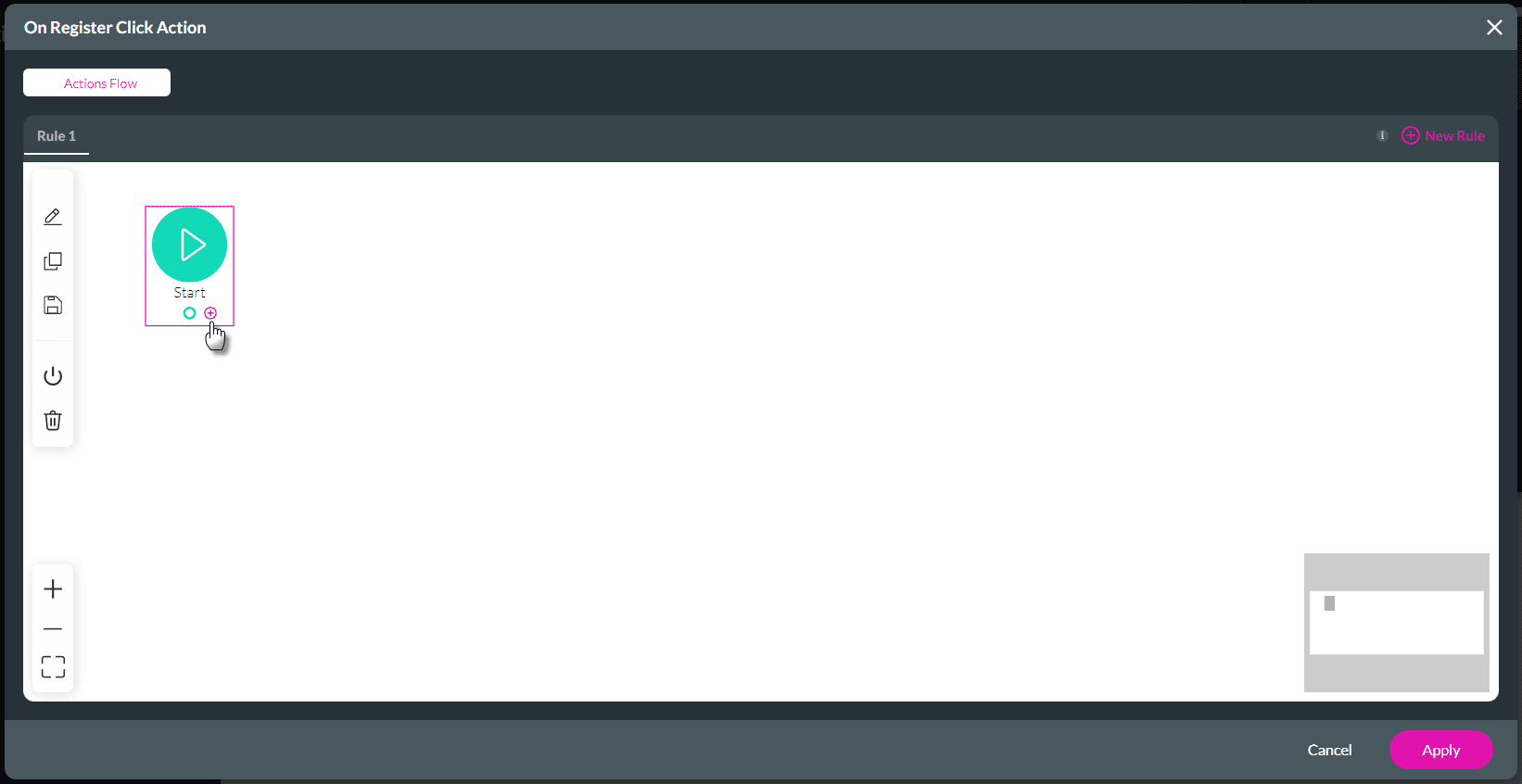
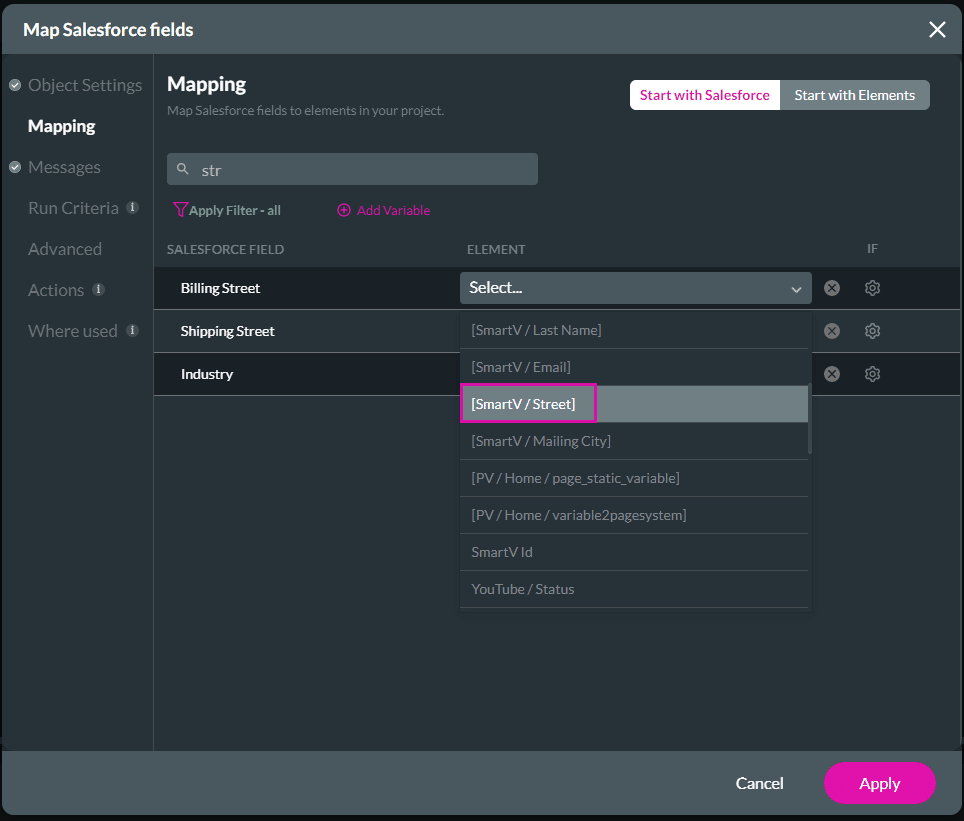
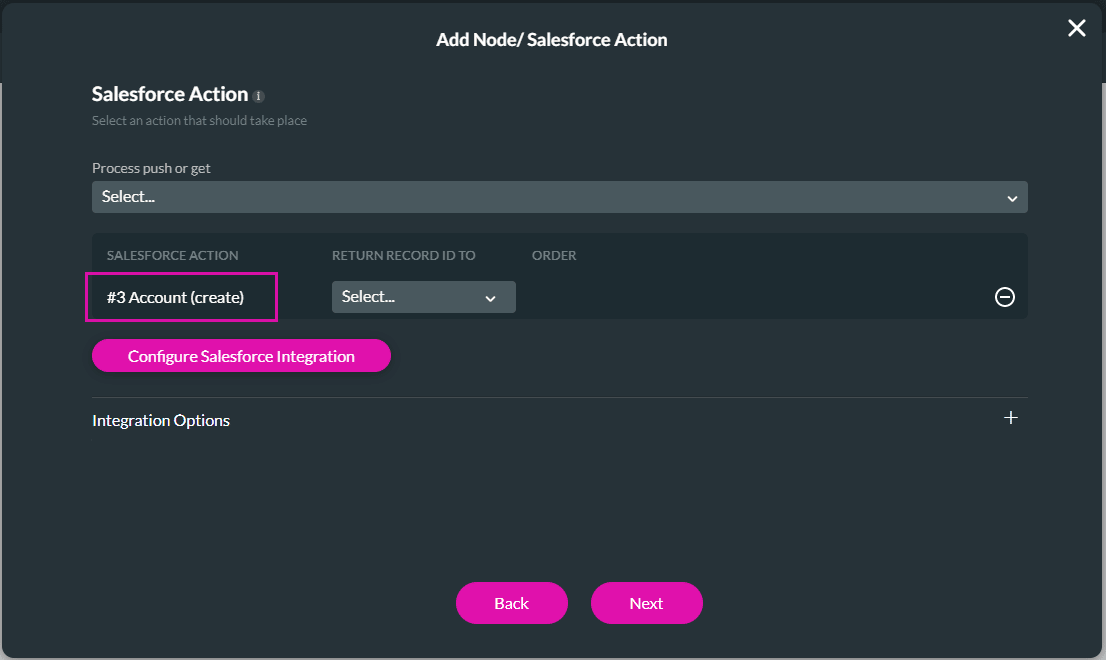
When you add custom logic, you can configure any logic, for instance, you can create a contact and an account and link the contact to the account.
Note:
Prerequisites:
The custom registration page could look like this in the Titan Web builder: