How can we help you?
Make a form read-only, and don’t allow further updates.
This video demonstrates how you can make your form element read-only in Titan Web in a few easy steps.
Note:
Prerequisite:
1. Add a form and populate it with elements.

2. Add a name to the form under Metadata > Tag.
In this example, we add the read-only form interactivity to a button.

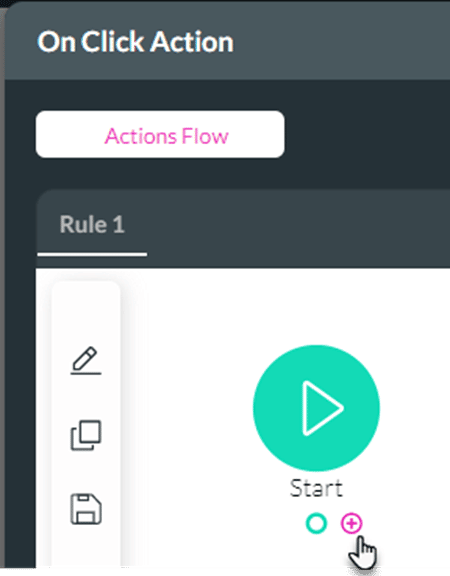


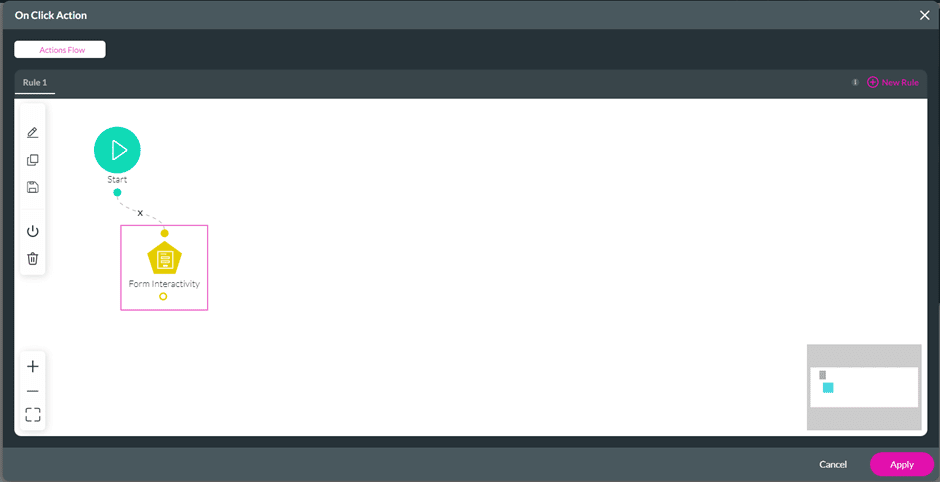

The form can be filled in. When the user clicks on the Read Only button, it becomes read-only, and changes cannot be made.
Read more about different types of form interactivity.









