How can we help you?
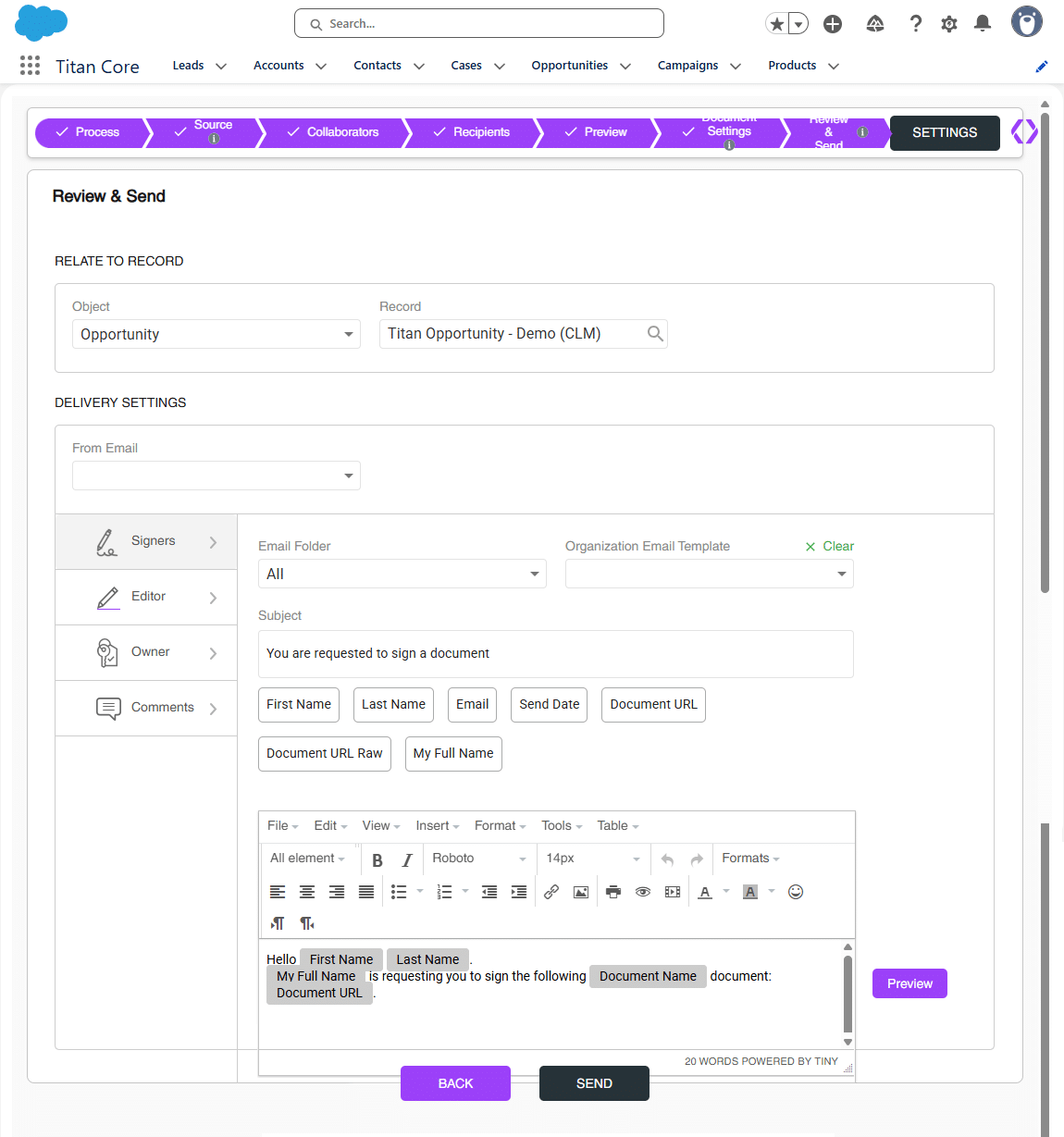
The CLM wizard lets you easily review the template and send it to the collaborators and/or signers.
Prerequisites:
Note:
The settings made in the CLM Wizard override the settings made in the Titan CLM project.
The Titan CLM project is not affected by the CLM Wizard changes.
Note:
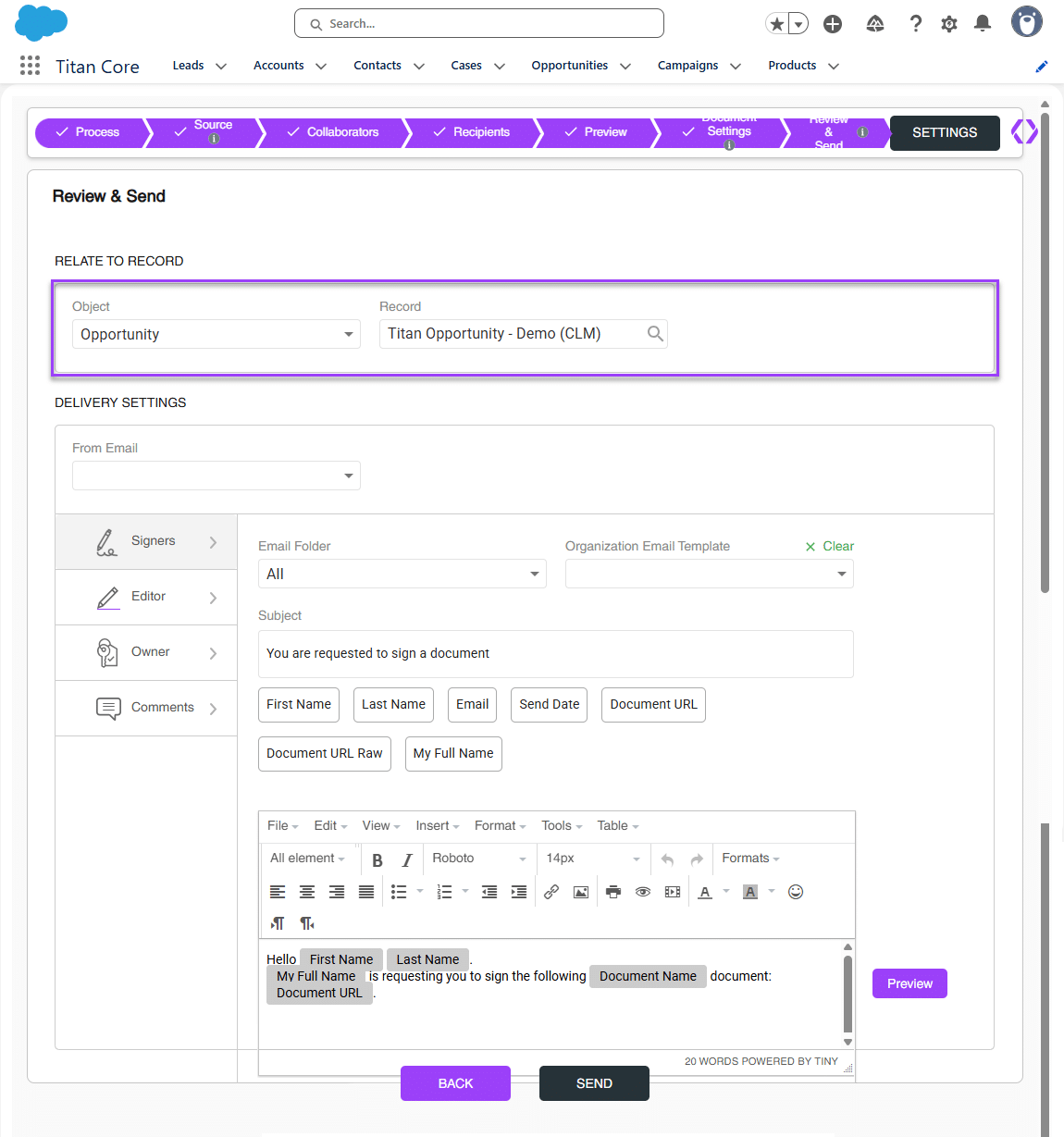
As default, we will use the object and record from which you initiate the CLM process.
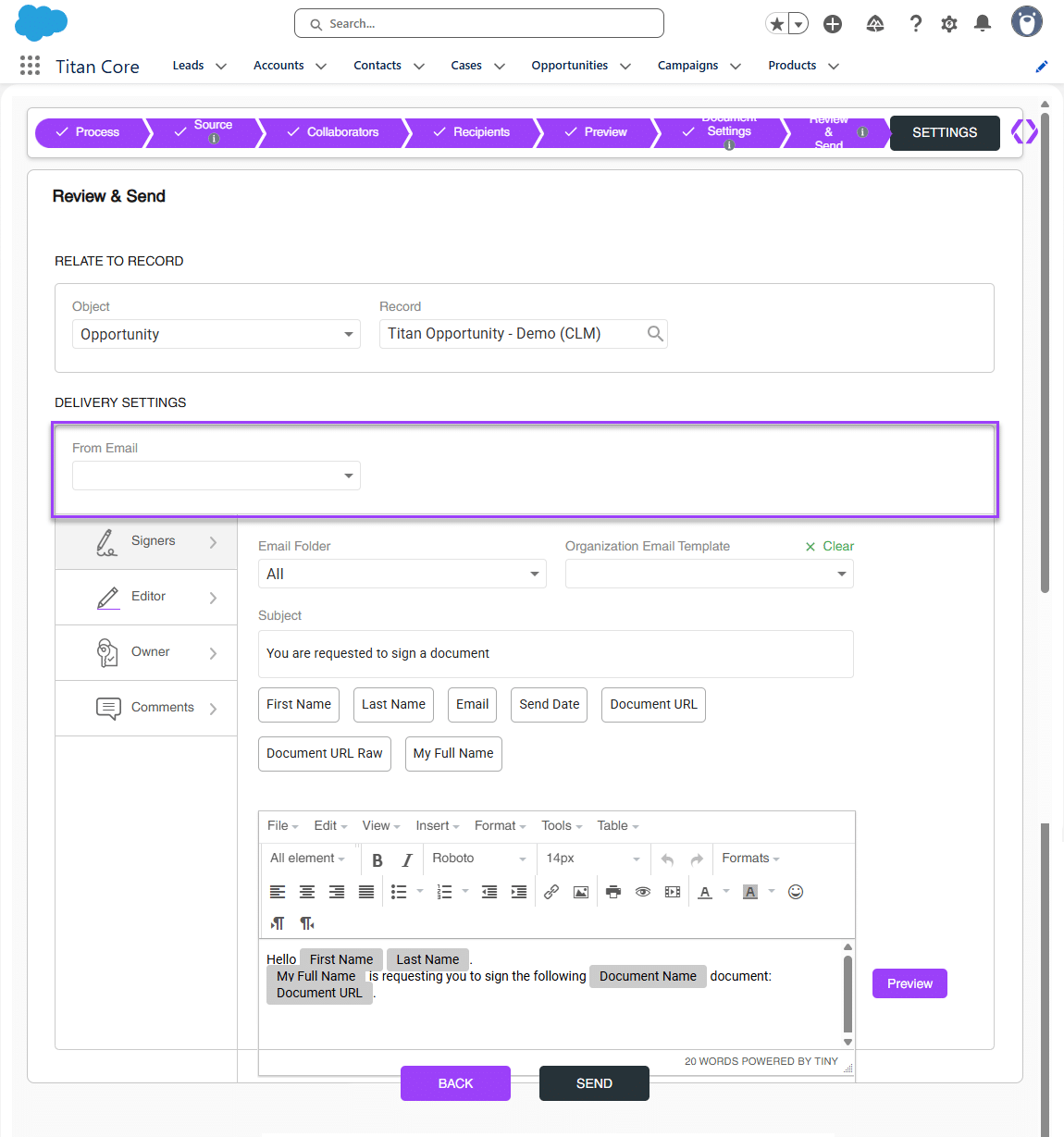
Note:
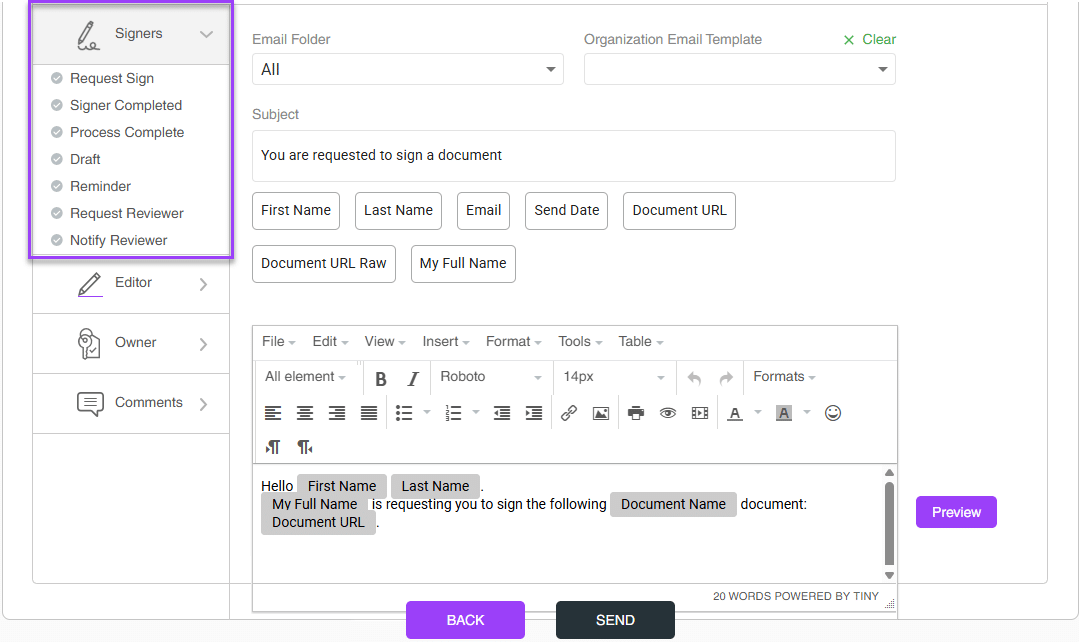
If you select an organizational template, it will override the custom emails you configured. Click the Clear button to revert to the custom emails you configured.
Note:
1. You can customize the template as follows:
2. Make sure that each email has a Document URL. This is mandatory.


The following message is shown: “Preparing your document, please wait.”
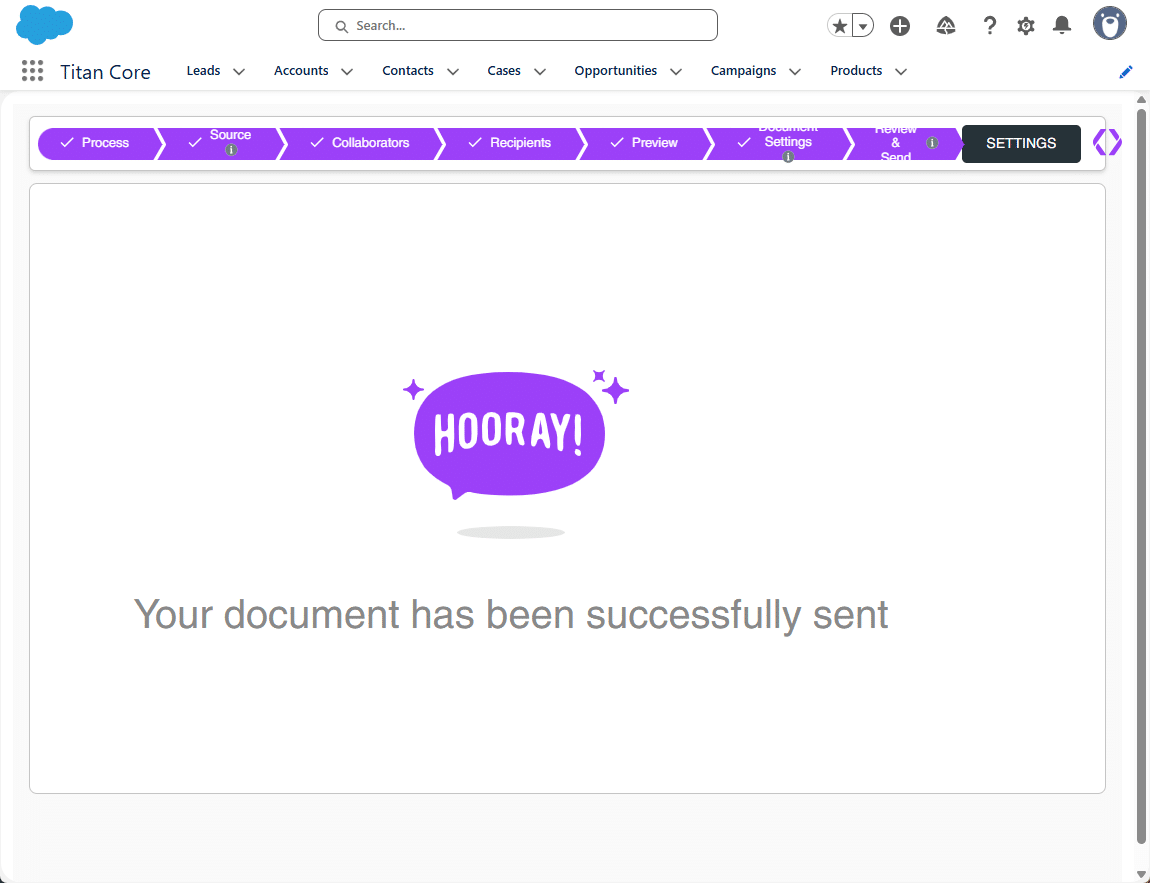
When the process is completed, you will see the following screen: