How can we help you?
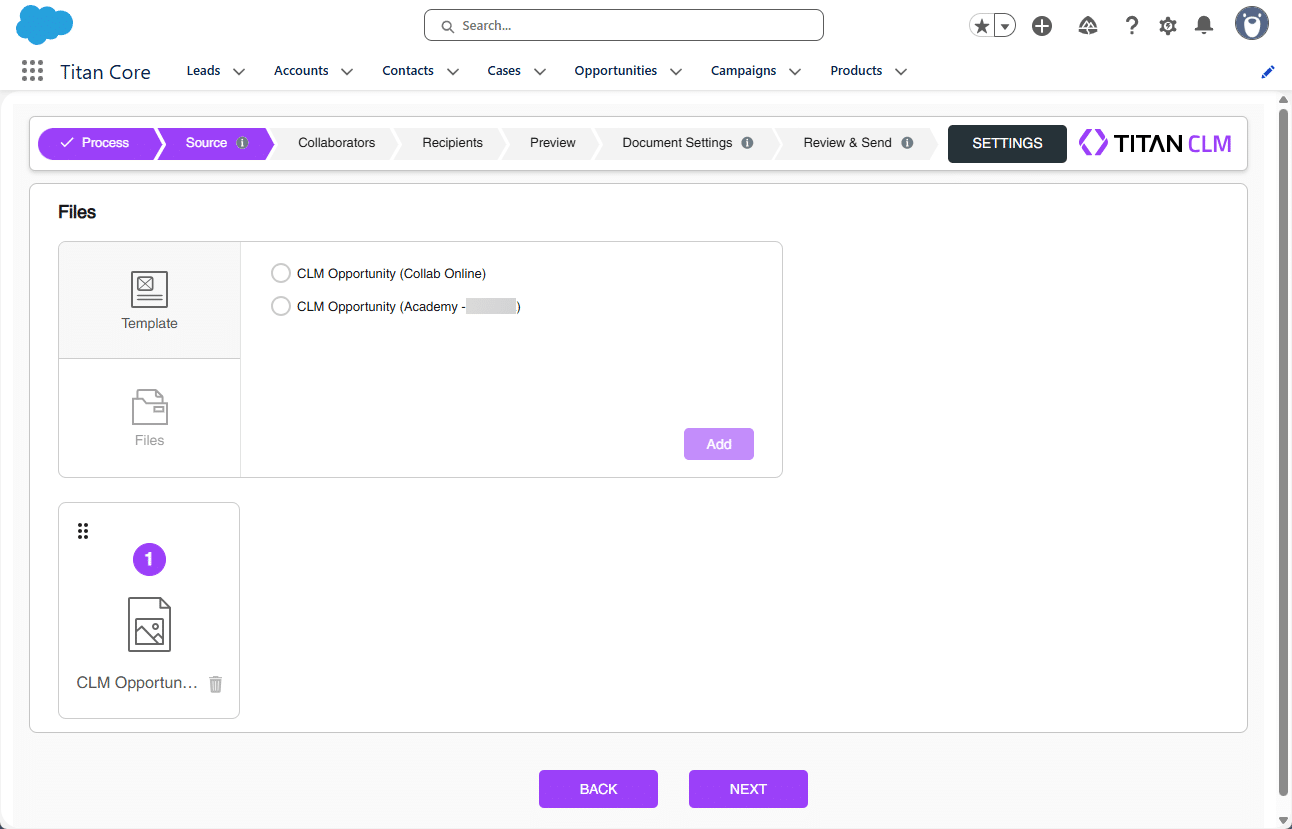
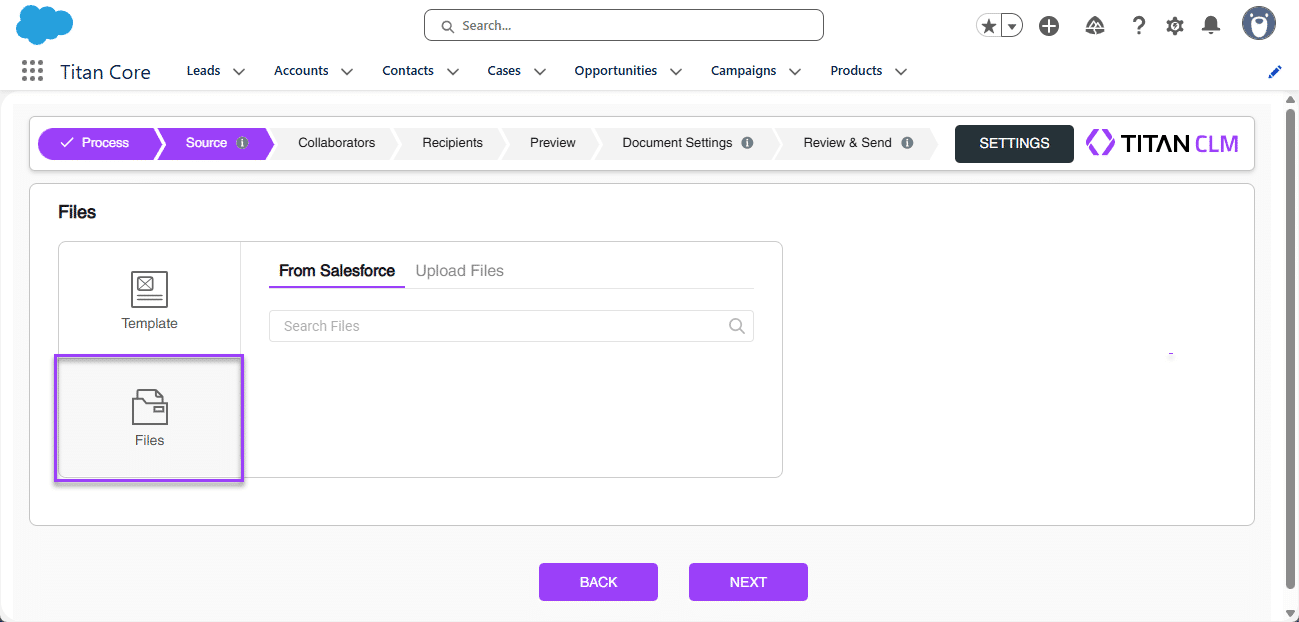
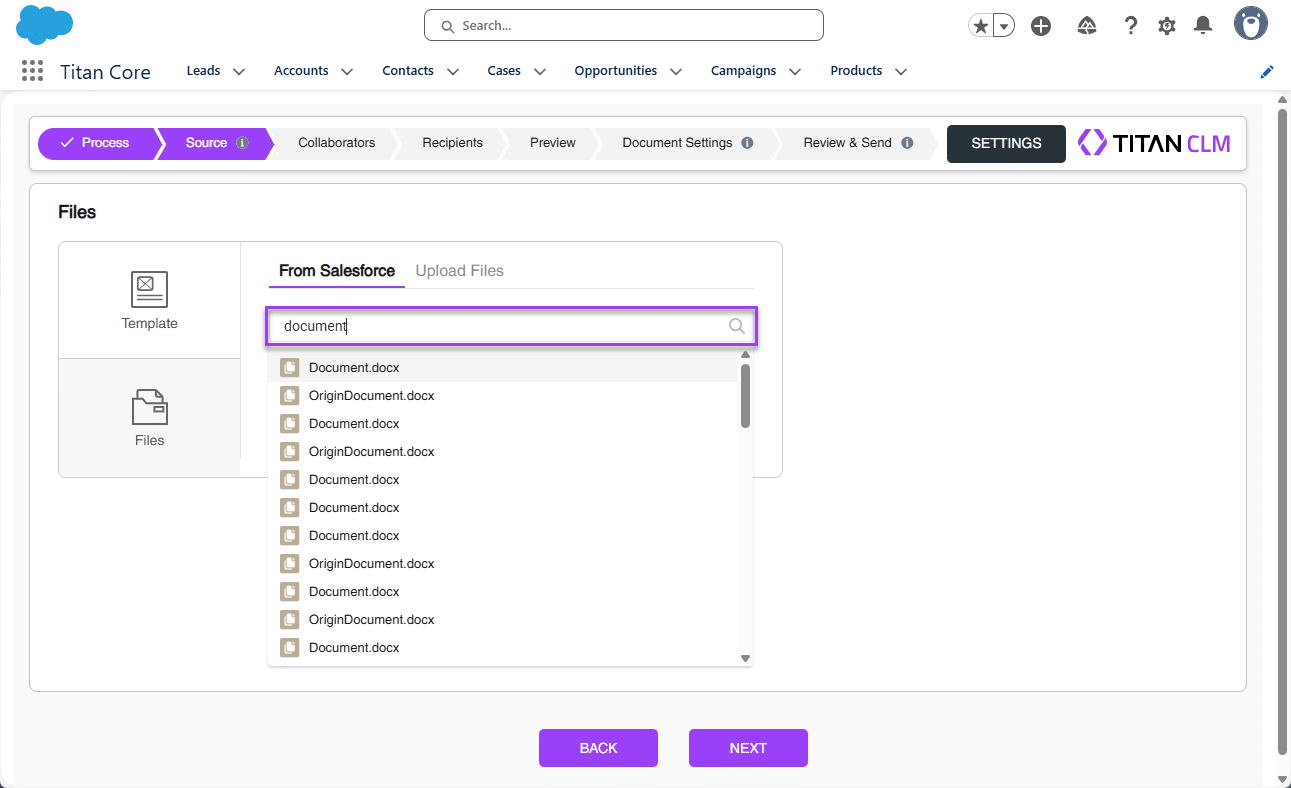
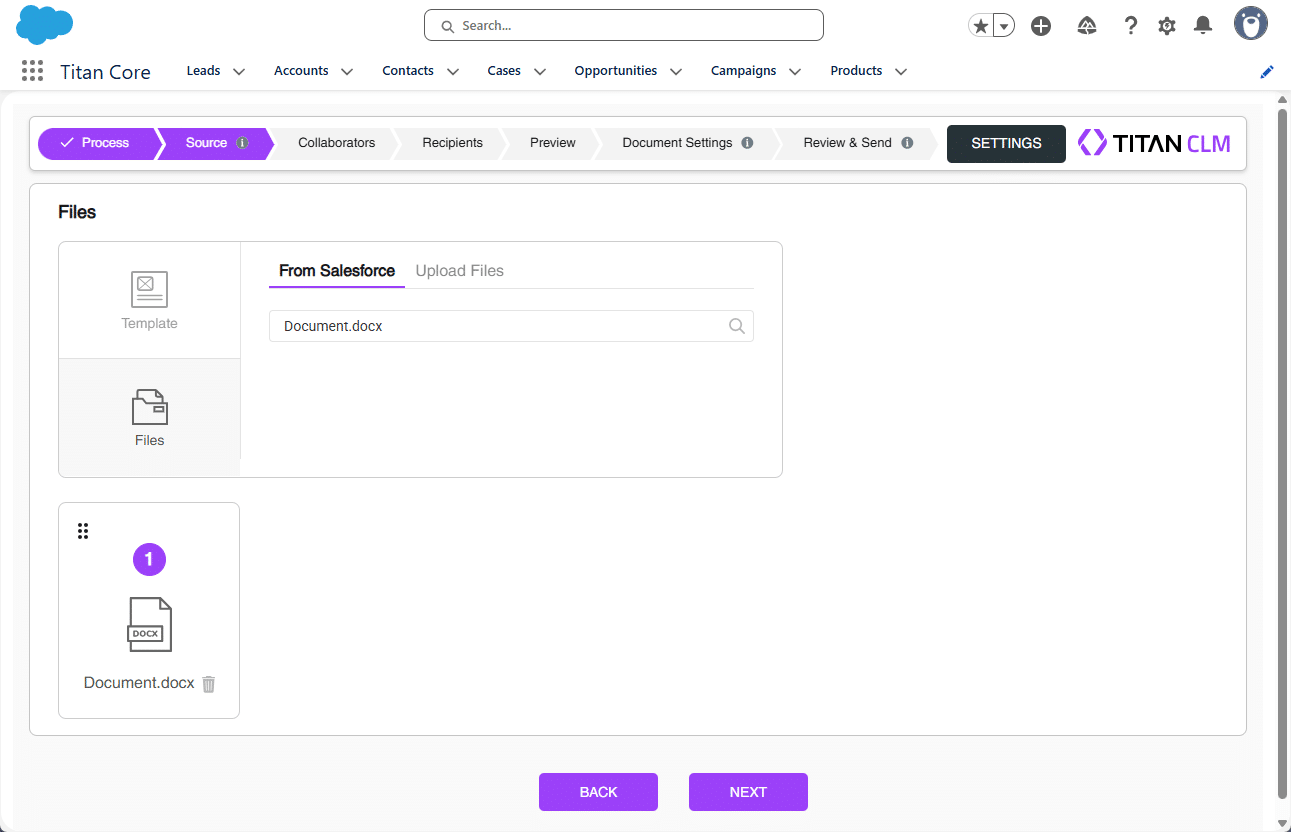
Use Titan CLM, our contract lifecycle tool tailored for Salesforce, to automate signing processes and speed up contract approvals. The CLM wizard lets you seamlessly add a source document using three different methods.
Note:
Prerequisite:
Make sure you have completed the Sign Project setup process before proceeding.
Note:
The settings made in the CLM Wizard override the settings made in the Titan CLM project.
The Titan CLM project is not affected by the CLM Wizard changes.
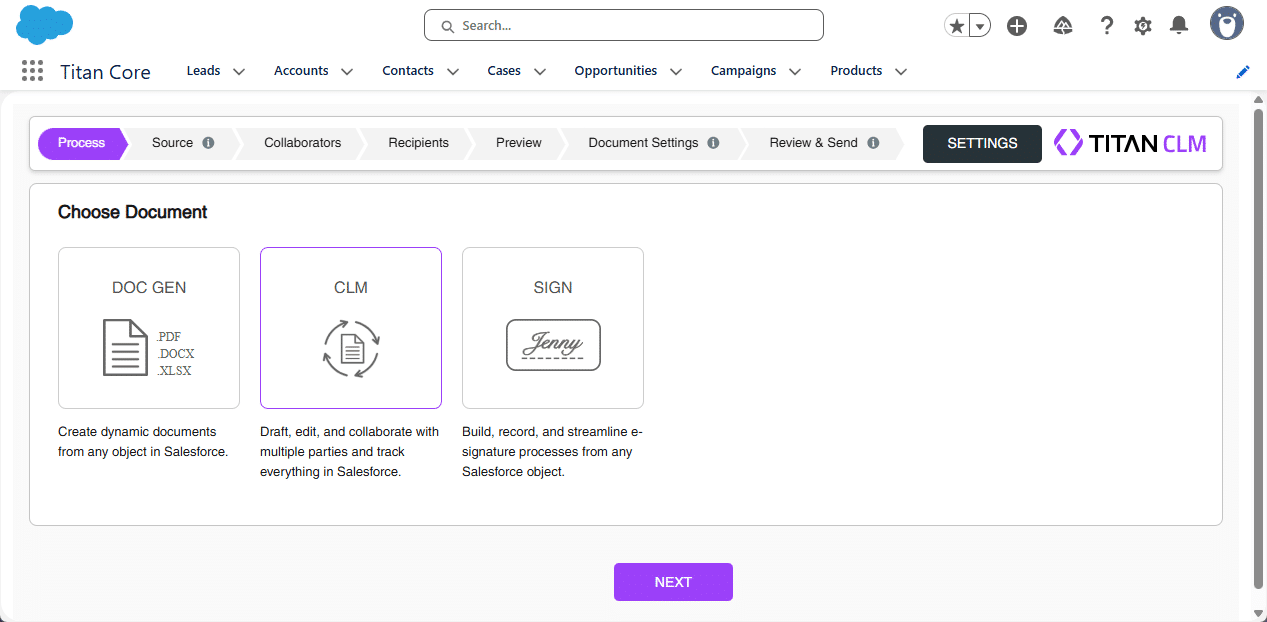
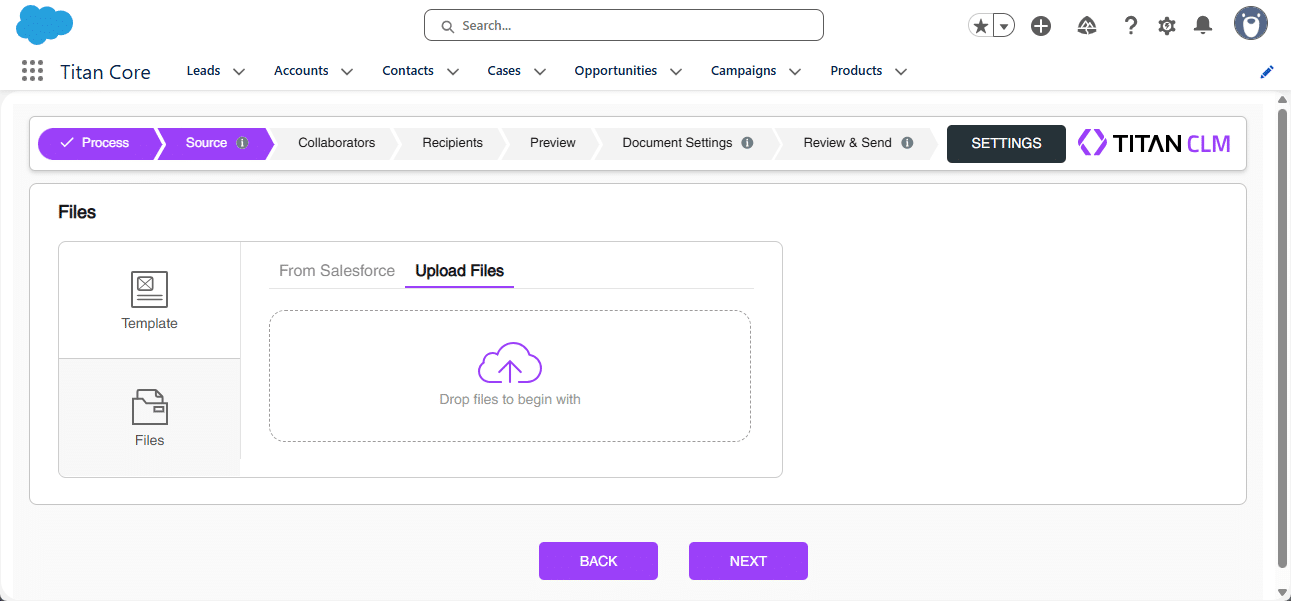
There are three methods you can use:
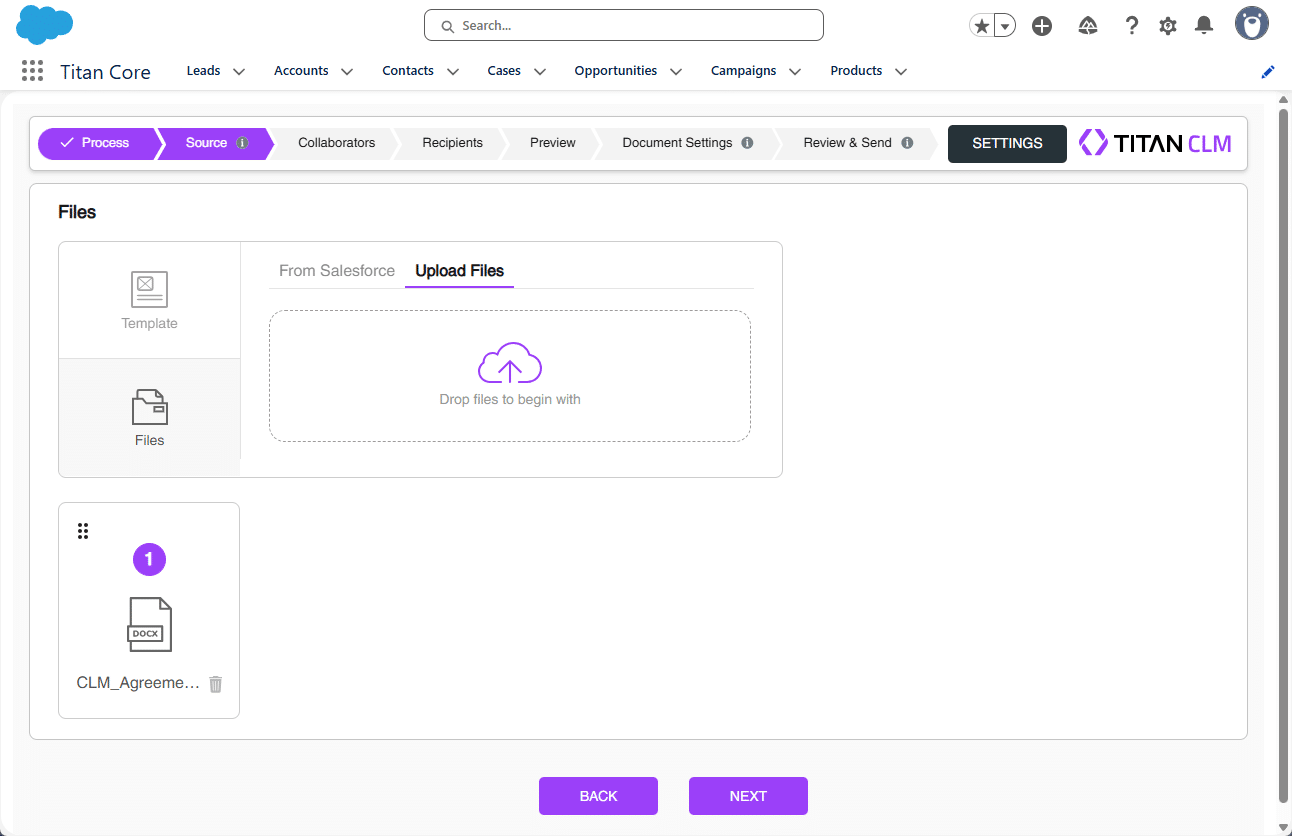
Only one file can be used in CLM.
Note:
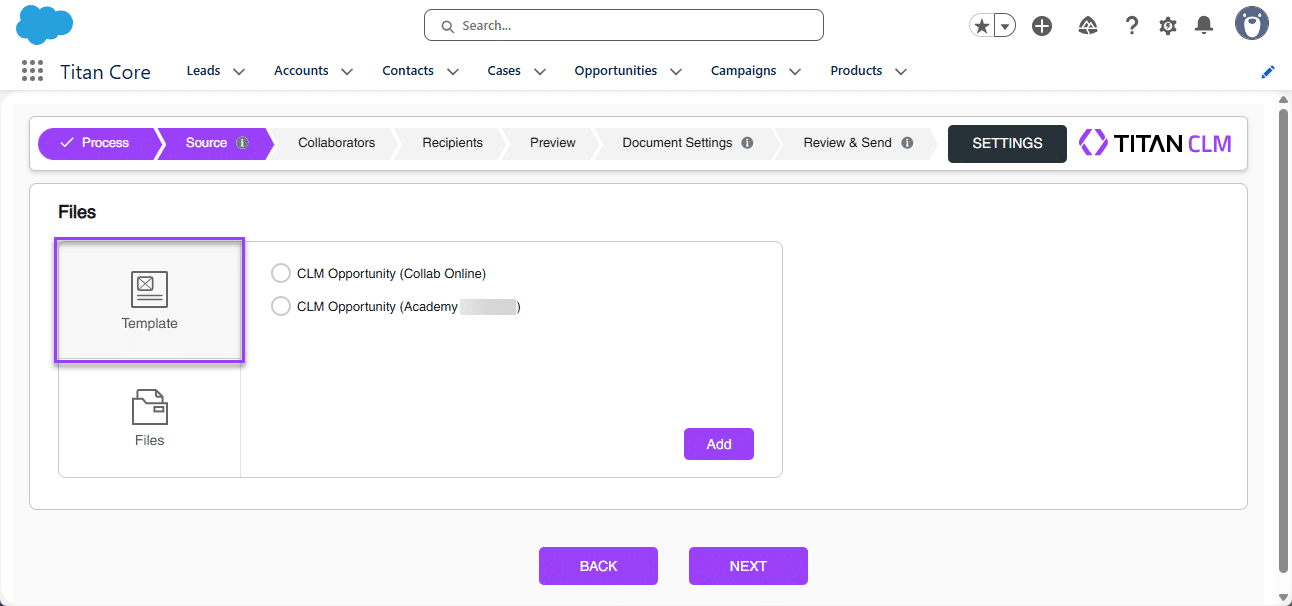
All the interactive fields, collaborators, signers, and project definitions that were added to the template using the Titan Word add-in are compatible with the wizard.
Note:
This is the default option.
Note:
Salesforce file is the default option.
Note:
Files with interactive fields are not supported, and you will see the following error: “Titan Document Template is not supported. Please reach out to your Titan admin for that.”