How can we help you?
Use the Titan add-in for Microsoft Word to create document templates with dynamic data from Salesforce or from a Titan project. Send documents to collaborators to comment or edit and/or be signed.
Titan lets you create templates and documents with dynamic data from Salesforce directly in Microsoft Word. Install the add-in in a few clicks with no code. You can start a sign or CLM process.
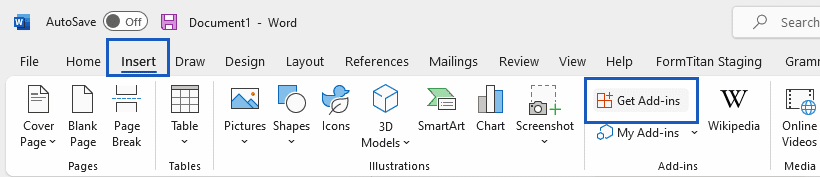
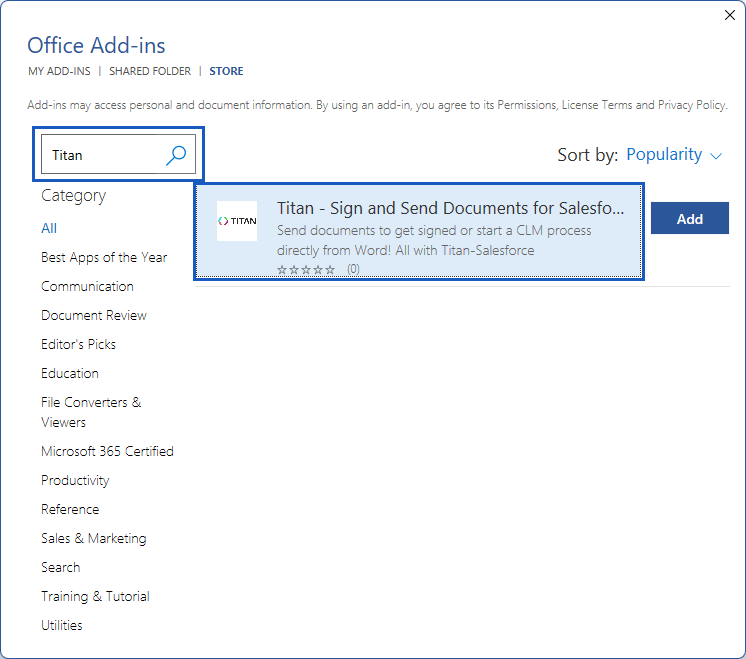
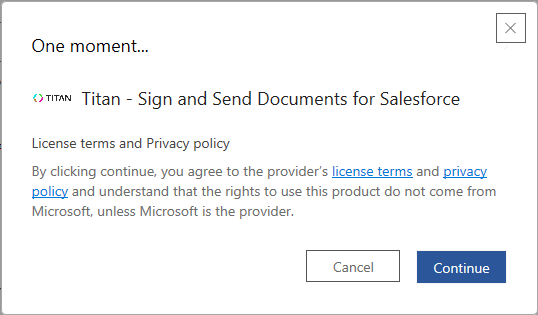


Note:
You must have a Titan username and password.

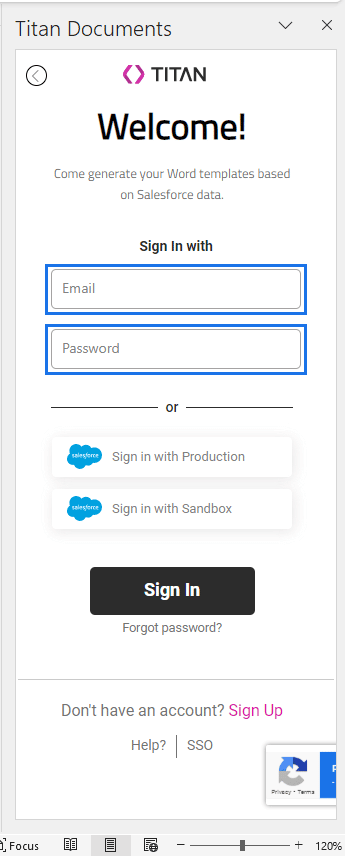
Note:
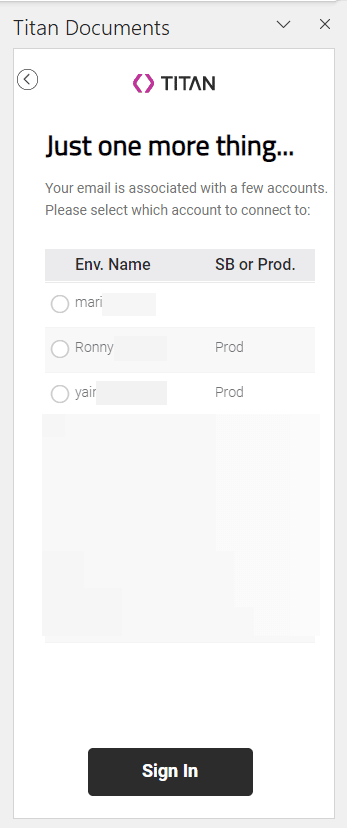
If your email is associated with a few accounts, please select the account by using a radio button and then select the Sign In button.
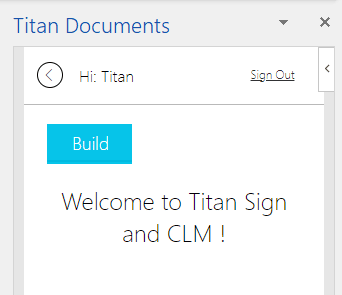
You are now signed in to the Titan Documents Word add-in.
You will also receive an email notification that your account was used to sign in. You don’t have to do anything unless you don’t recognize the activity.
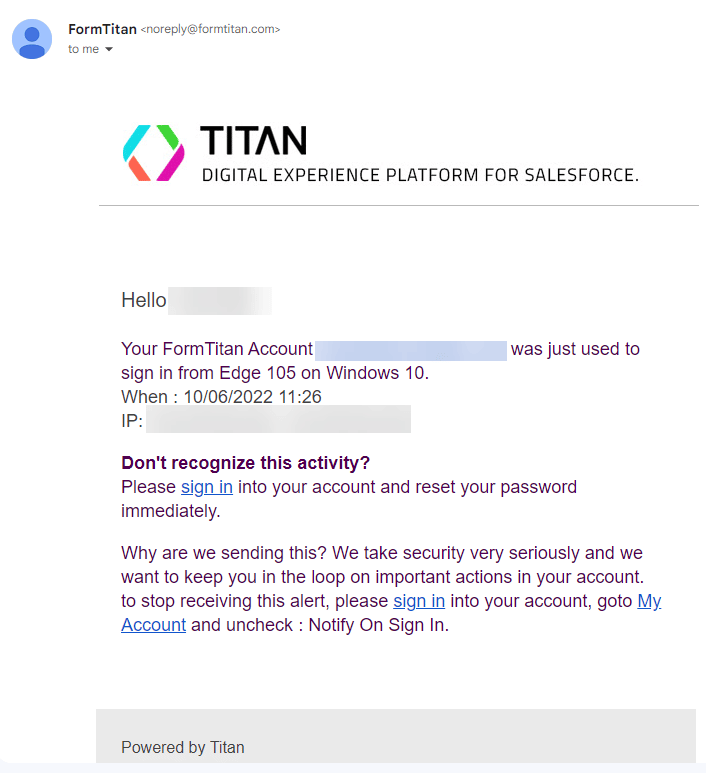
You can choose not to receive the notification emails:










