How can we help you?
Titan Docs adds the benefit of fields in web forms so that customer input and responses are synced directly to the document, enabling automated workflows for your business.
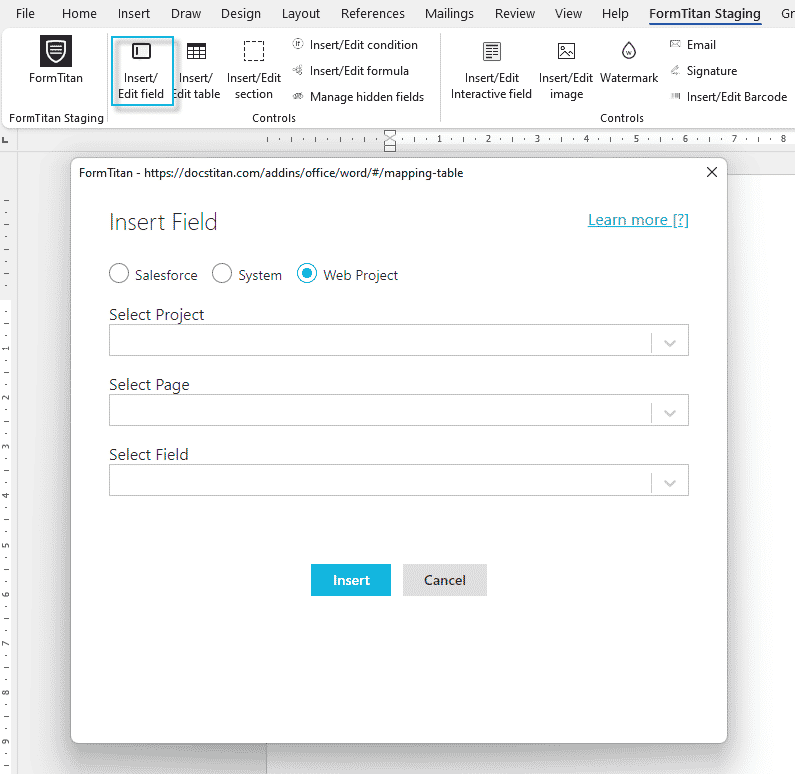
This feature lets you bring fields from a Web project directly to the document template without saving those fields in Salesforce. The fields may have been filled out by a customer in the Web project and are saved in the document.
Note:
Prerequisite:
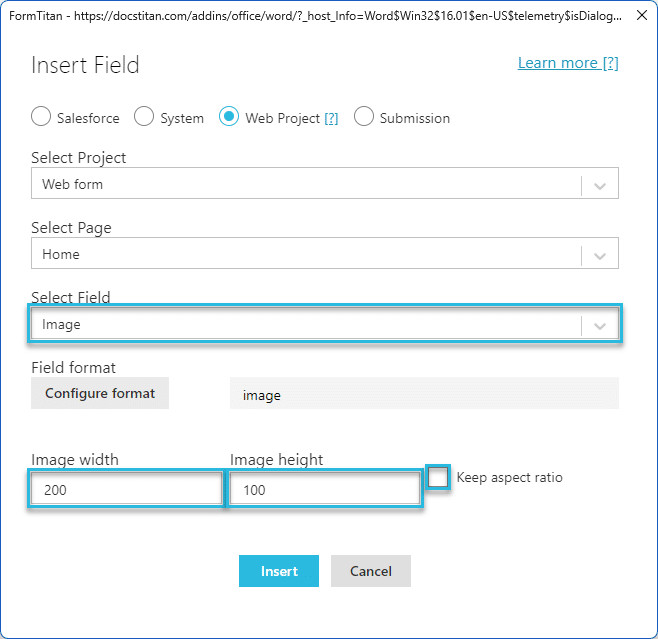
You must have a Titan Web project with the necessary fields. In this example, a form element with a name, email, phone number and image elements were added.



Note:
The following Confirmation message is shown. As none of the data is coming from Salesforce, you can click the Yes button to publish the document without a Record ID.

You must add a variable in Titan Web to do this.
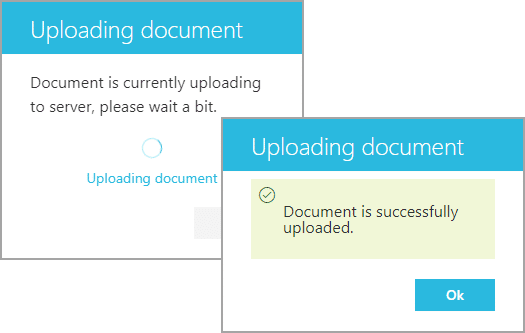




When the information is added to the Web form and the Document generation button is clicked …

… the document is populated with the Web project fields and is then downloaded.

Learn more about document generation.









