How can we help you?
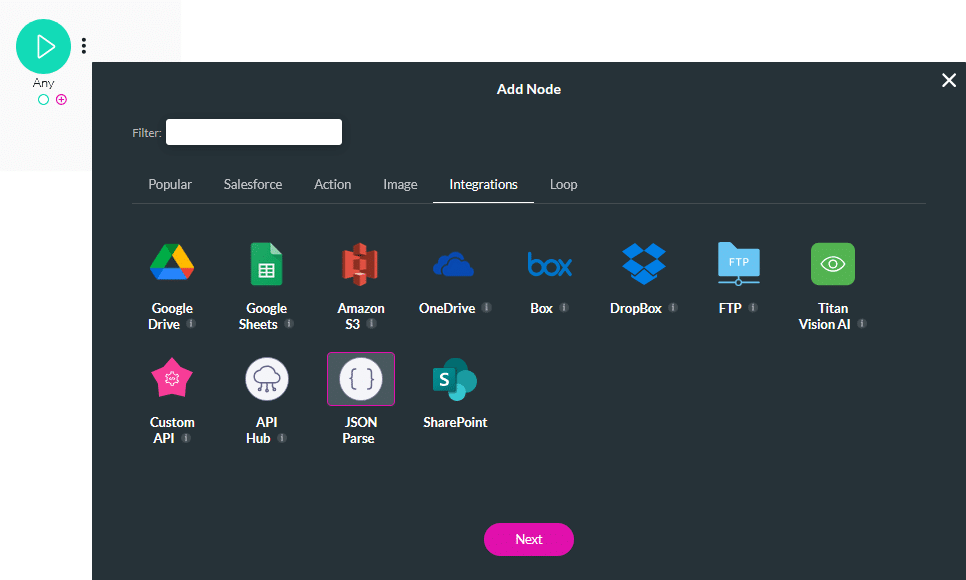
The JSON Parse node converts a JSON string stored inside a single property into a structured JSON object that can be used throughout your Flow. This applies when the response contains JSON as a string value, rather than a native JSON object.
External systems often return JSON as a single text string. This string cannot be used directly in a Flow. The JSON Parse node converts the text into a structured JSON object that can be mapped to variables and routed through Flow logic.
Titan’s JSON Parse node reads a JSON string from a variable and generates a JSON tree. Each field in the tree can be assigned to a static variable. Nested JSON is processed automatically, so all levels of the structure can be used in your Flow.
Follow the steps below to configure the JSON Parse node.

Why the Generate button may be disabled:
The Generate button is only enabled after a JSON variable has been selected. If no variable is specified, Titan cannot build the JSON tree.
Once the JSON tree is generated:


Note:
The JSON Parse node supports:
Use these exits for routing or fallback handling.
Your parsed fields can now be used in:









