How can we help you?
Dynamically redirect your email survey taker to your website, or perhaps, another important website that suits your business needs.
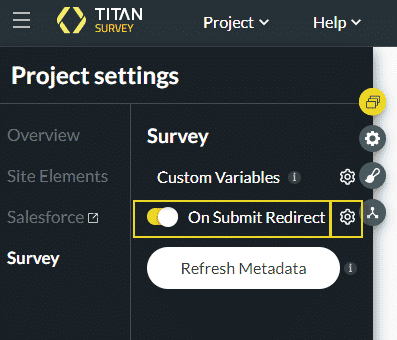
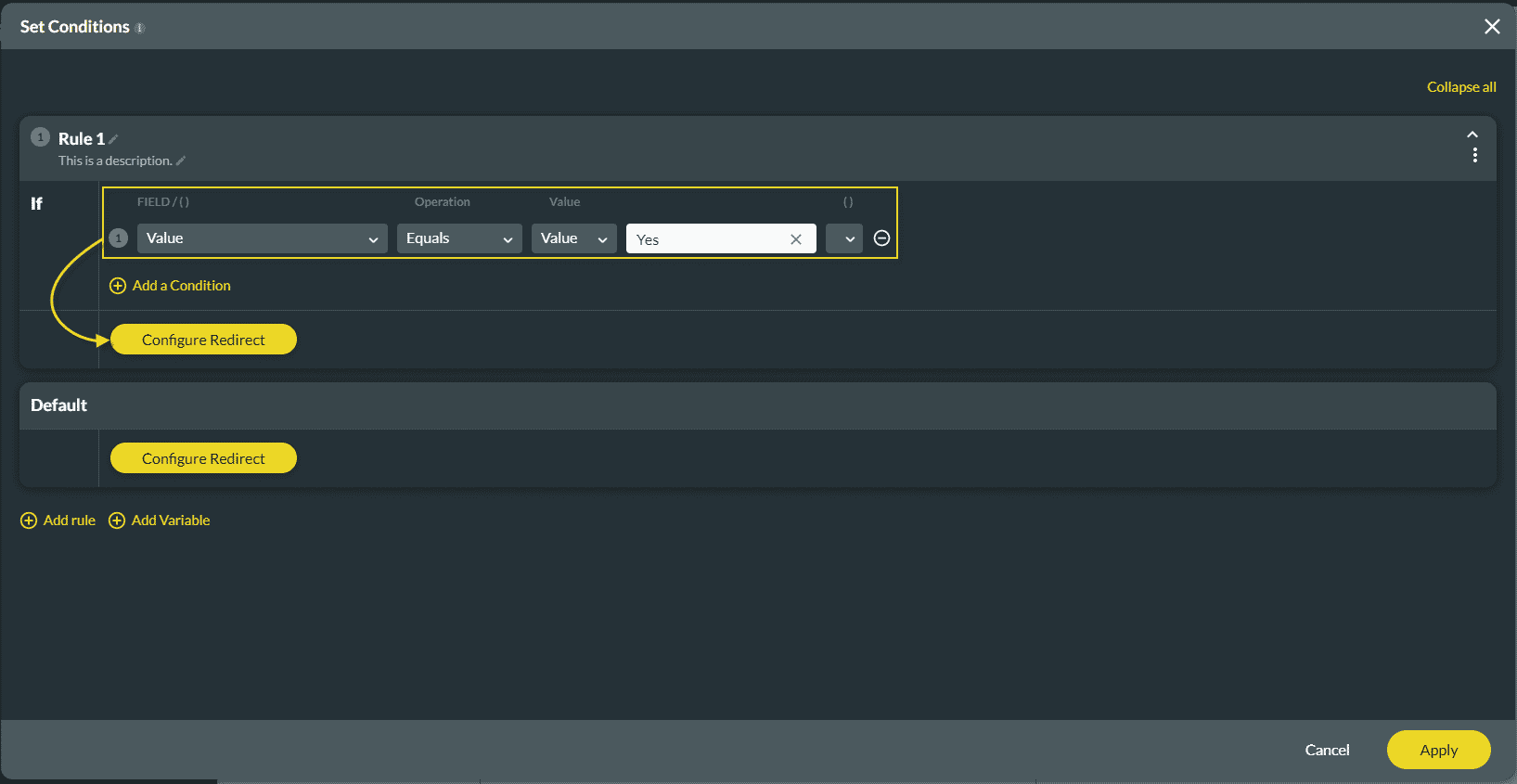
We added Survey options under the Project settings. You can configure an action that will happen after the survey is completed (a redirect action).
Note:
Make sure that you have added a question to the email survey.
Open the Project settings by clicking on the Gear icon on the Email Survey.



Note:
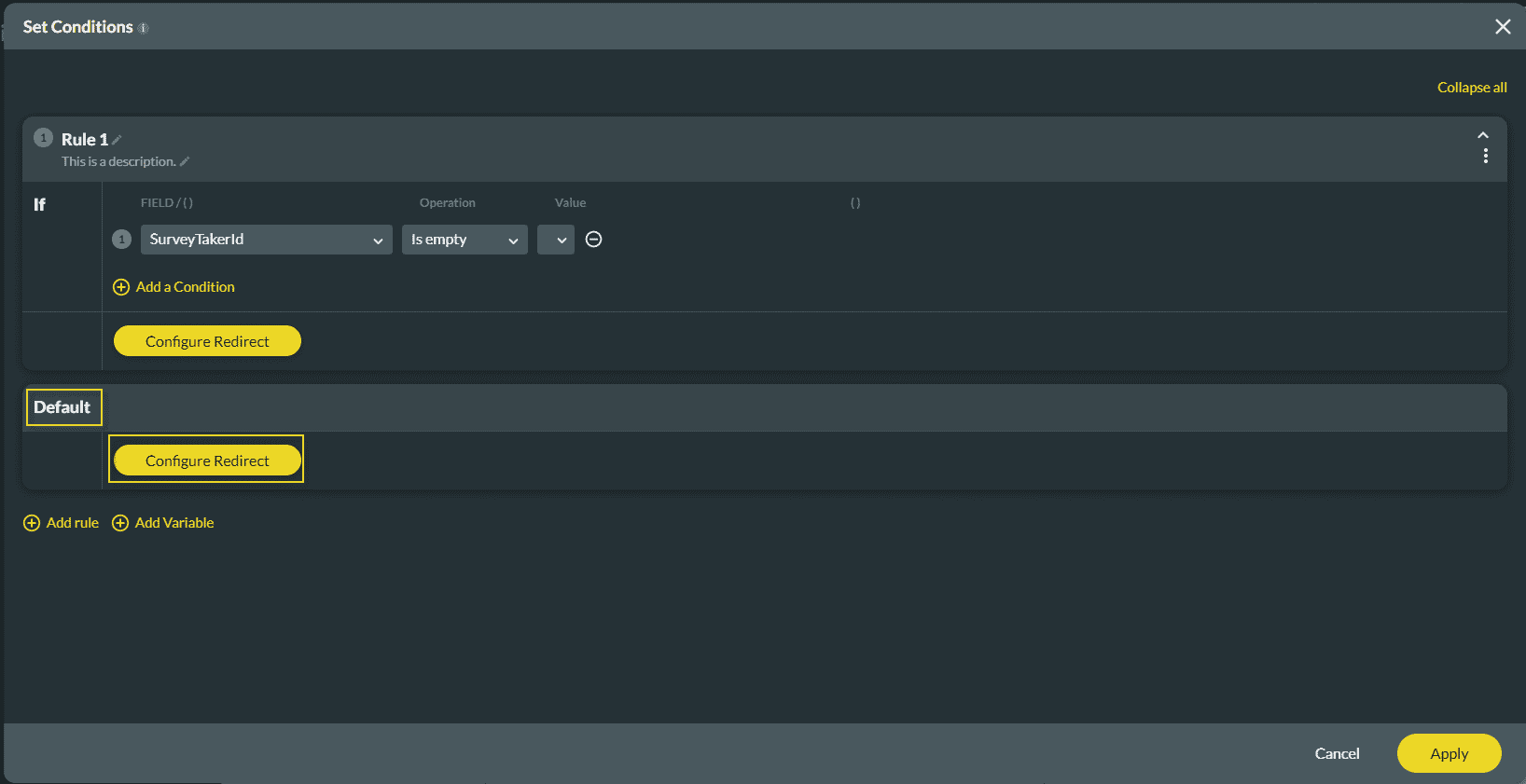
Setting parameters for the redirect is optional.

Note:
When a redirect action has been configured, the Finish Slide will no longer we visible on the survey.










