How can we help you?
Make sure that people with disabilities can perceive, understand, navigate, and interact effectively with your websites. This includes individuals with visual, auditory, physical, speech, cognitive, neurological, and other disabilities.
Why is Accessibility Important?
Titan has implemented and constantly improves accessibility on all Titan products. This includes providing text alternatives for non-text content (like images), making sure content can be presented in different ways (such as by assistive technologies like screen readers), and using distinguishable colors and contrast ratios.
Users can interact with all controls and interactive elements using various input methods, such as keyboard, mouse, or touch.
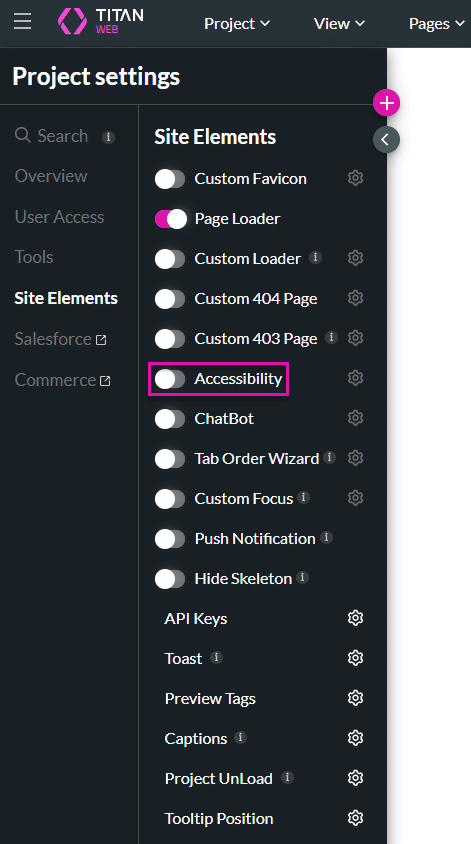
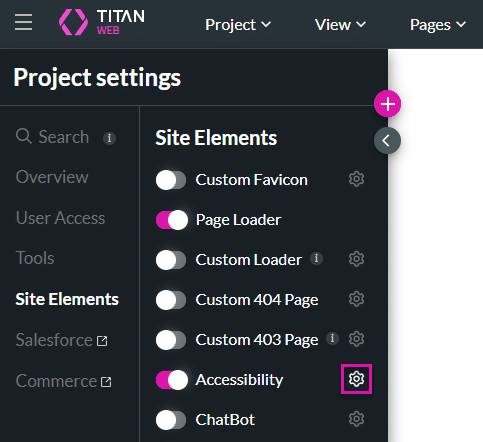
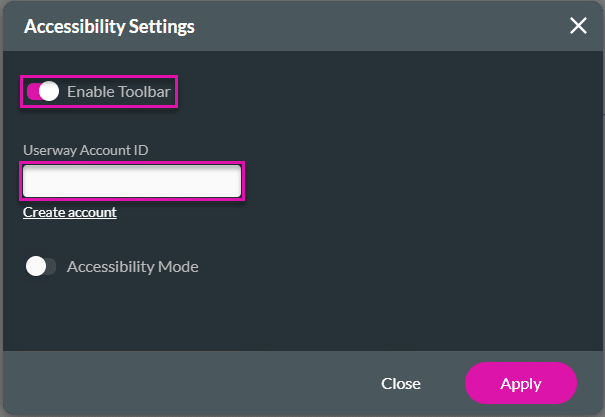

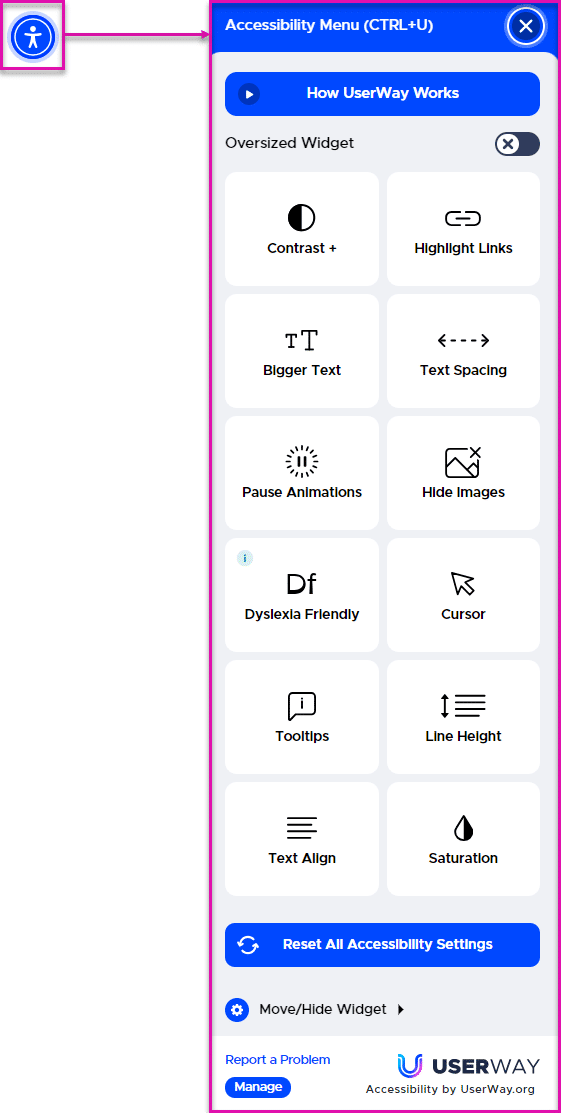
When the Toolbar is enabled, an Accessibility icon is added to the web project. When a user clicks the icon, the Accessibility Menu opens, and the user can select the relevant options.
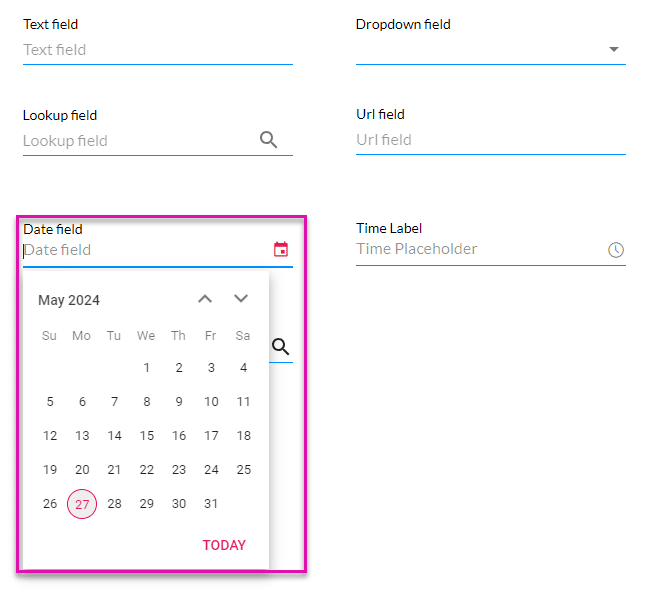
When Accessibility mode is disabled, the date field looks as follows:
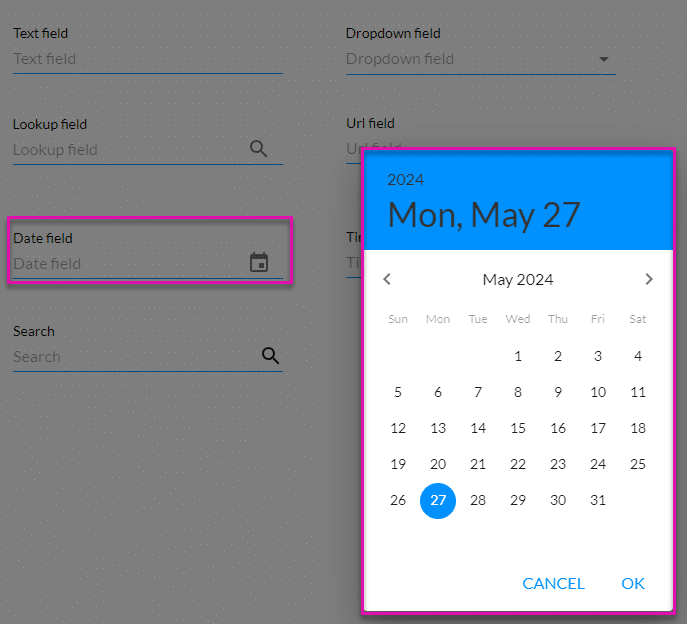
However, when Accessibility mode is enabled, modals are no longer used to display the information, and the user can use the arrows on the keyboard to select a date: