How can we help you?
Customize the fonts on your Titan projects to help establish a unique brand identity. Well-designed custom fonts can improve readability and user experience. Fonts can be optimized for different screen sizes and resolutions, ensuring they look good on any device, from mobile phones to large displays.
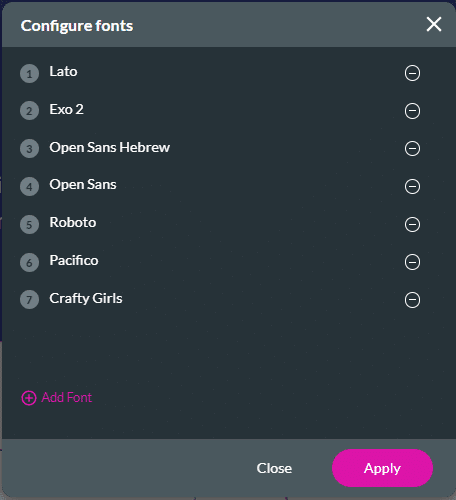
Titan picks up every font you use and lists it on the configuration font screen. Every font used is saved automatically.
You can add predefined or custom fonts.
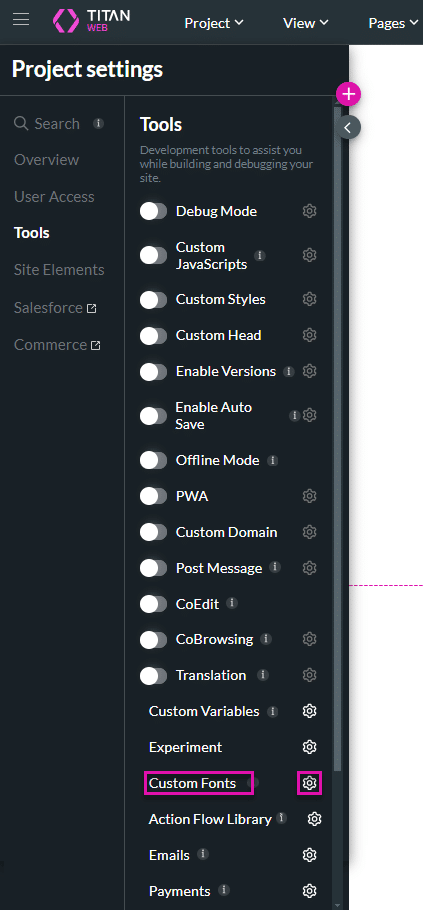
Do the following to add a Predefined font. This is the default option.


Note:
Prerequisite:
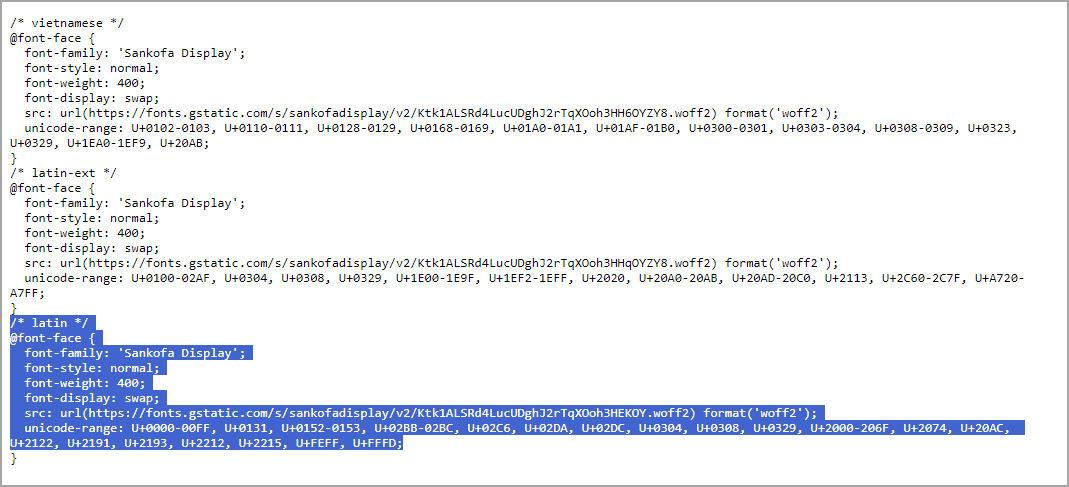
Get a custom font. You can find a wide range of free and paid custom fonts from various sources online, such as:
Important Considerations:
Do the following to add a Custom Font.
In this example, a Google custom font is used.