How can we help you?
Titan lets you temporarily save information as a draft. You can review this content before saving the submission to Salesforce.
You may want to delete a submission, that is the submission record and the JSON submission file in Salesforce. You can delete the submission and free up storage space in Salesforce.
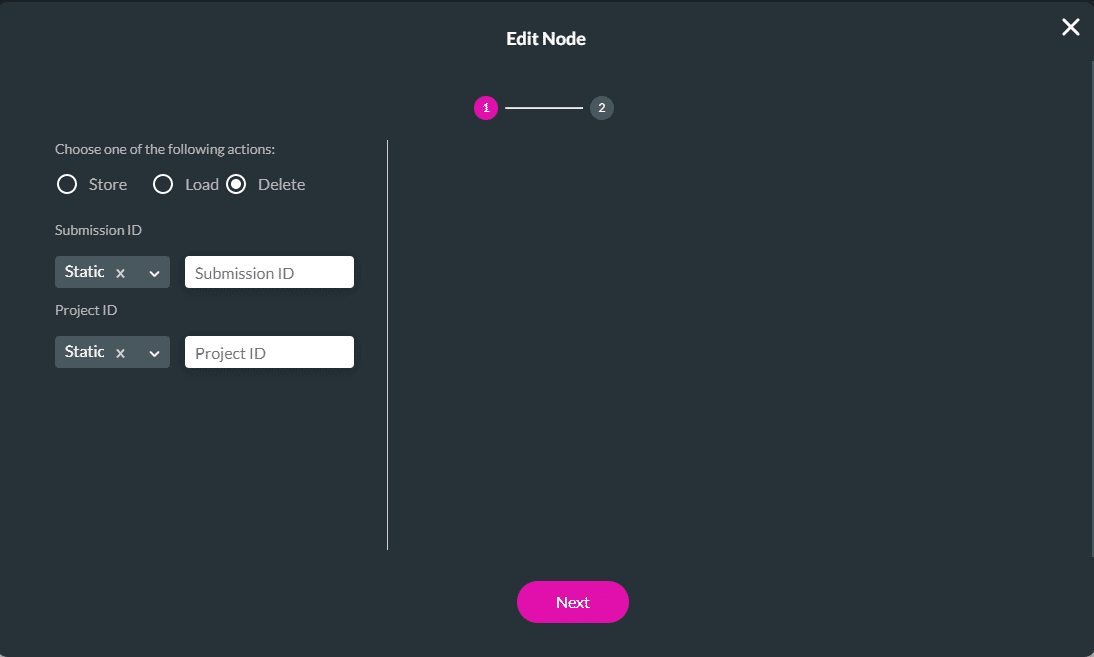
Titan lets you delete the temporarily saved information by providing the submissions and project IDs, and the content version that were created in Create and Store Submissions.
Delete a submission that was saved in your Salesforce under the Titan-managed package submission object. The submission record and the JSON submission file in Salesforce will be deleted.
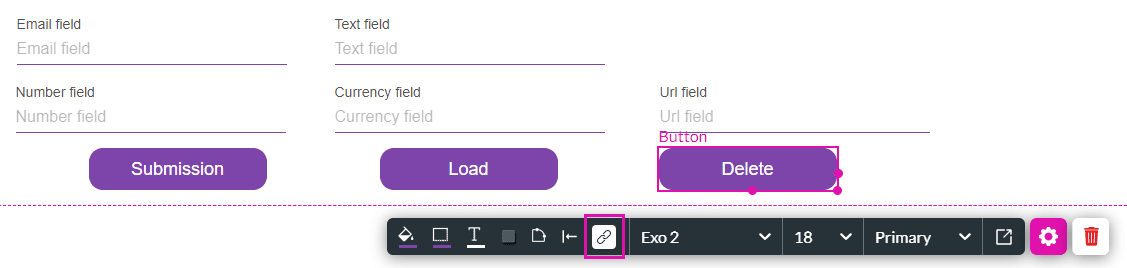
In this example, we have a form that a customer can complete and a Submission button that will save the form to a draft (a submission) in Salesforce without creating an object.
The user can delete the submission by selecting the Delete button in this example.

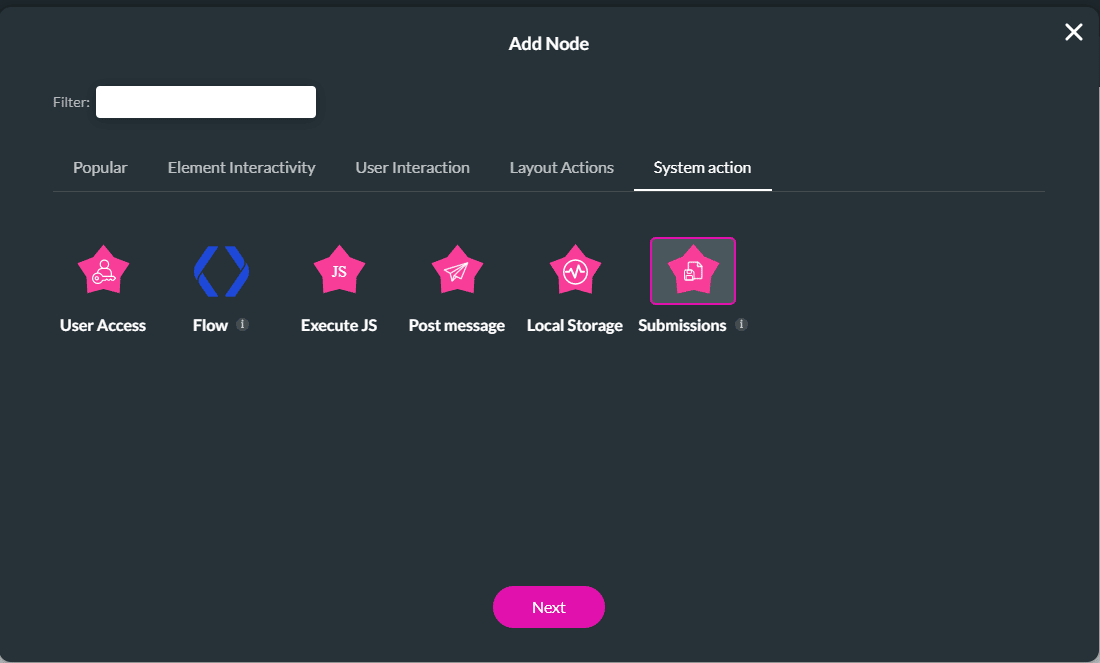
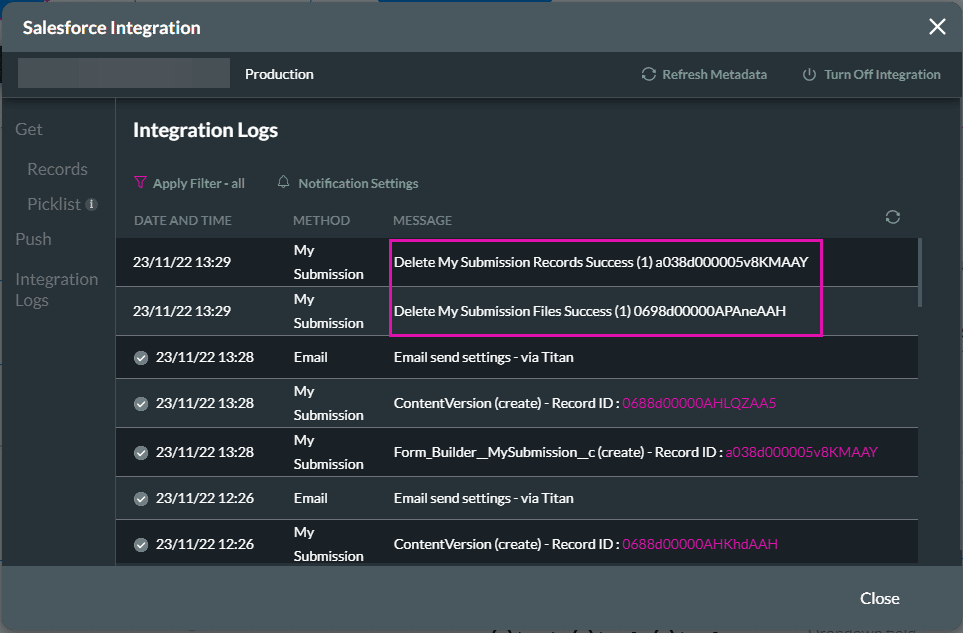
The submission record and the JSON submission file in Salesforce are deleted when the user selects the Delete button.
Path:
Project Settings > Salesforce > Integration Logs