How can we help you?
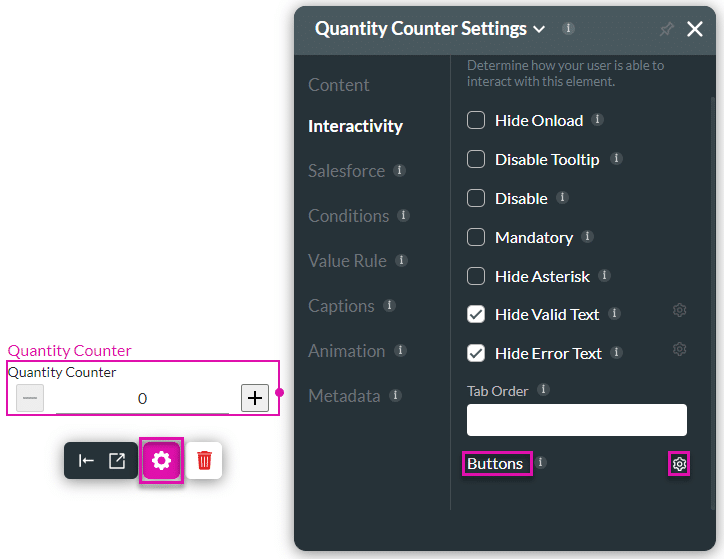
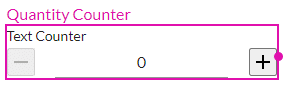
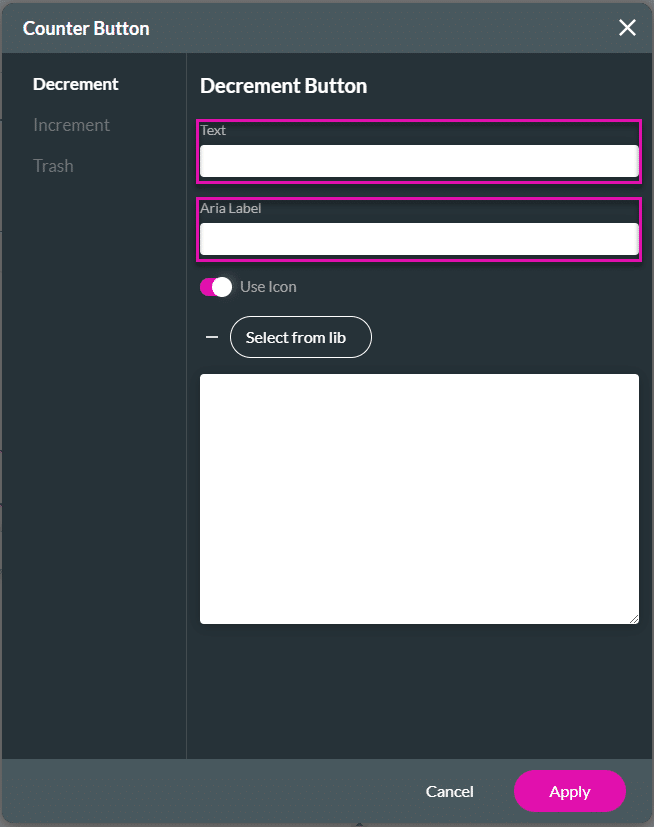
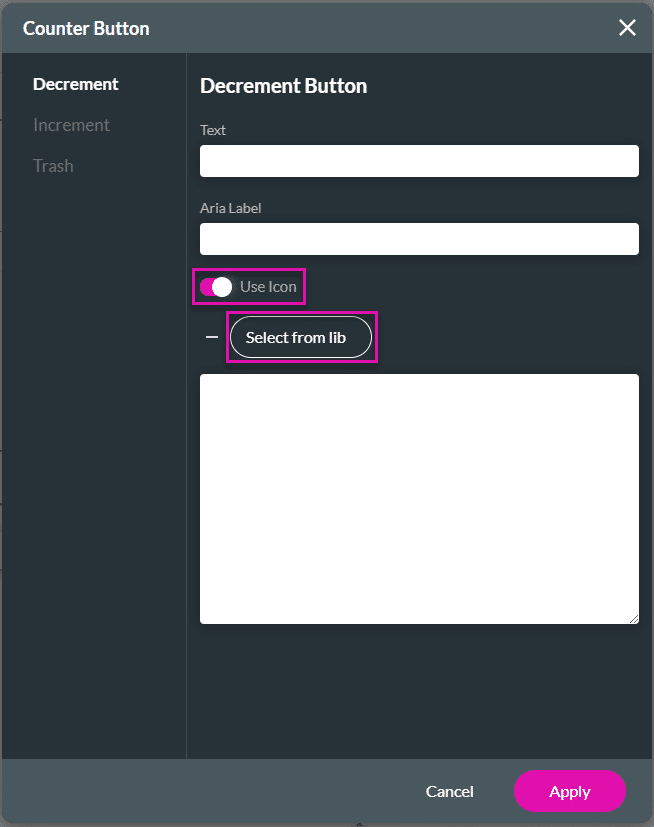
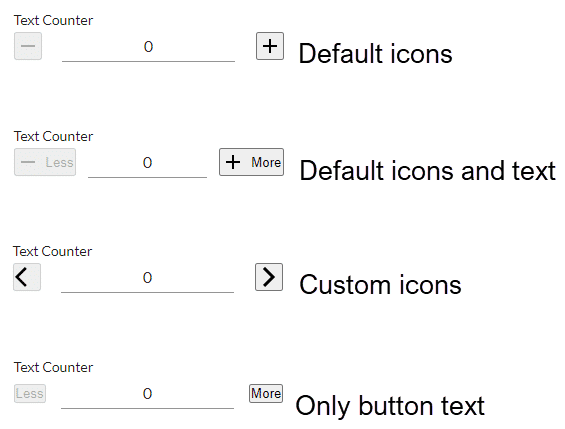
The Buttons option is available for the Quantity Counter element. You can configure the counters as buttons and/or icons.
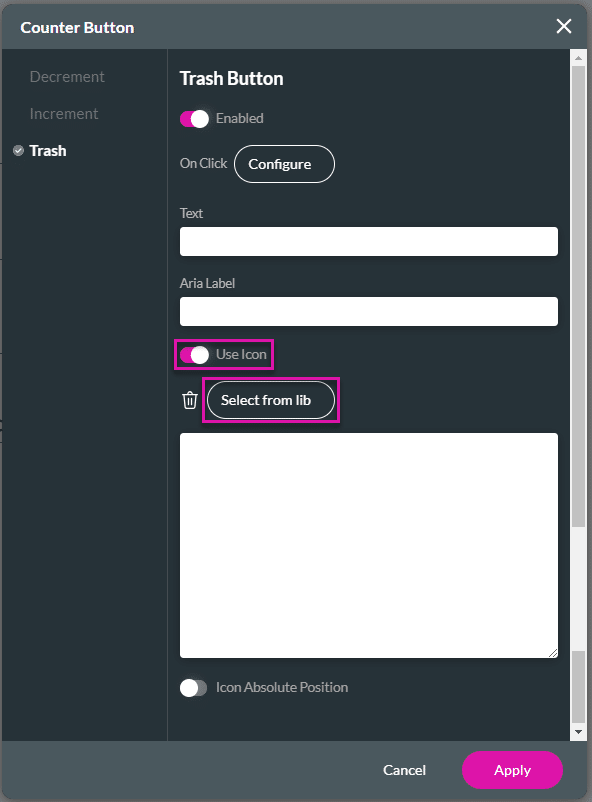
You can add a Trash button with on-click actions.
Note:
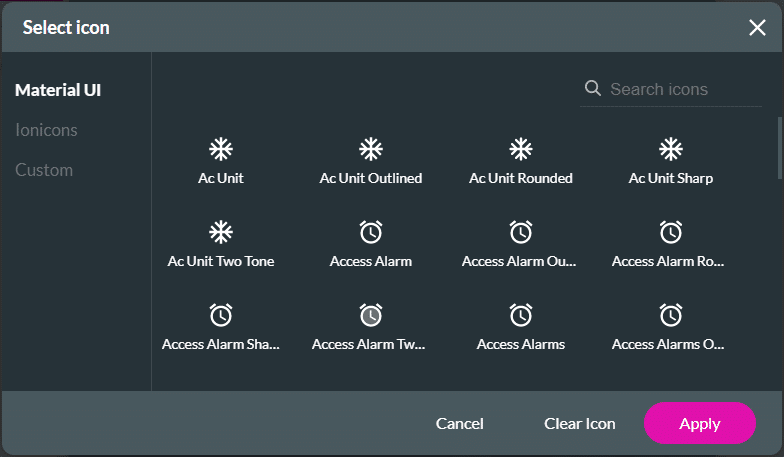
The – and + icons are default. You can change these to any icon you need.
Note:
You can add text with the default icons.
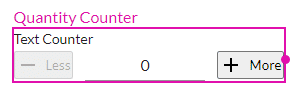

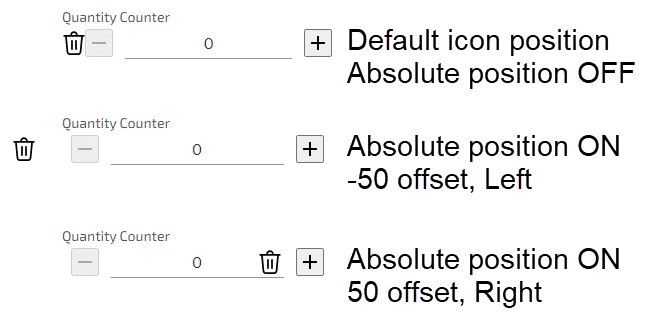
The following are examples:


Note:
Build a process that will be triggered upon clicking on the element.
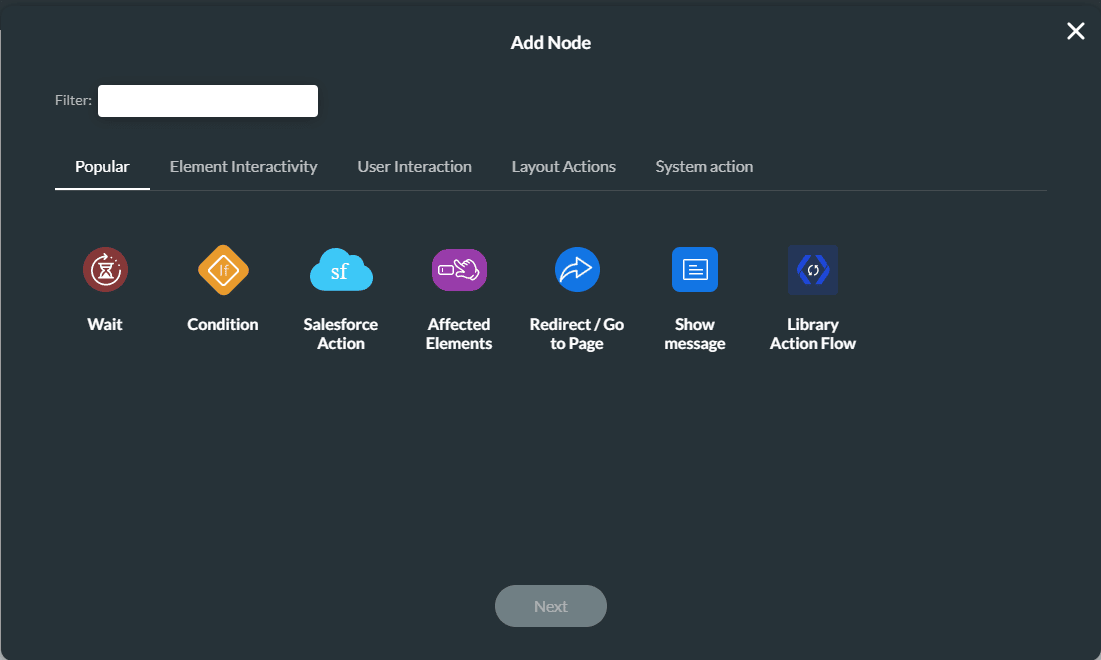
You have different options on the Add Node screen, for instance, Salesforce Action, Document Generation, Send Emails, Redirect/Go to Page, Show messages, and more.
You can configure an Affected Elements action to reset the value of the quantity counter.