How can we help you?
Use Configure Salesforce Integrations to link your input fields to Salesforce data, this syncs the data to update/retrieve Salesforce records directly.
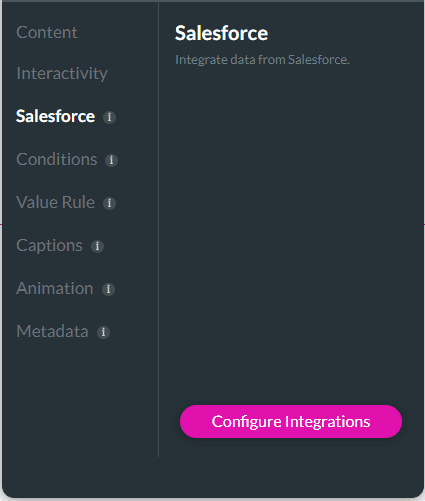

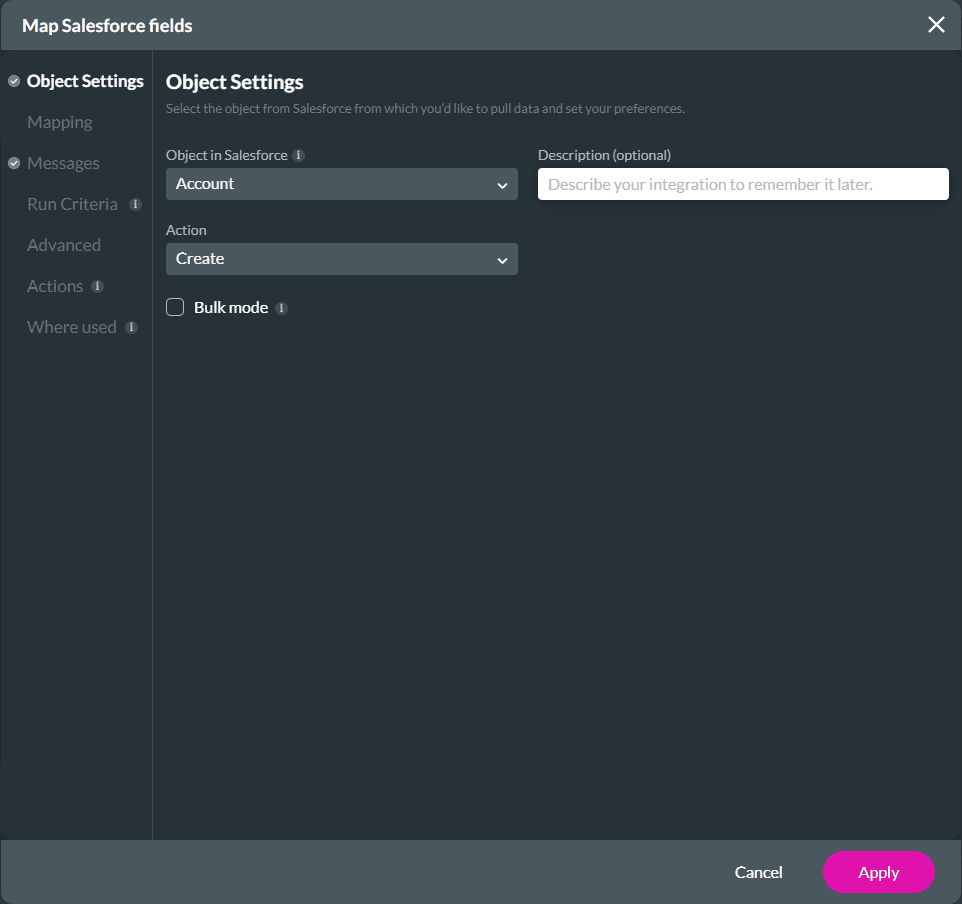
The Push will show on the Salesforce Integrations screen.

Note:
Please note that conditions are not cloned.

The cloned integration is added underneath the Push integrations with an incremental number.

The Push integration that is cloned as a Get is added to the Get integrations list.


Note:
Please note that conditions are not cloned.

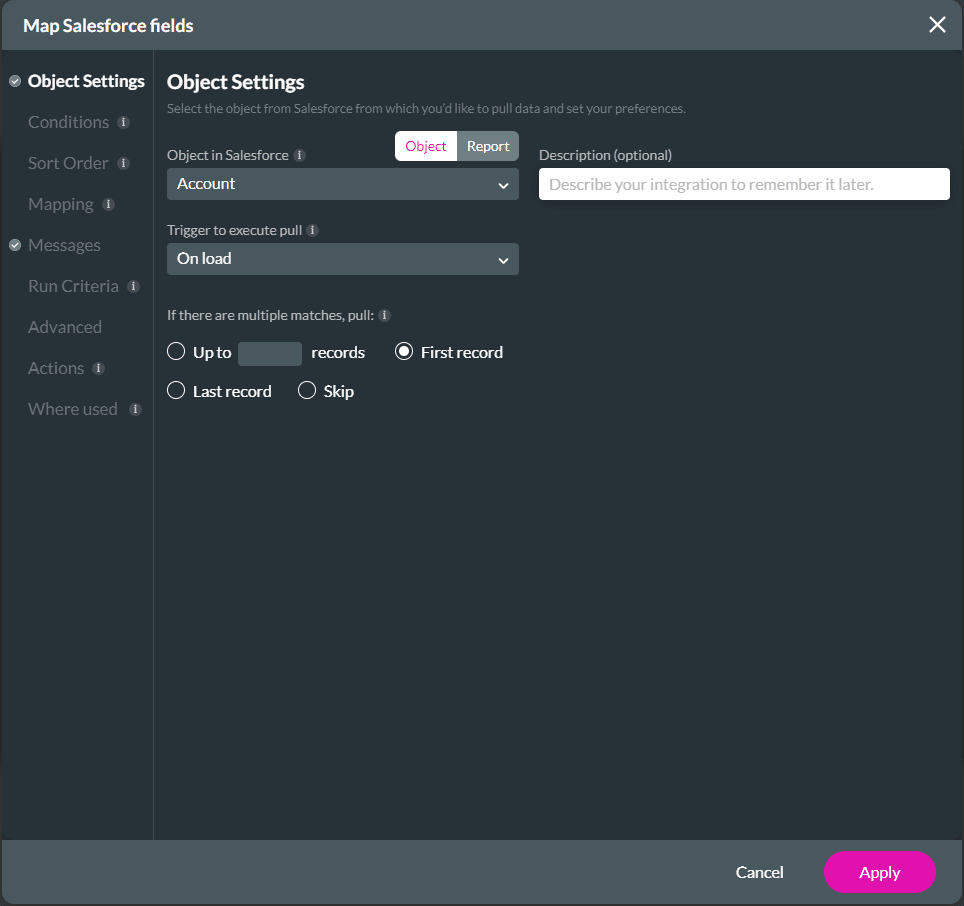
The cloned integration is added underneath the Get integrations with an incremental number.

The Get integration that is cloned as a Push is added to the Push integrations list.

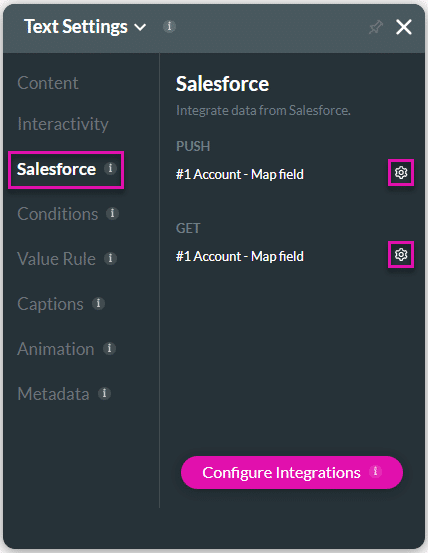
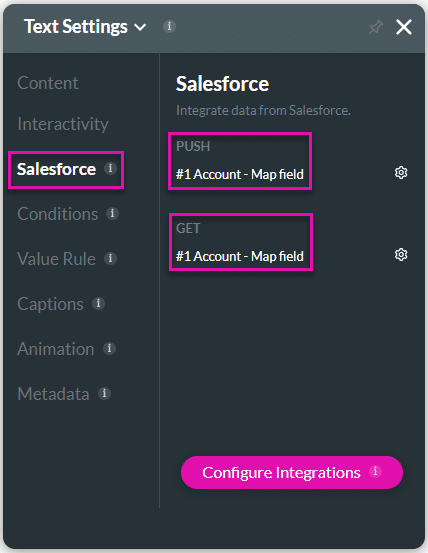
The created Get and Push will show under the Salesforce option on the Settings screen of an element.
Note:
Use the Push or Get Gear icon as a shortcut to edit mapping.