How can we help you?
You can add and style scrollbars in multiple elements within Titan, such as Repeat Auto Fit, Scroll, Stepper containers, and more!

| # | Option | Function |
|---|---|---|
| 1 | Scroll Area Size | The scroll area is that part of the element that will be visible and that will show the scrollbar. |
| 2 | Horizontal Scroll Size | This option enables you to set the size of the horizontal scrollbar in pixels. |
| 3 | Vertical Scroll Size | Use the Vertical Scroll Size option to set the size of the vertical scrollbar in pixels. |
| 4 | Track Color | Choose a color for the background of your scrollbar with the Track Color setting.
The color can be set by selecting from a color palette or by providing a HEX color code. |
| 5 | Thumb Color | The Thumb Color setting can be used to change the color of the thumb/scrollbox in the scrollbar.
The color can be set by selecting from a color palette or by providing a HEX color code. |
Let’s look at one of the many ways you can style a scrollbar. Alternatively, contact us today if you have a specific business use case in mind.
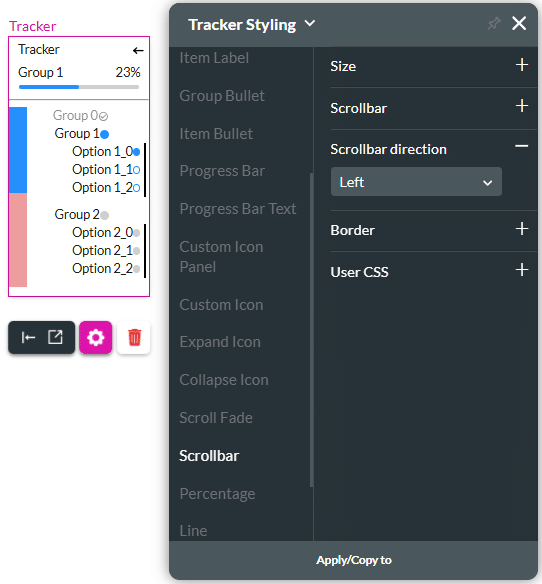
The example below shows a tracker widget that will require a scrollbar to view all the content.