How can we help you?
Control what happens after a user logged out of your project.
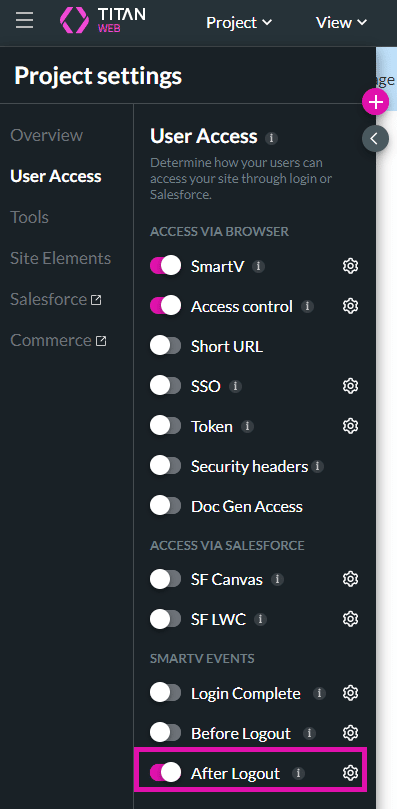
Titan lets you configure events that will occur after a user logged out of your project.
Note:
Prerequisite:
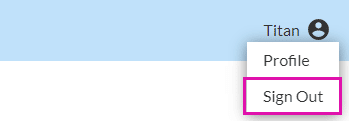
Add a header to the project. A standard Sign Out button is added to the header by default:

Note:
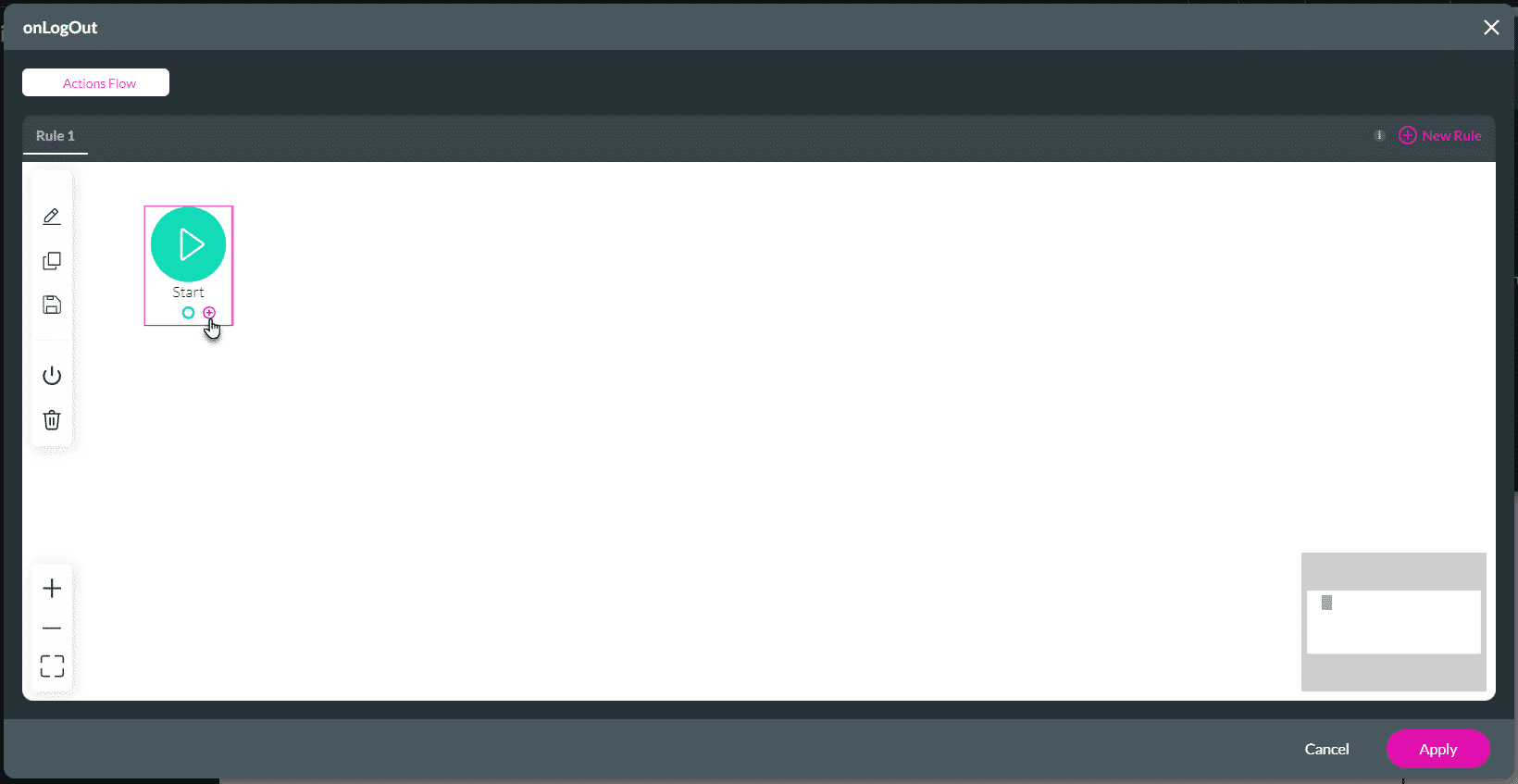
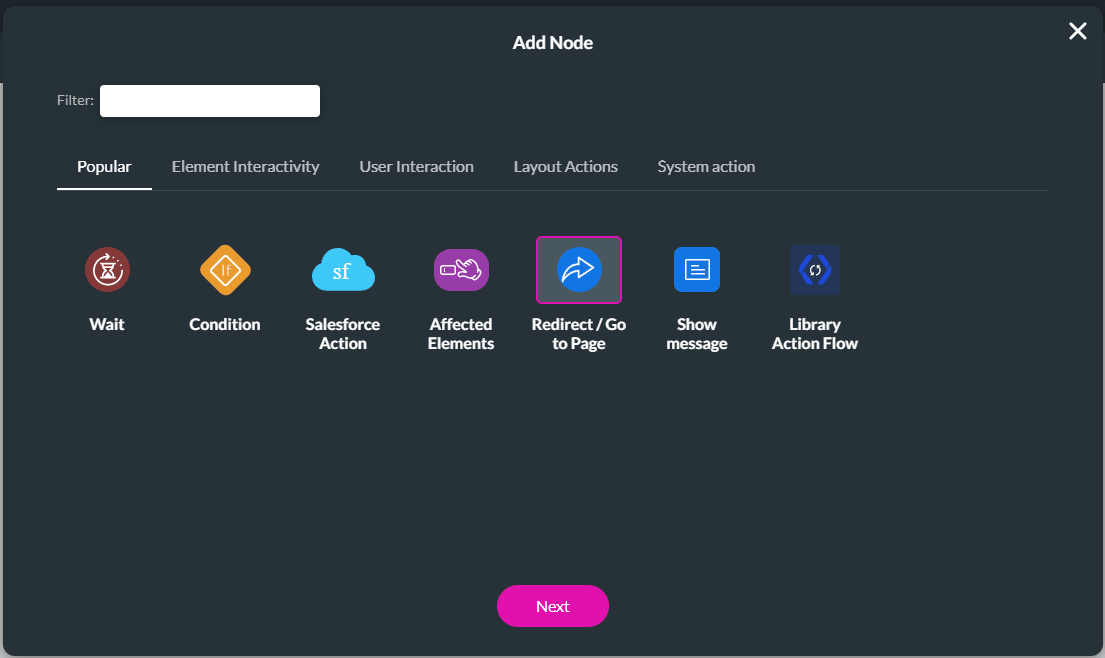
In this example, Redirect/Go to Page will be used. You can add any nodes.
Note:
Make sure that you add https:// as part of the web address.
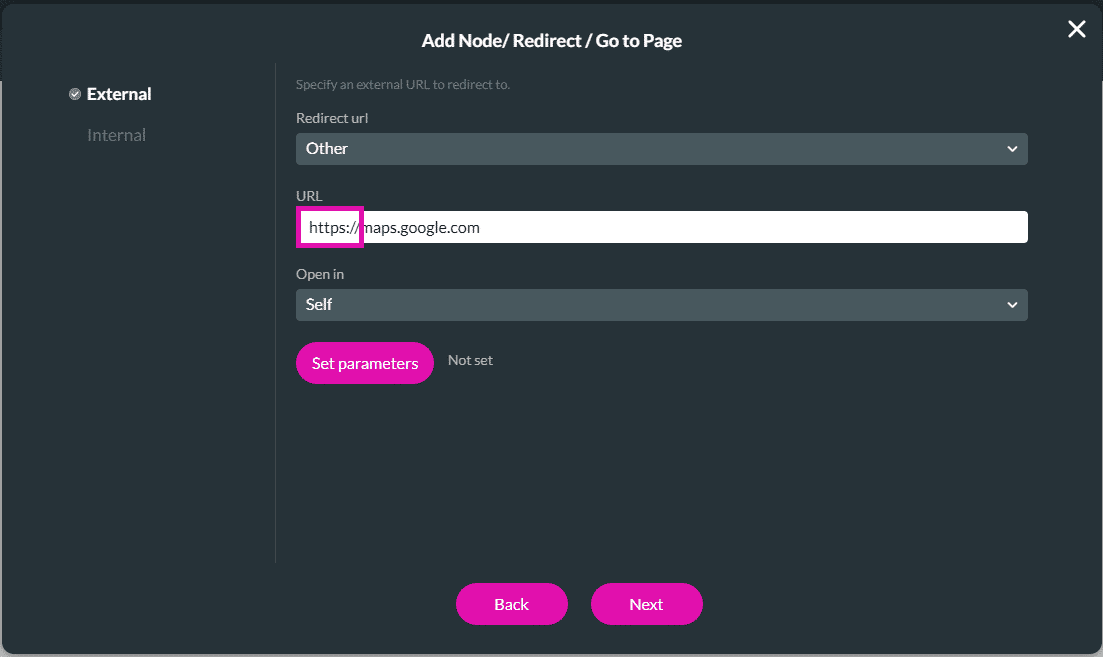

Users will be redirected to the web address configured when they select the Sign Out button.