How can we help you?
CSS stands for Cascading Style Sheets language and stylizes elements written in a markup language like HTML. So, while HTML largely determines textual content, CSS determines visual structure, layout, and aesthetics for screen sizes and device variations.
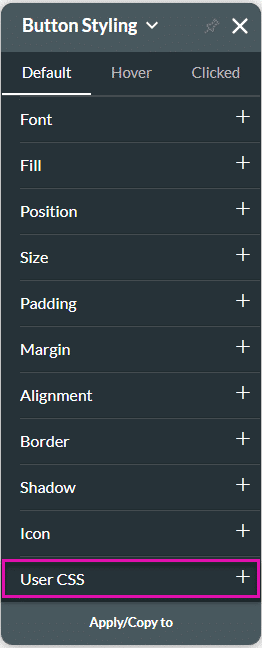
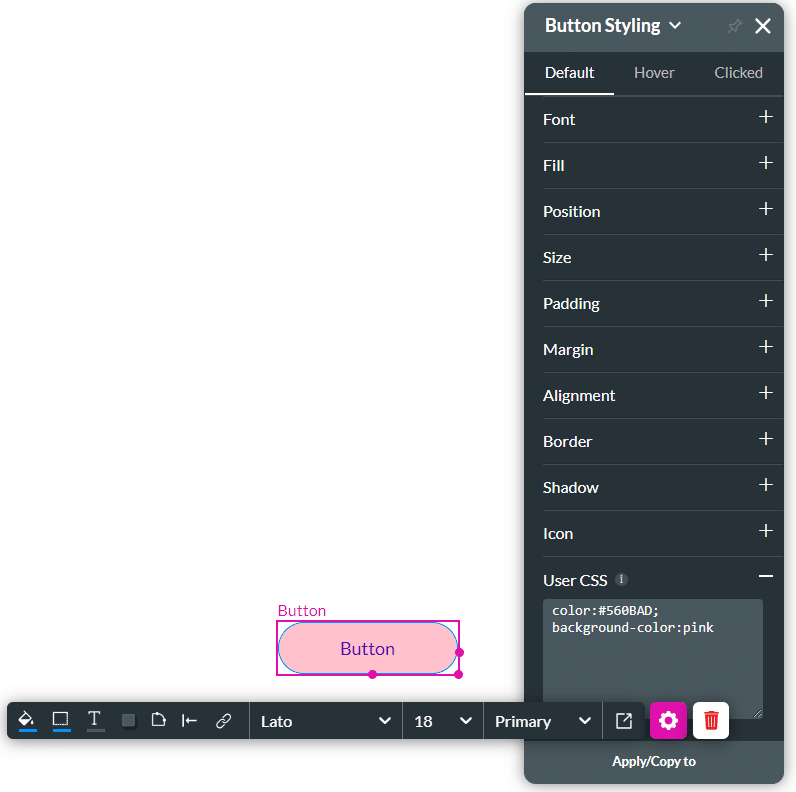
You can use CSS automatically whenever you want to change the style of an element in Titan Web. With CSS code, you can quickly and easily change an element’s background, font color, font type, and more.
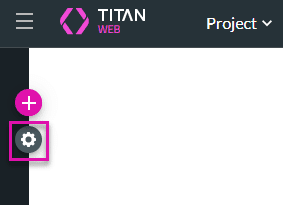
CSS styling works on both the Element Level and Project Level in Titan Web.
Note:
We advise you to only make use of CSS if you are familiar with CSS code. Alternatively, Titan offers a number of code-free styling options.
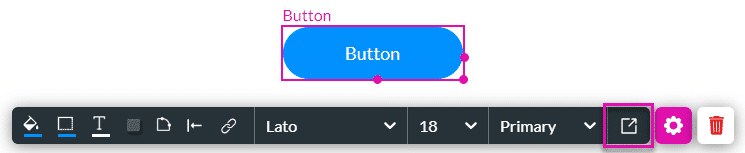
This CSS styling guide uses the Button element as an example. However, you can choose other components to work with.



Note:
There are of course many more use cases and examples on how best to deploy CSS in Titan Web, and these will depend on your styling needs as well as your knowledge of this coding language.









