How can we help you?
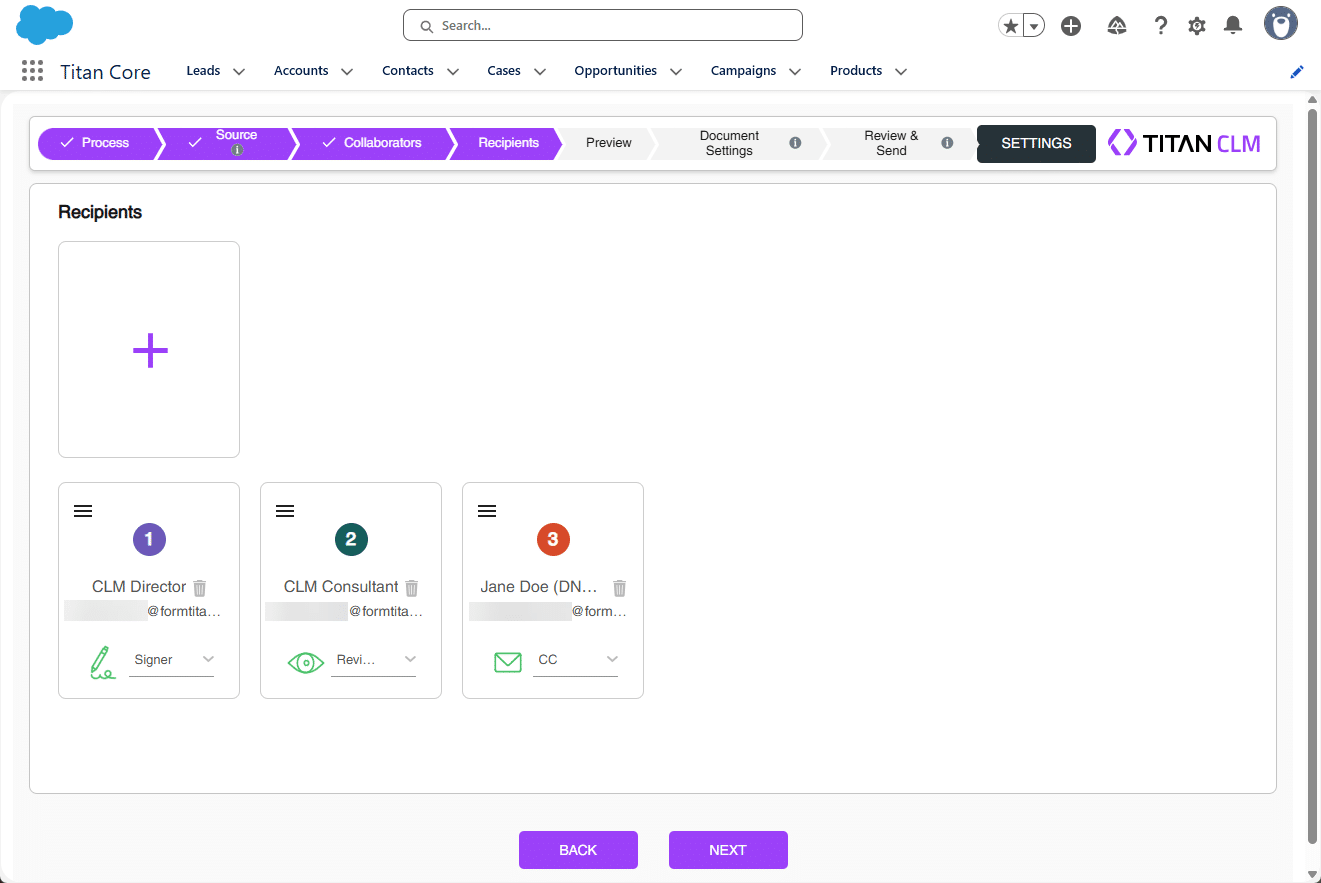
The CLM wizard lets you seamlessly add and manage recipients to sign the contract.
Note:
Prerequisite:
Note:
The settings made in the CLM Wizard override the settings made in the Titan CLM project.
The Titan CLM project is not affected by the CLM Wizard changes.
You can edit the following:
Note:
A color code is assigned to each signer. This color code is used when interactive fields are added.
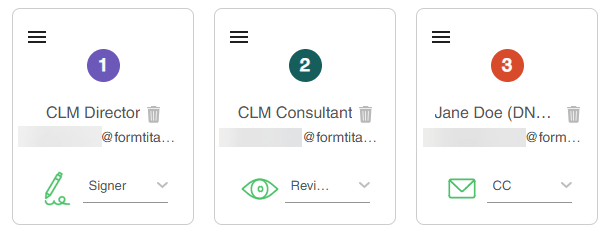
These signers were configured in the Titan CLM user interface.

Note:
There must be at least one signer.
You can drag-and-drop signers to change the order if necessary. You can delete a signer if required by clicking on the Delete icon.
Note:
From Salesforce is the default option.
You can add Users, Leads, or Contacts.











