How can we help you?
Titan Survey offers different captions for each slide, such as Buttons: Start, Back, or Next. Submit Limit per Taker, Submit Limit Error Message, Date Range Limits, and Date Range Error Message are a few other caption options available with Titan.
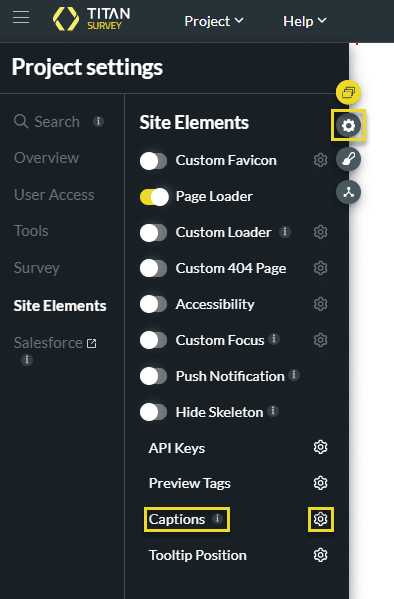
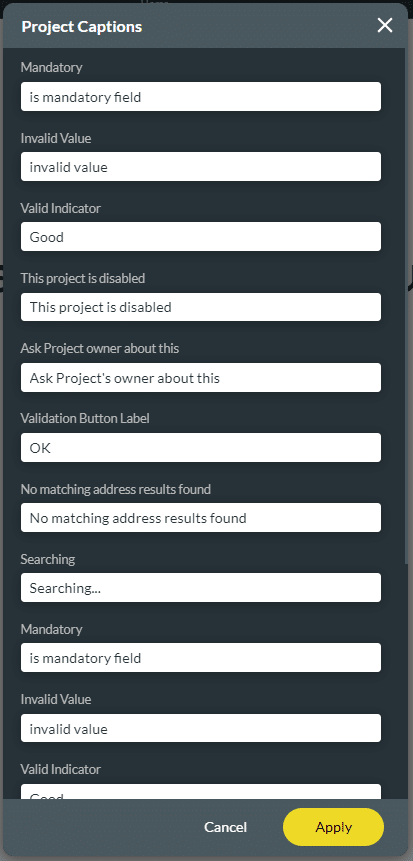
The Captions Settings for your survey can be found below.
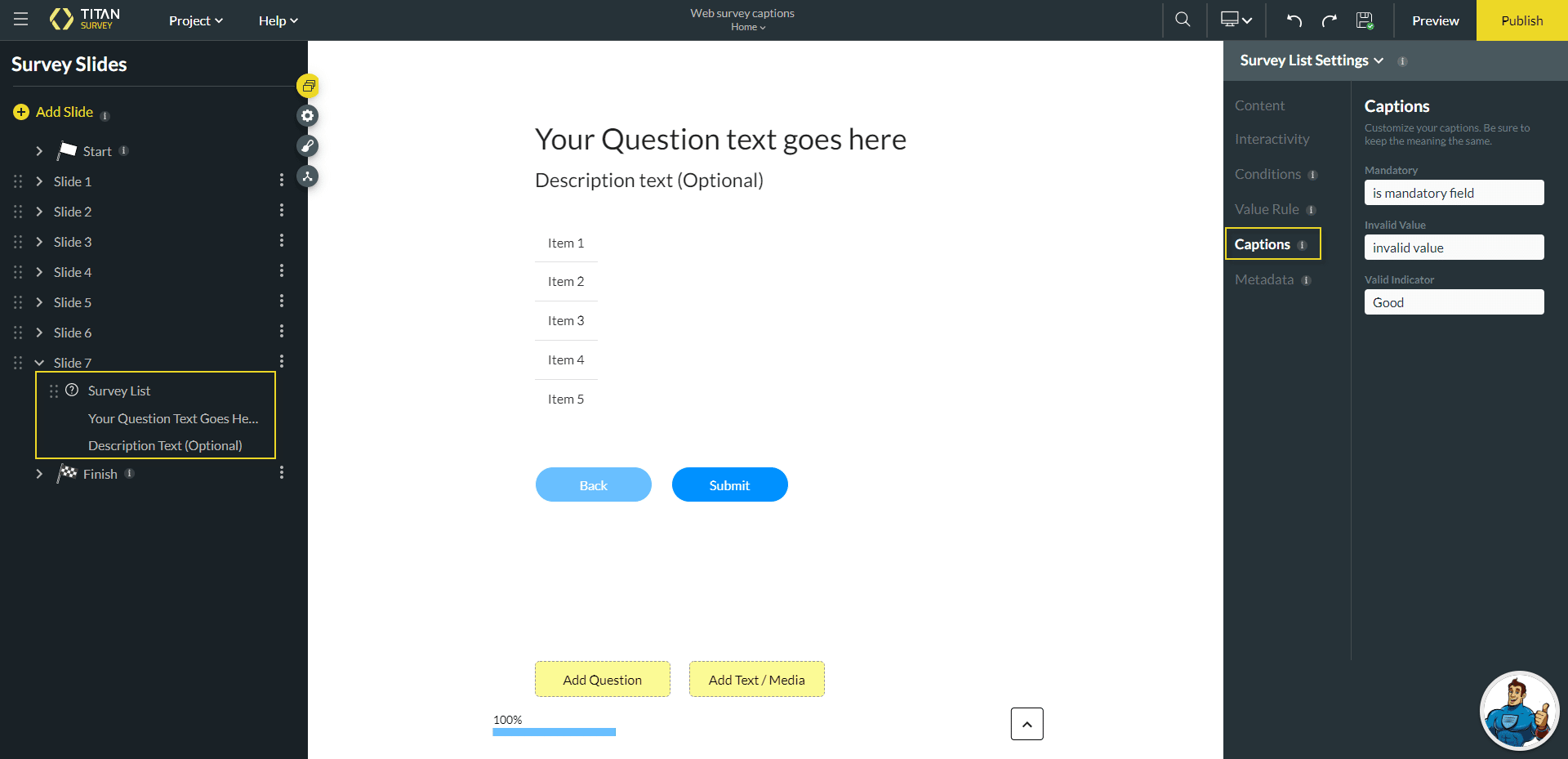
The Captions for your slides can be found below.

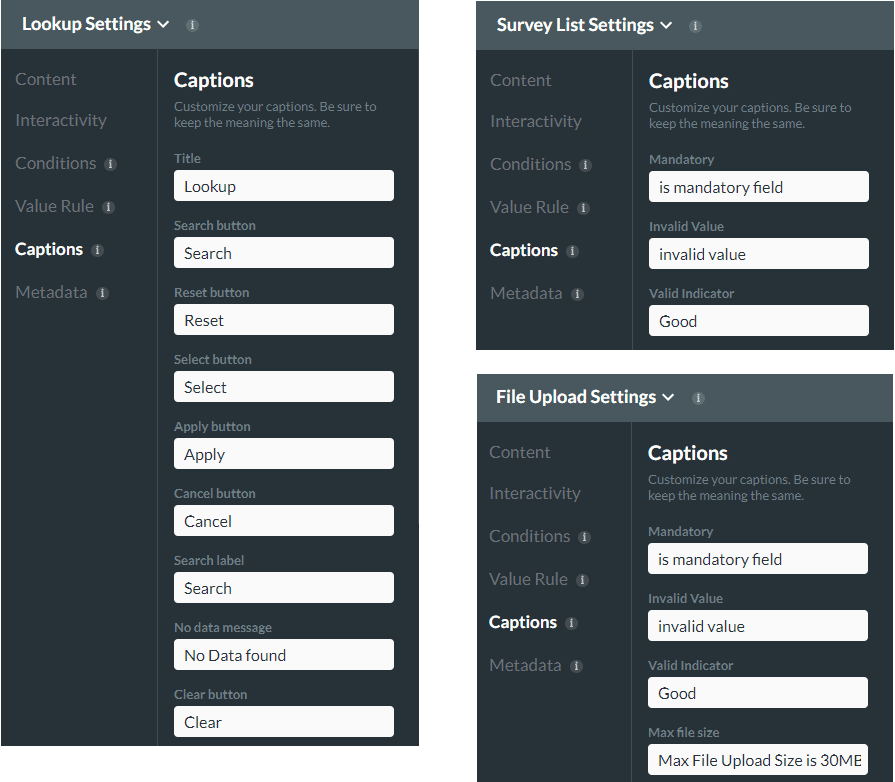
Some questions require you to set captions. For example, you can set the Date Range Limits, Date Range Error Message, and more. The Captions settings may differ according to the added question type.