How can we help you?
Configure an email for your Survey project in a few clicks with no code.
Titan Web lets you configure the email settings in your Survey project.

Note:
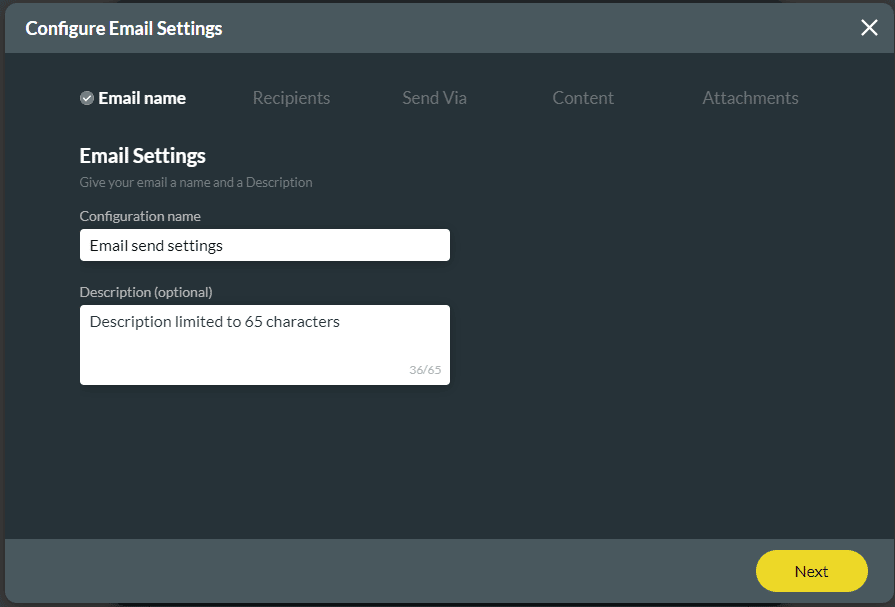
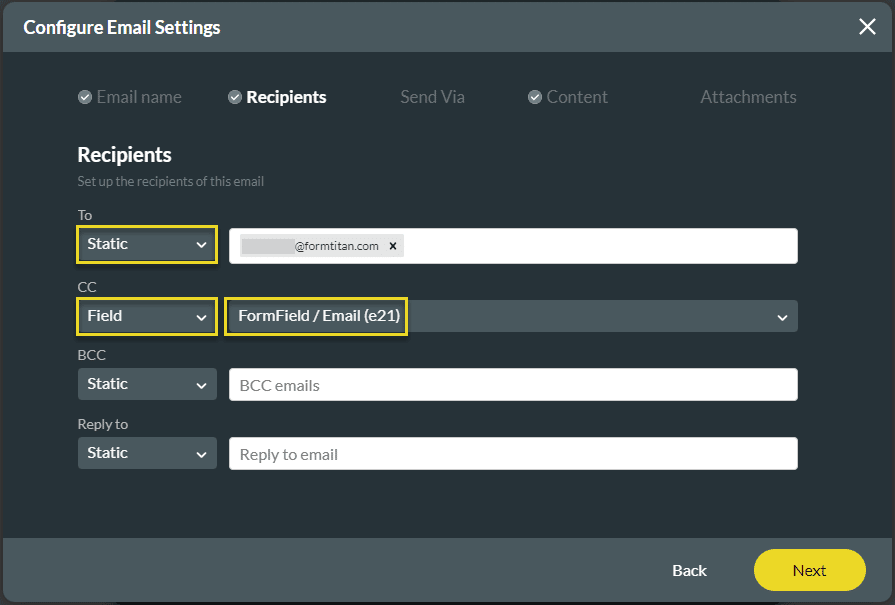
There are five steps to complete.
Note:
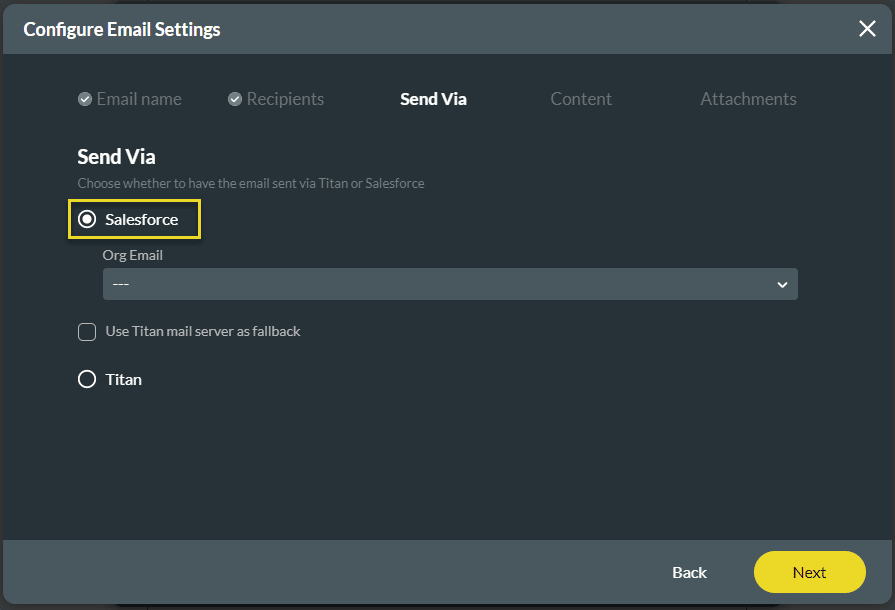
We recommend you send emails via Salesforce or your own SMTP server.
Warning:
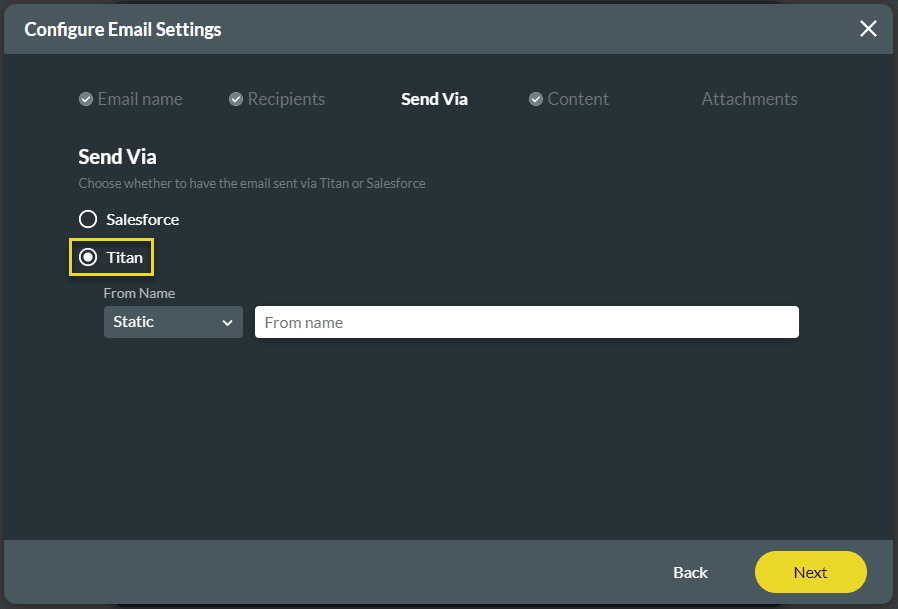
When using the Titan mail server and three emails bounce (for instance, when the receiving email server is temporarily unavailable, was overloaded, or couldn’t be found), the system will block all emails from that account for three days. The emails will be released after this period unless three more emails bounce.
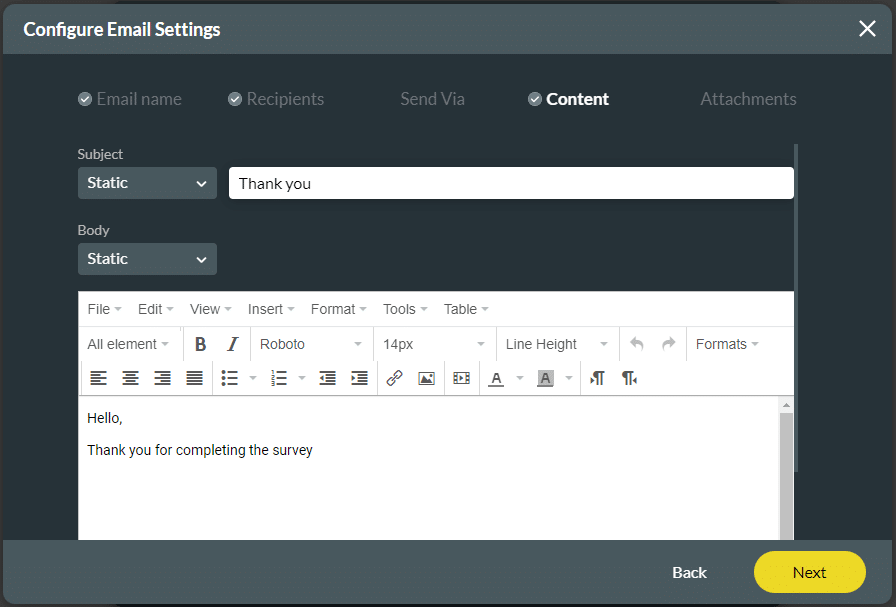
Note:
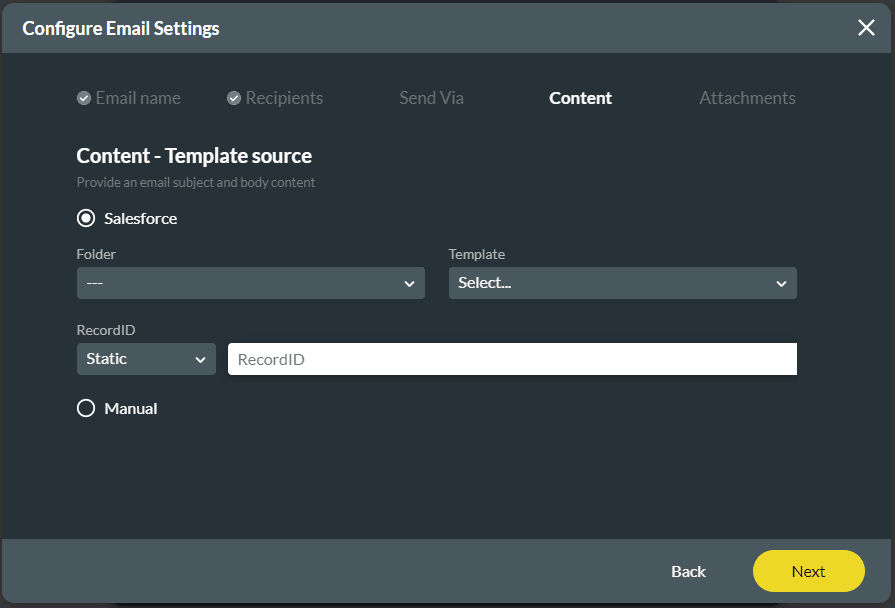
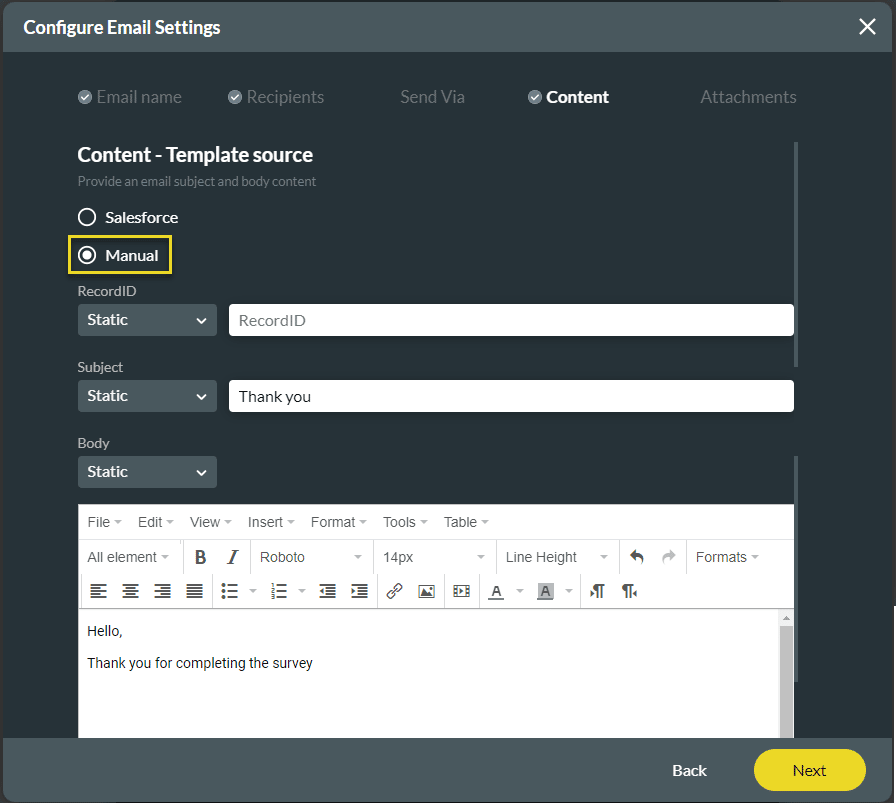
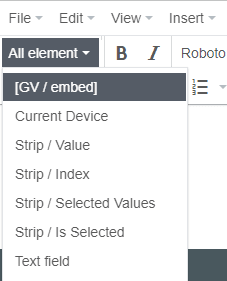
If necessary, use the All elements drop-down list to add elements to the email body.
Path:
Titan Web > Project Settings > Tools > Document Generation > Gear icon

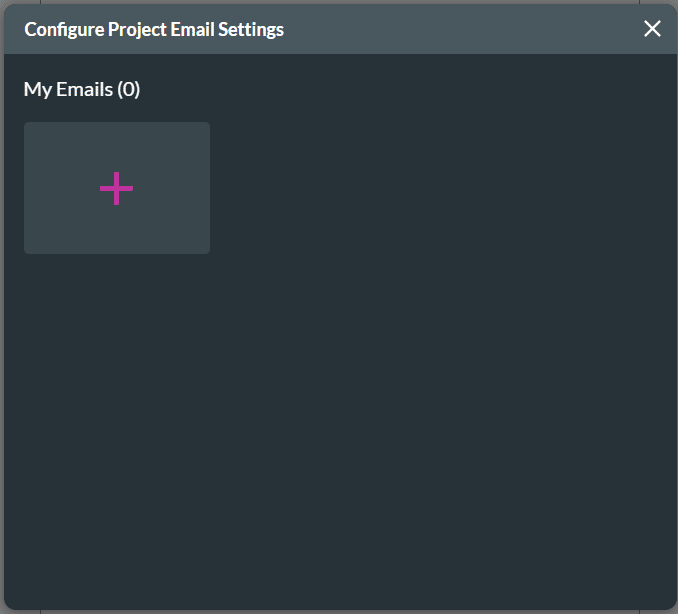
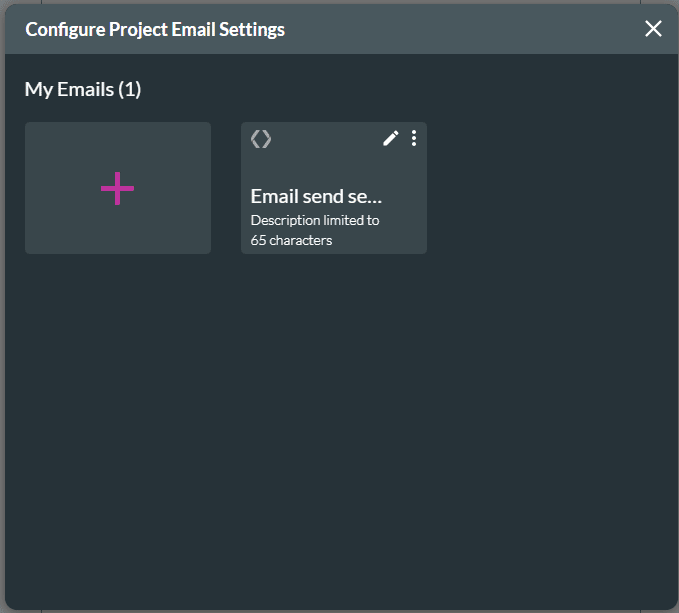
The email is added to the screen.
Note: