How can we help you?
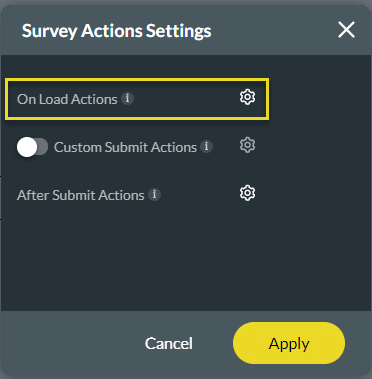
Upon loading your survey, you can run actions. For instance, you can push custom data to Salesforce, generate documents, send emails, or redirect a user to another webpage.

Note:
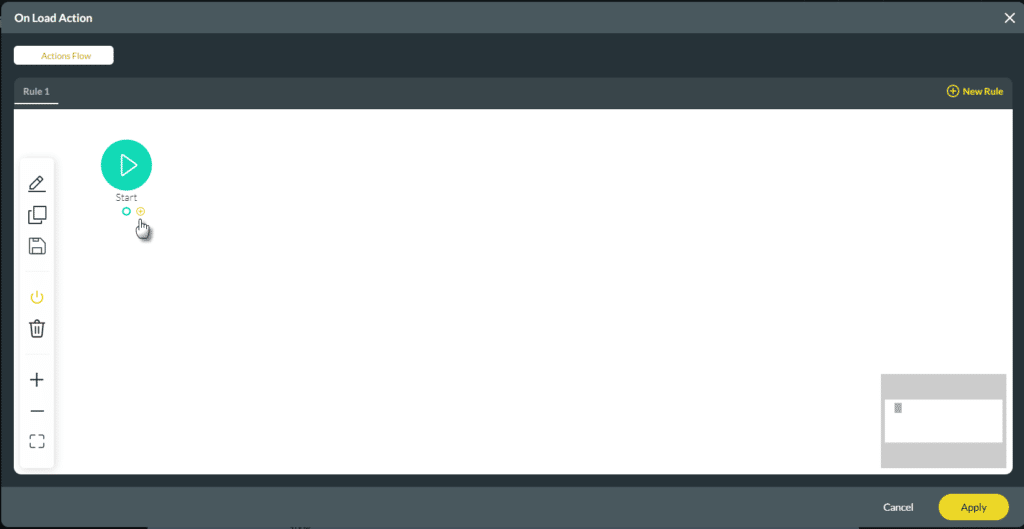
You have different options on the On Load Action, for instance, Push custom data to Salesforce, generate documents, send emails, redirects, show messages, and more. This article shows you how to display a message.


When a user is about to start the survey, this On Load message will show, as an example:










