How can we help you?
When you publish the survey, the Distribution screen shows the Survey ID.
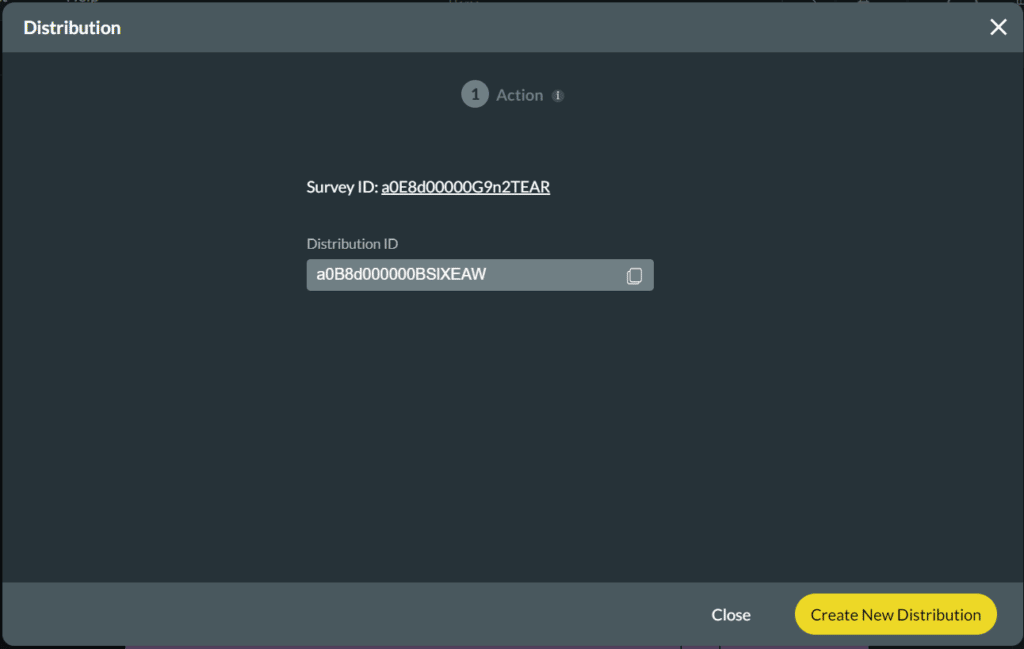
You can also see all the Survey-related IDs as follows:
Path:
Project Settings > Salesforce > Integration Logs
You can search for SurveyID in Salesforce.

For more information see Titan Survey Architecture.









