How can we help you?
Show a message when elements on a form change.
You can use conditional logic to show a message when the contents of input elements on the form change. You can use it with any conditional logic.
Note:
Learn more about the different types of form interactivity.
Note:
Prerequisite:
Add a form and populate it with elements.
Alternatively, use the Titan Genie to configure a form.
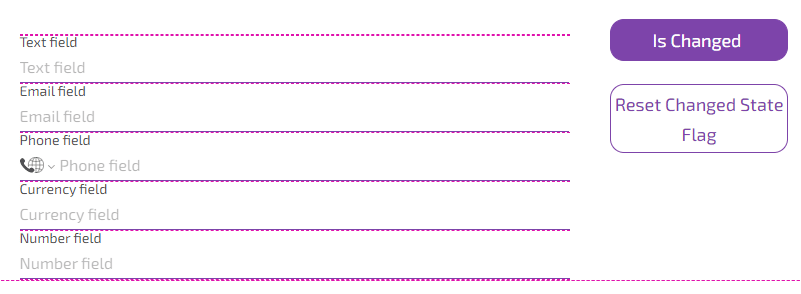
The following two radio buttons on the Form Interactivity screen are described:
In this example, two buttons were also added to demonstrate the Form Interactivity added to each button’s On Click Action.

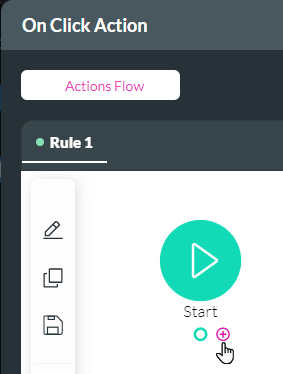

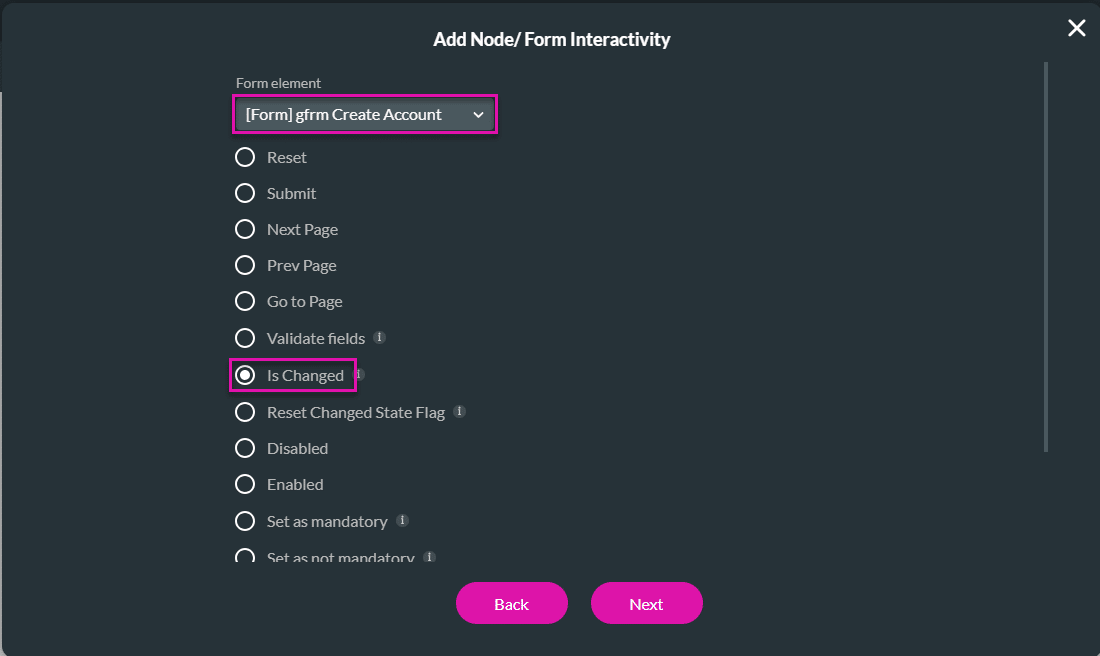


When no changes are made to the form and a user clicks the Is Changed button, the “Is not changed” message will appear.

If changes were made to the form, and a user clicks the “Is Changed” button, the “Is changed” message will appear.

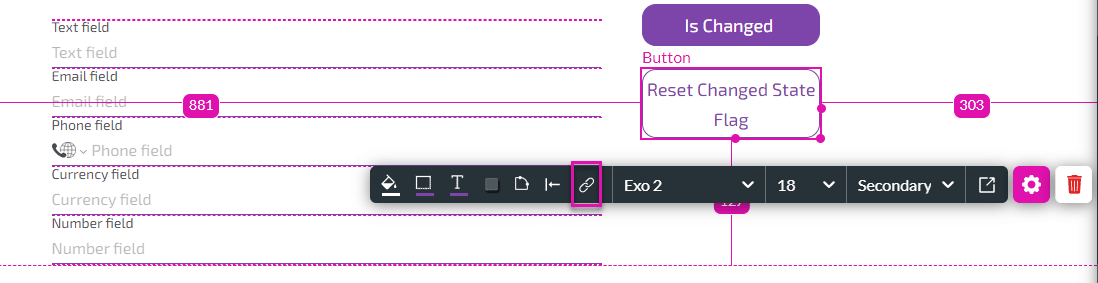

Note:
Learn more about the different types of form interactivity.









