How can we help you?
Scroll the user’s page to the selected element.
In this example, there is a form element where the user scrolls down the page to fill in all the fields. The user must sign the form before submitting it. The focus will be on this field when the user clicks the Have you signed? button.
Note:
Prerequisite:
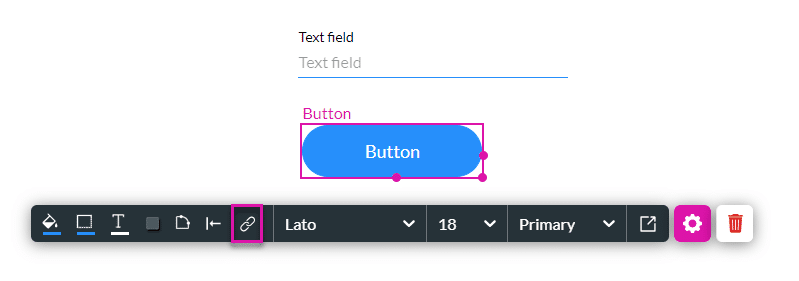
1. Add an Affected Element node to an element such as a button.
2. Alternatively, configure a condition.


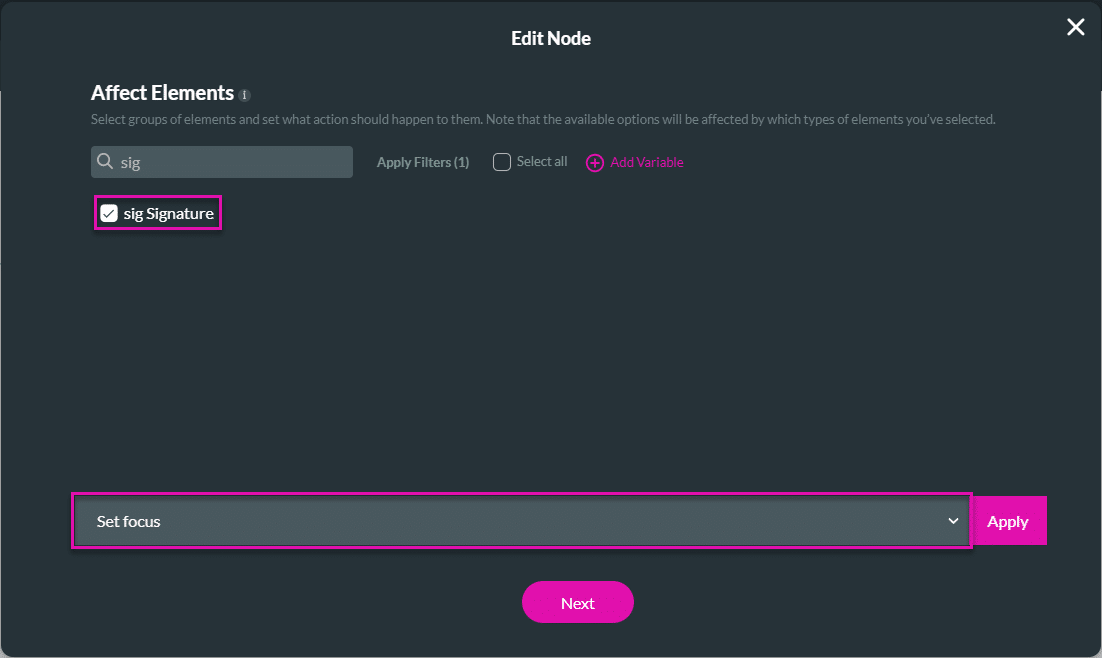

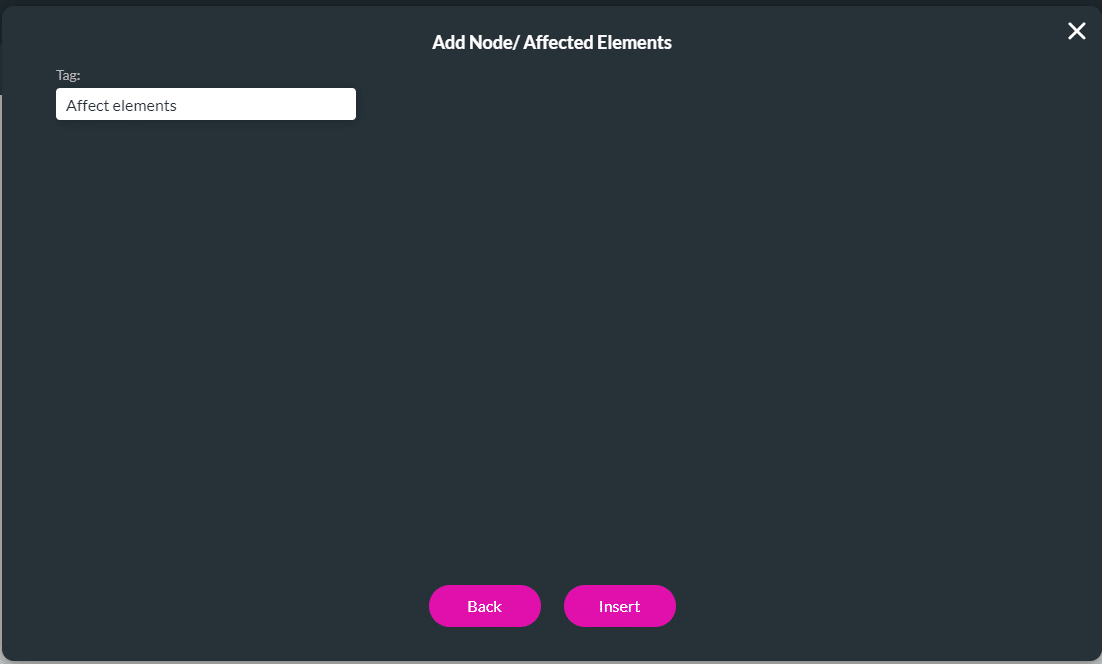

When the user clicks the “Have you signed?” button, the focus moves to the signature field, which is shown at the top of the web page without the user having to scroll up to the field.
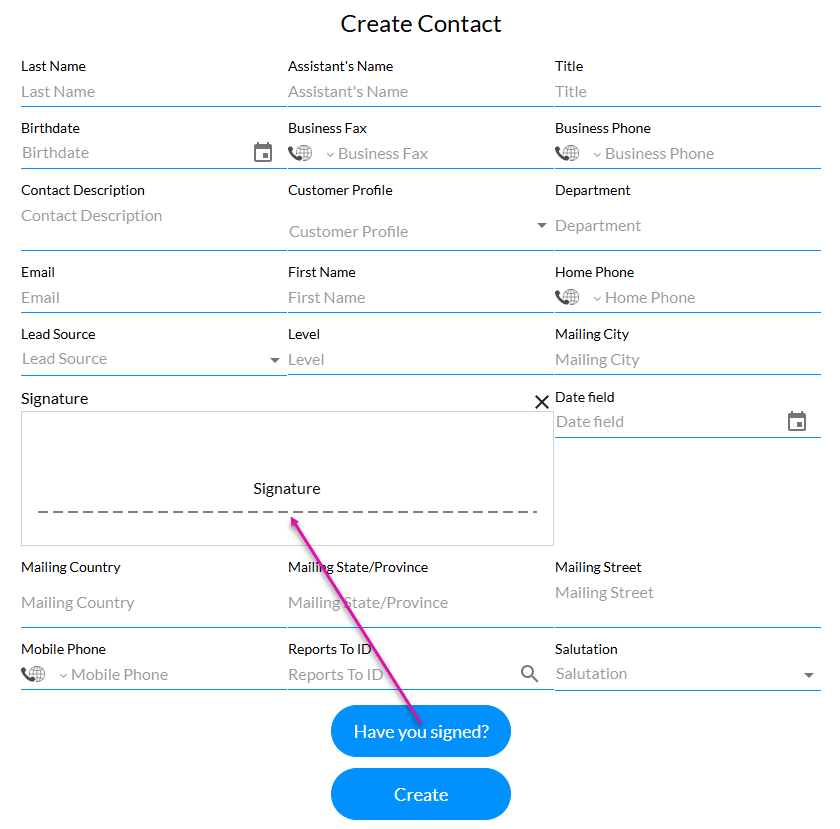
The focus on the signature field at the top of the web page:










