How can we help you?
Easily switch between different container types for a customizable layout.
Use the drop-down list to easily change the type of the container. The following two groups of containers can be changed:
Change section, auto-fit container, and scroll containers as follows:

The container type changes.
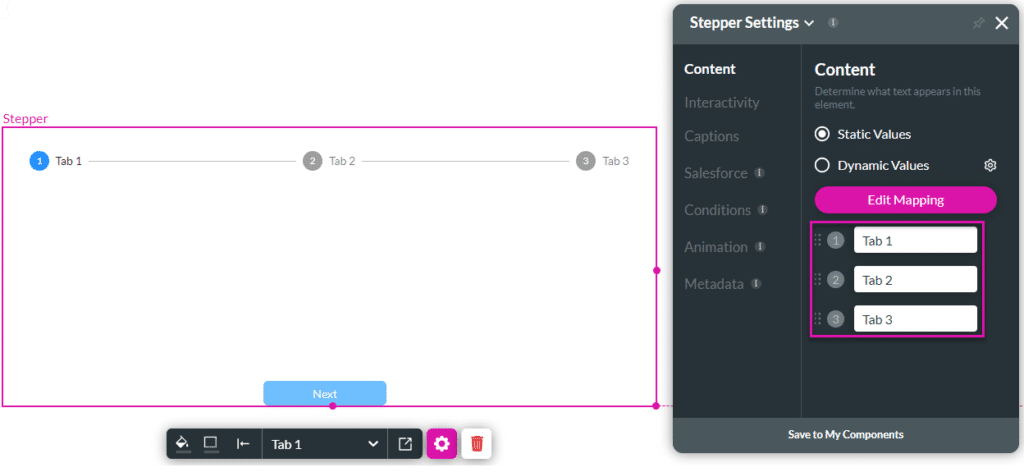
Change tab, accordion, stepper, and multi-step containers as follows:

Note:
When changing the container type you will need to manually define conditions and actions that are triggered by or affected by the container you changed. For instance, if you configured stepper interactivity, you need to manually change that to tab interactivity. The Stepper Interactivity node doesn’t change to Tab Interactivity.









