How can we help you?
OTP (One-Time Password) access is a security mechanism that generates a unique, temporary password or code for a single login session or transaction. It is often used as an additional layer of authentication to enhance security, commonly in multi-factor authentication (MFA) systems. OTPs are valid for only a short period and can only be used once, making it difficult for attackers to reuse stolen credentials.
Exporting projects with shared OTP Access can now be done seamlessly.
With Titan, you can configure custom OTP access as a crucial security layer that helps safeguard sensitive information and transactions from unauthorized access and cyber threats.
In this article, you will learn how to do the following:
Note:
Prerequisites:
You must have Apex codes configured in Salesforce to do the following:
This article uses the parent Titan Web project as an example. You must configure the same way for each child project.


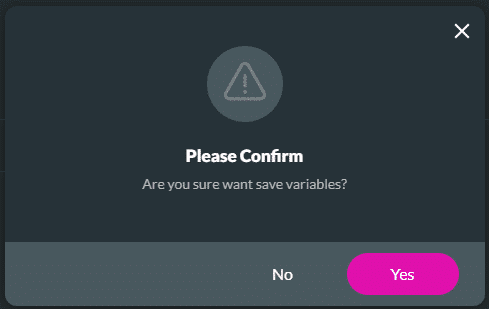
For this example, the following environment variables were added:

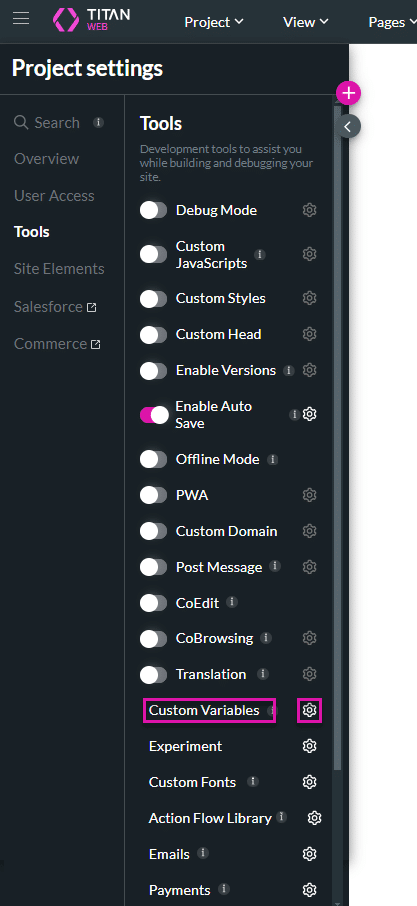


Note:
These Apexes must be developed by your Salesforce developers.


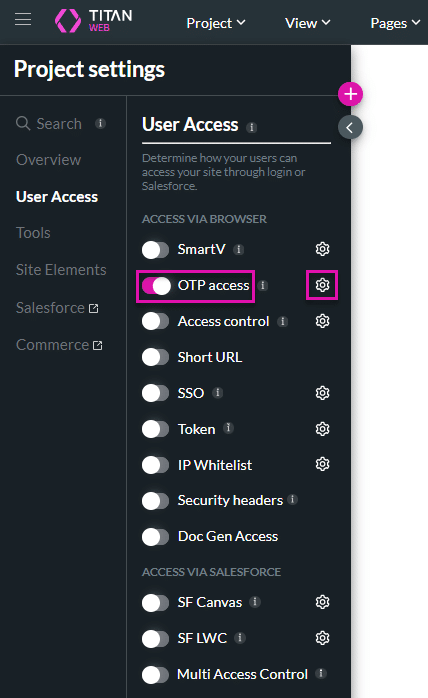

Note:
You can open the Salesforce Integrations by clicking the Salesforce Integration button.
Note:
This is useful if you have more than one Titan project that is connected.
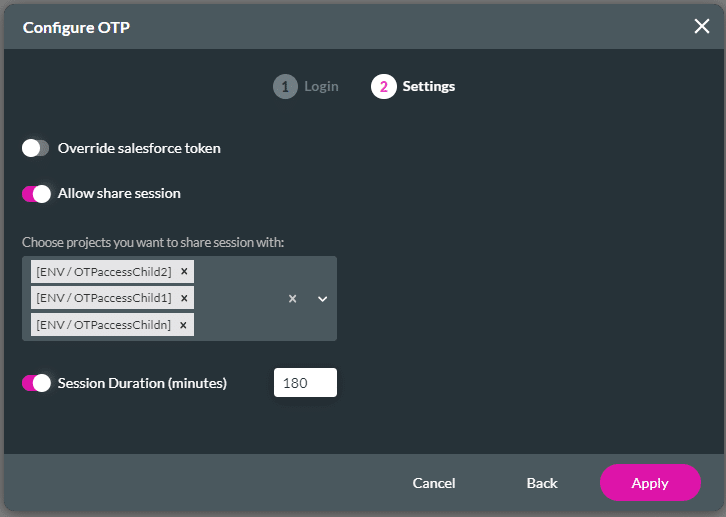
You can configure a shared session from a child project to a parent project.


Note:


The OTP verification is done on the parent project and passed to the child project.


You can configure the action on a custom button to run the Initial and Login Apexes and redirect the client to the Smart OTP form widget.
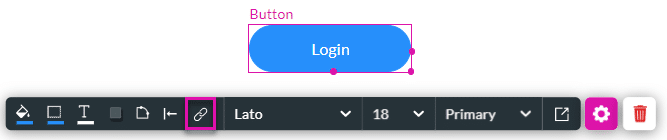
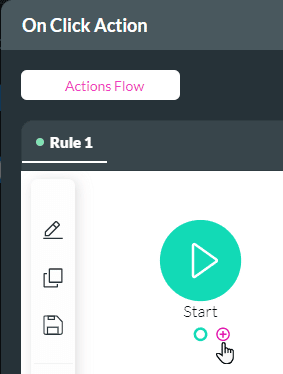


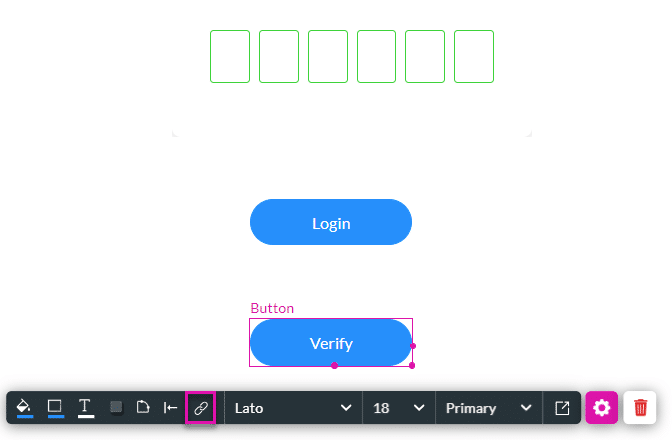
You can configure a verify action on a custom button to run the Verify Apex.


You can configure the action on a button to log out the client. The session ends when the client logs out.


Learn more about Titan’s native integration with the Salesforce Experience Cloud.
Create custom Salesforce forms, collect data, and automate processes with our drag-and-drop form builder.
Easily design, deploy, and measure custom web applications directly from Salesforce using Titan’s drag-and-drop web page builder.









