How can we help you?
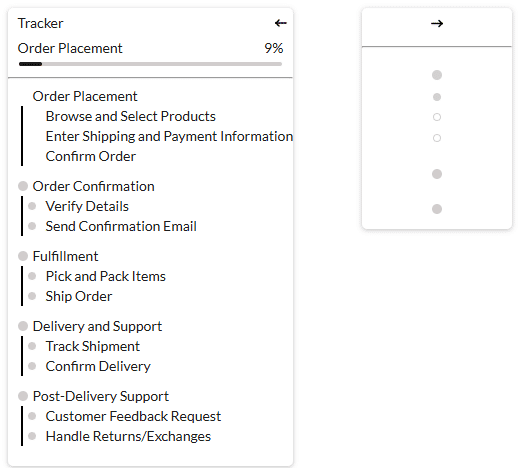
The Enable Collapse/Expand option is available for the tracker widget. This option allows the tracker widget to collapse or expand, showing less or more information. Also, refer to Default State.
Note:
In the collapsed state, the size can be changed, whereas the size of the widget depends on the distribution of the contents in the expanded state.
The size of the expanded widget can be changed using the Tracker Styling screen. Just add the minimum width and height in the fields.


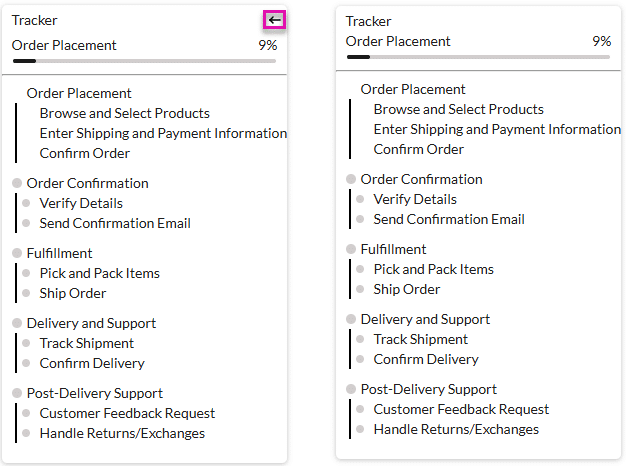
If the Default State for the widget on the right is Collapsed, then the widget will look as on the right, where the Enable Collapse/Expand option is enabled:
You can customize the Collapse and Expand icons. The process is the same for either option.


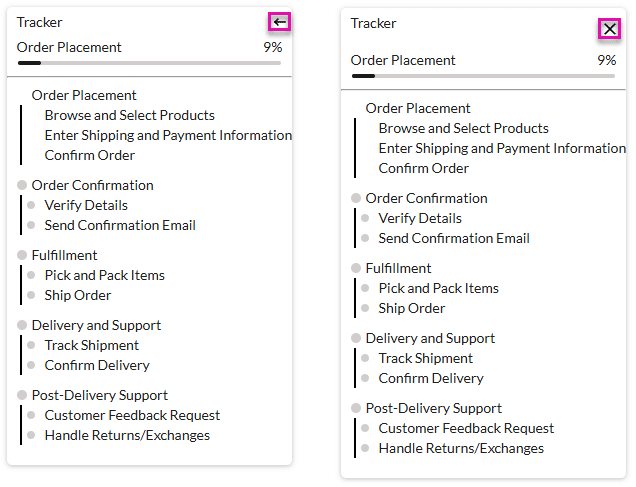
The collapse and/or expand icons changed. The default icon is on the left, and the customized icon is on the right.