How can we help you?
Personalize your web projects with a custom modal. A modal can capture users’ attention as it appears over a main page and requires user interaction before continuing, ensuring users focus on critical information. It can be used for alerts, warnings, confirmations, or system messages that require user acknowledgment.
Modals can also be used to present forms, login prompts, or subscription pop-ups to gather user information without leaving the current page or to show additional details (e.g., product previews, image galleries) without navigating away from the page.
Titan lets you personalize your web projects with a custom modal in a few clicks with no coding.
Note:
This modal is the same as the custom modal that can be added to the canvas from the Elements menu.
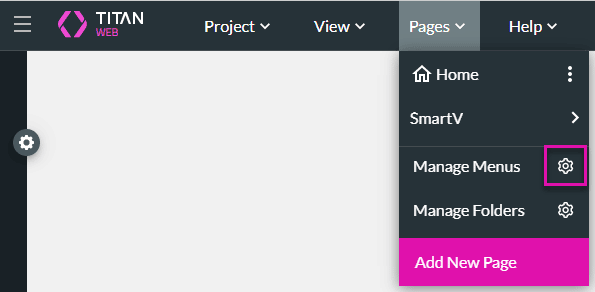




You can add elements to the modal.









